


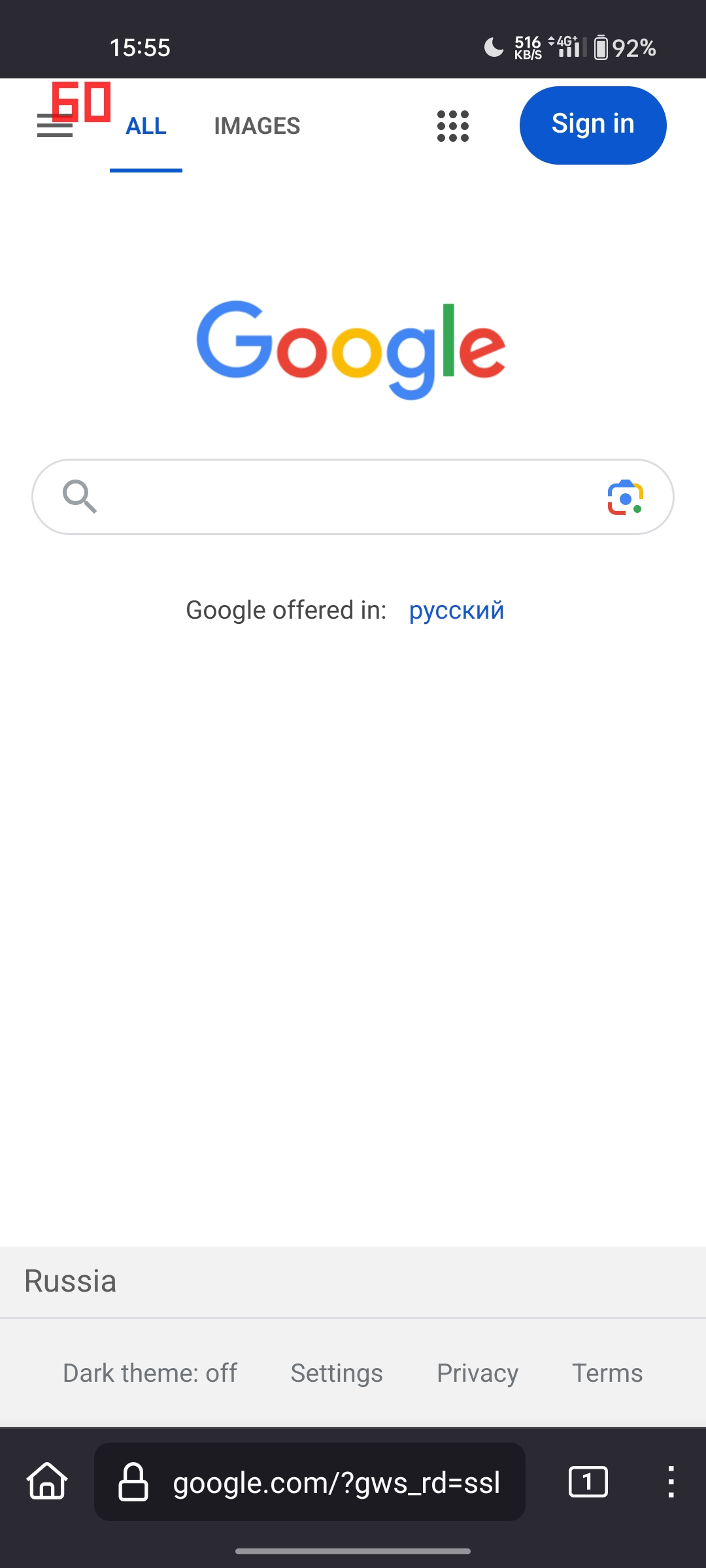
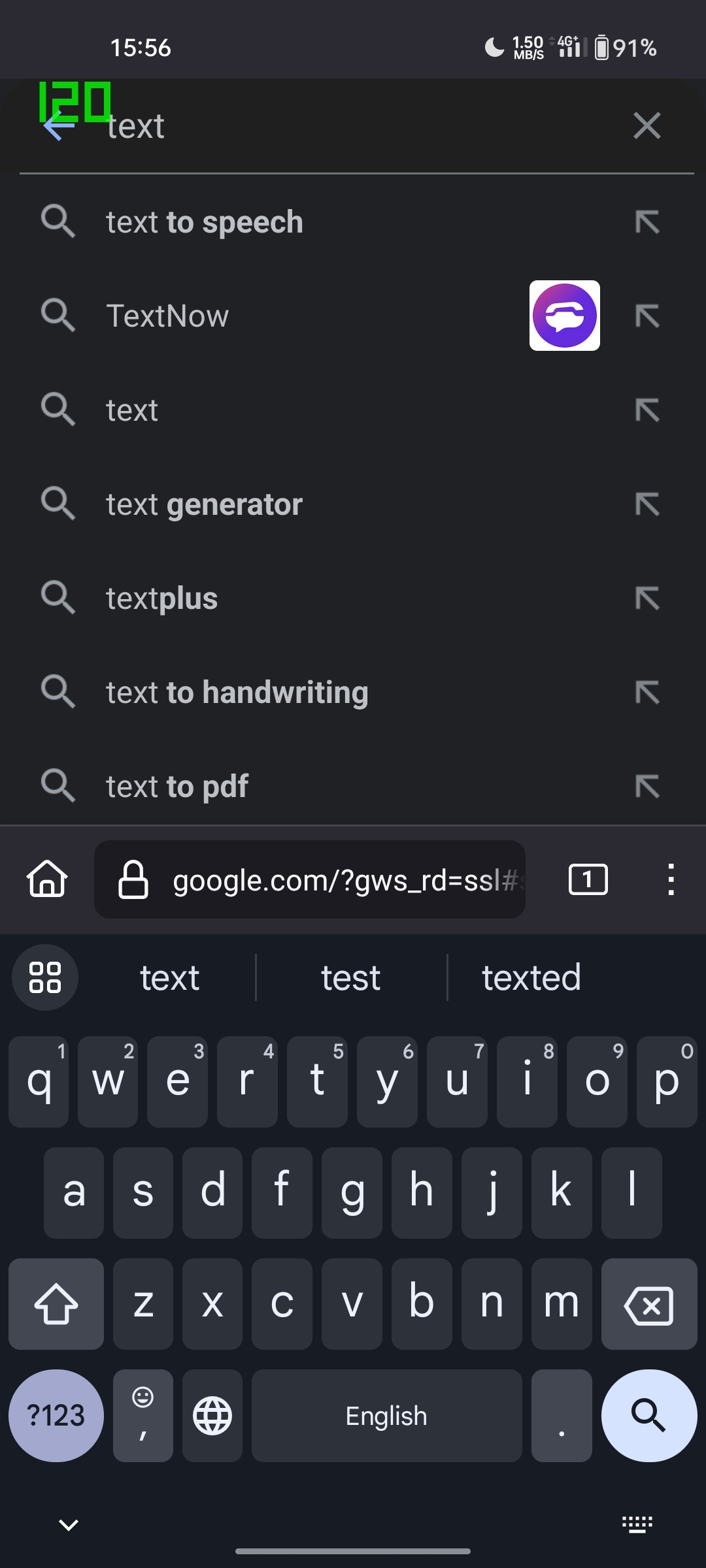
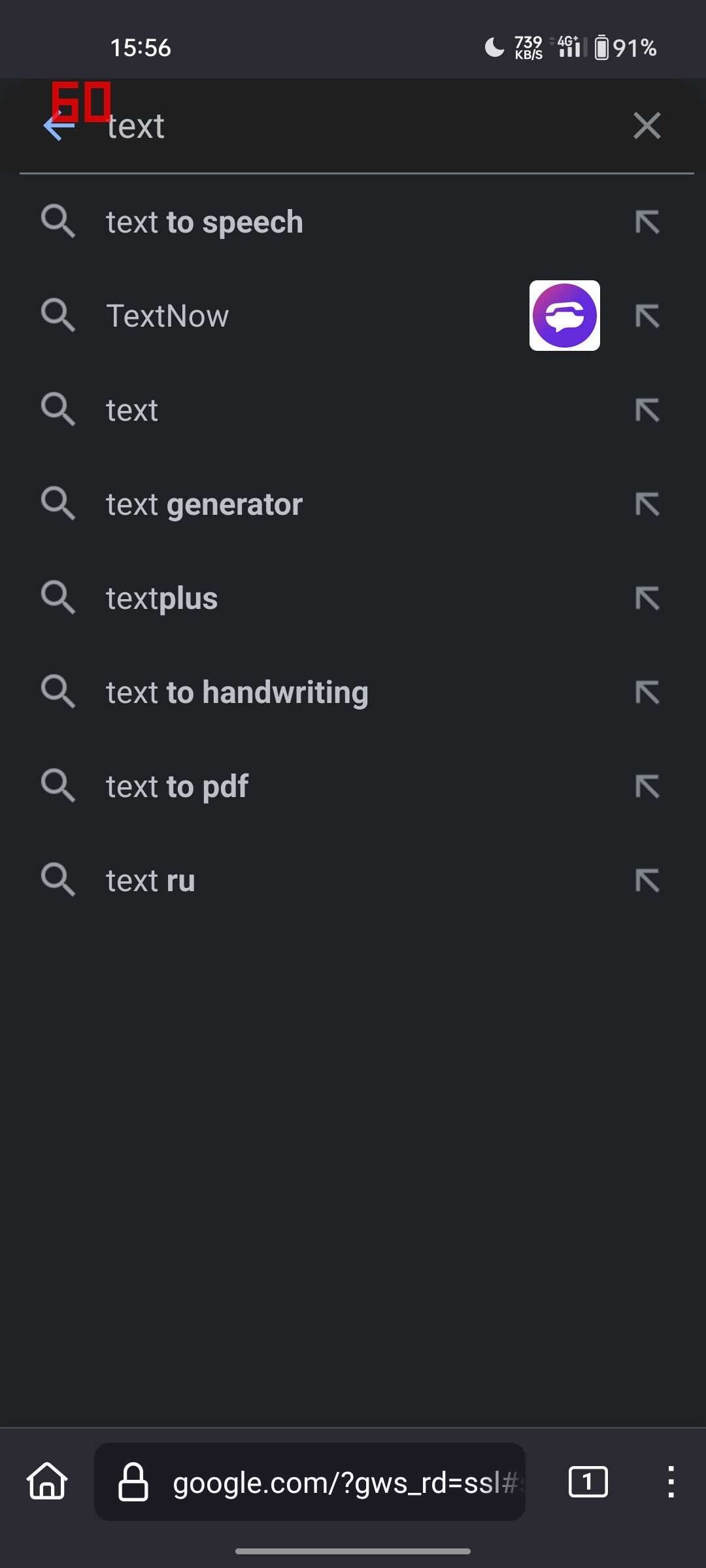
Pages are displayed at 60 Hz, not 120 Hz
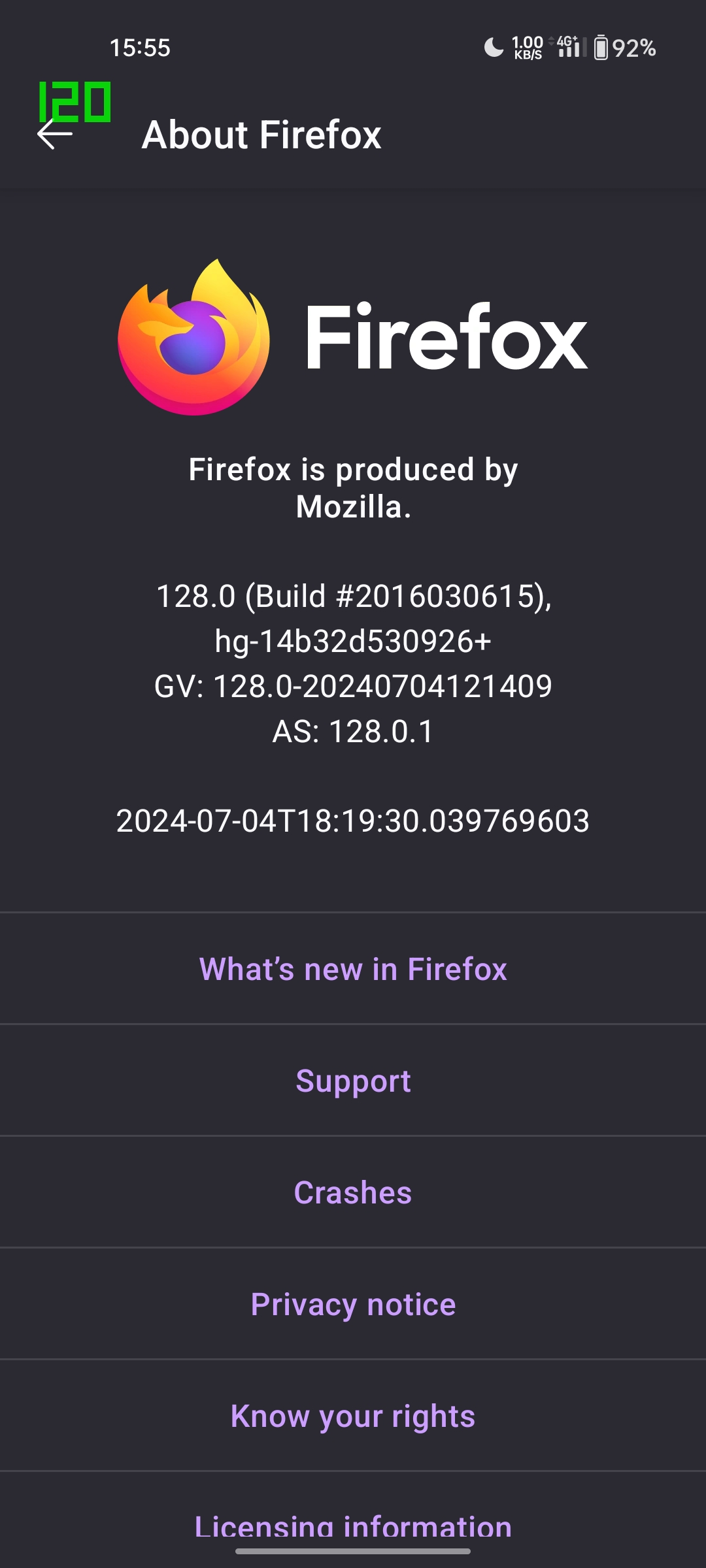
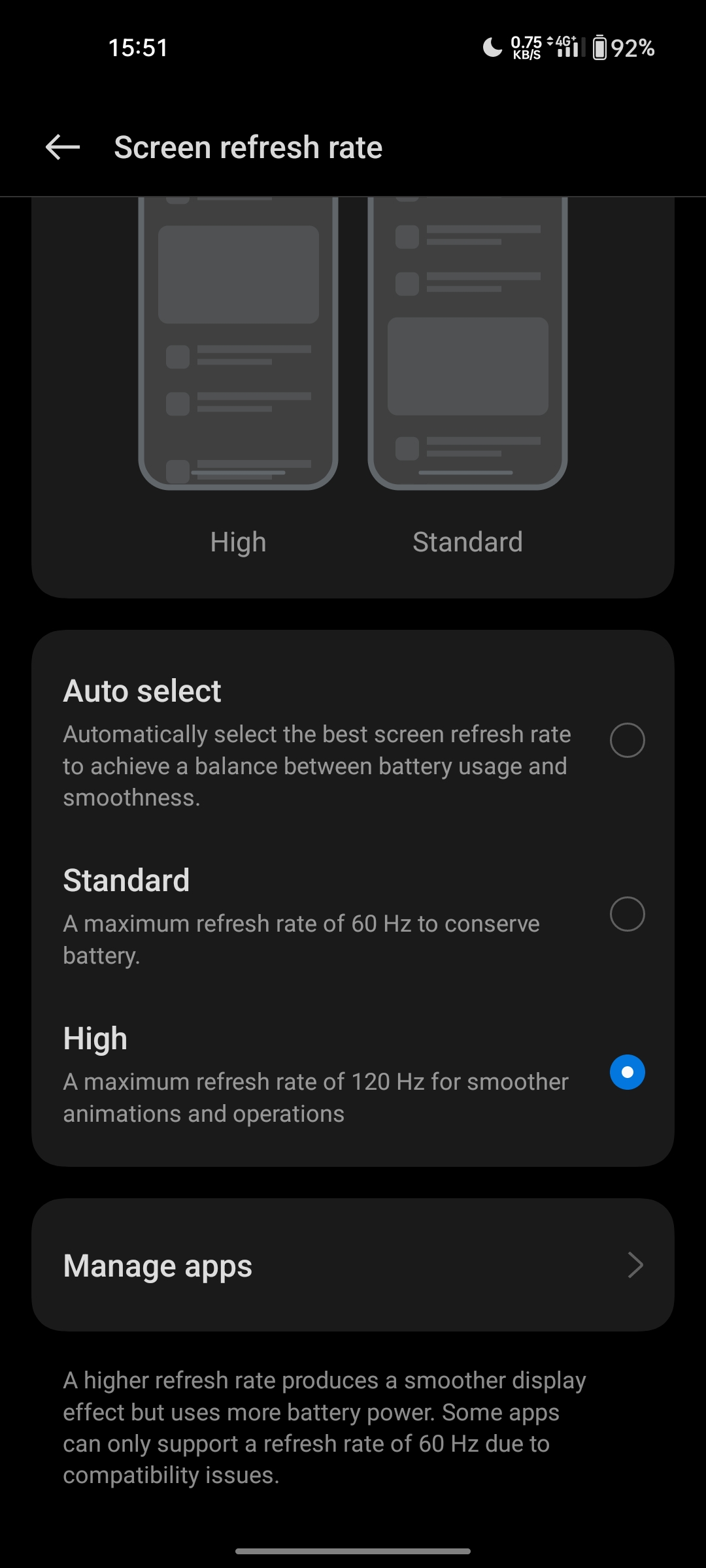
The browser itself works in 120 Hz, but if you open any page, the phone switches to 60 hz. However, if you open, for example, the keyboard, 120 Hz is enabled again. This makes using Firefox uncomfortable. I have attached screenshots that show my problem.
The browser itself works in 120 Hz, but if you open any page, the phone switches to 60 hz. However, if you open, for example, the keyboard, 120 Hz is enabled again. This makes using Firefox uncomfortable. I have attached screenshots that show my problem.
선택된 해결법
This seems to be a problem with my device. I tried forcing 60 hertz for Firefox and then set it back to 120 hertz. That helped, it works properly now. I haven't had this happen with other browsers.
문맥에 따라 이 답변을 읽어주세요 👍 0모든 댓글 (1)
선택된 해결법
This seems to be a problem with my device. I tried forcing 60 hertz for Firefox and then set it back to 120 hertz. That helped, it works properly now. I haven't had this happen with other browsers.