


Import MBOX to T-bird 115

Most of my old mails are stored in a MBOX file (previously gmail). I would like to import them. The import/export NG tool is not compitable with version 115. Any other add-on doesn't work. The normal import function of T-bird can't handle a MBOX file directly. Importing the zip won't work. How can I get my old mails imported?
선택된 해결법
Just copy the mbox files into Mail/Local Folders of the profile, with TB closed; ignore the .msf files as they are automatically rebuilt when TB restarts.
문맥에 따라 이 답변을 읽어주세요 👍 1모든 댓글 (7)
Ok, my approach is a little clunky, but I've had it work for me. - in TB, create a new folder for each message folder in Local Folders - exit TB and click Windows File Explorer - navigate to the Mail\Local Folders folder where you should see a list of files, including two for each folder you created (e.g., XXX and XXX.msf). - for the mbox file, rename to the XXX name. For example, if your mbox file is named ZZZ, rename it to XXX. - copy the file into the Mail\Local Folders folder, overwriting the XXX file (note: you left the XXX.msf untouched). - repeat prior two steps for each message folder - start TB and the messages should appear in Local Folder.

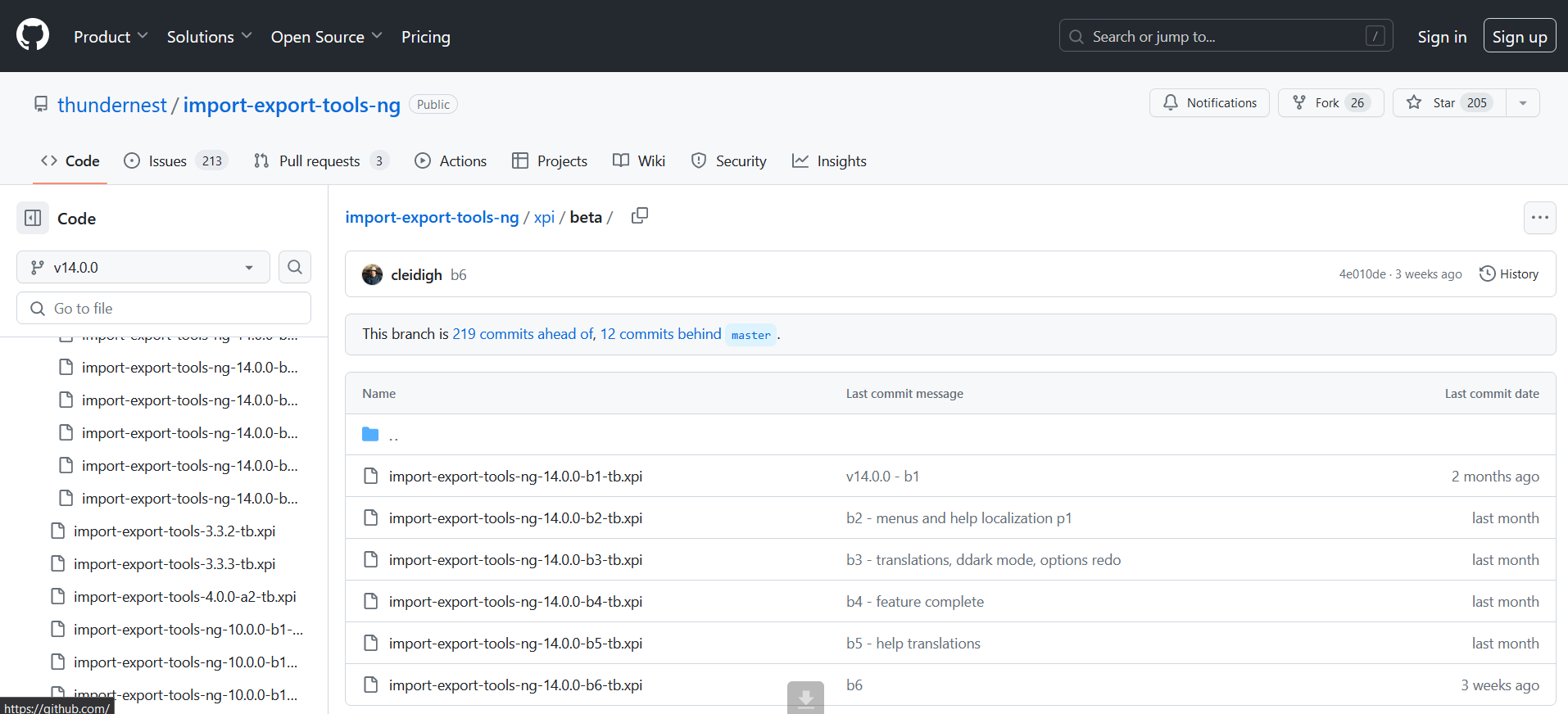
Install the addon from https://github.com/thundernest/import-export-tools-ng/blob/v14.0.0/xpi/beta/import-export-tools-ng-14.0.0-b6-tb.xpi ( compatible with TB115) After that all OK.
Install the beta b6 version of Import-Export NG addon from (see attached file)
선택된 해결법
Just copy the mbox files into Mail/Local Folders of the profile, with TB closed; ignore the .msf files as they are automatically rebuilt when TB restarts.
Thanks, @sfhowes. Cleaner than my approach. I like it. :)
Thanks David and @sfhowes.
Had some trouble finding the mail directory. Found it under C:\Users\....\AppData\Roaming\Thunderbird\Profiles\prptsrfu.default-release\Mail\Local Folders. Simply copied the mbox file there and started thunderbird.