


how to uninstall today's Firefox 105.0 update?

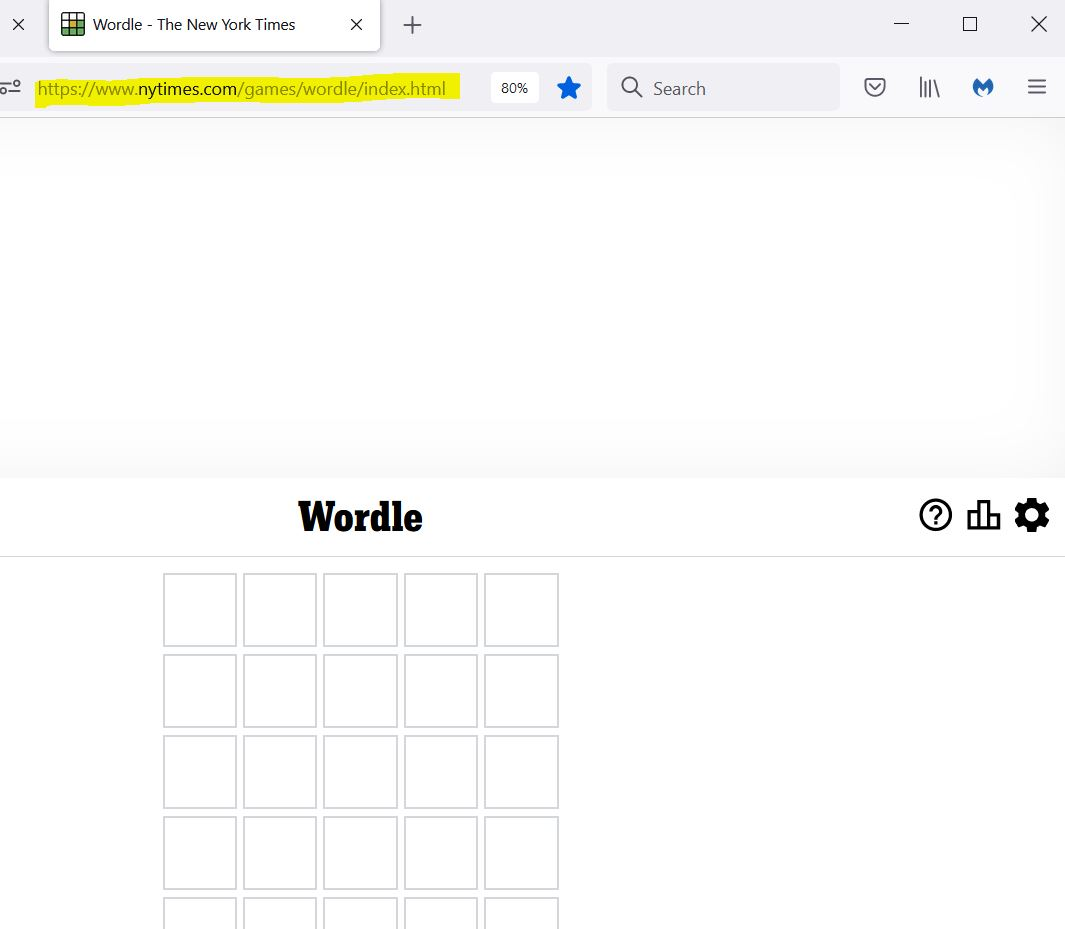
Today's 105.0 Firefox update rendered my NYTimes Wordle page unusable -- a big empty [ad?] space has been inserted at the top of page, forcing the game halfway down the page (https://www.nytimes.com/games/wordle/index.html). The PC keyboard is still connected (I can enter letters in the puzzle grid) but the mouse is not connected so I cannot scroll the page, cannot bring the pictorial keyboard into view.
How can I uninstall the 105.0 update?
Thanks, Gail

선택된 해결법
Yes, it's been fixed -- apparently at their end, as I didn't do anything at mine. Thanks for weighing in, gentlemen. Gail
문맥에 따라 이 답변을 읽어주세요 👍 1모든 댓글 (4)
Hmm, there's a giant ad section there: --
<div class="place-ad Ad-module_adContainer__6bb5H placed-ad fluid" id="top" data-position="top" data-google-query-id="CP-zgcnko_oCFaugpwodO1sF7A"><div id="google_ads_iframe_29390238/NYT/crosswords/wordle_0__container__" style="border: 0pt none; display: inline-block; width: 100%; height: auto;"> ... </div></div>
-- If you unblock ads, you can see it, and then the scroll bars appear, too. Very sneaky of them.
I don't know if there's another option for getting the scroll bars backs.
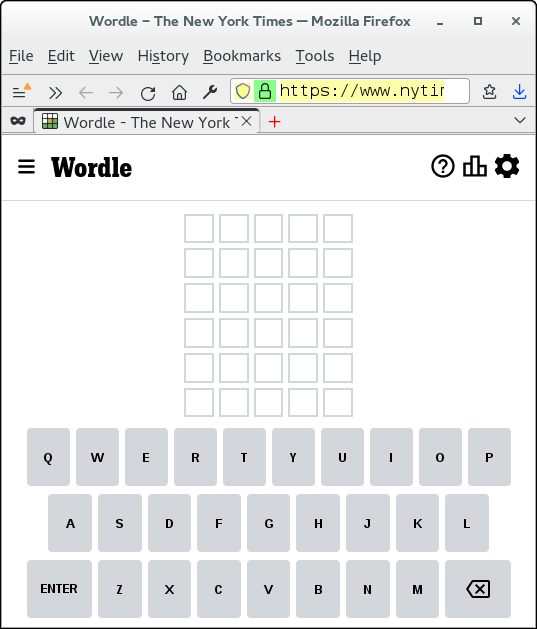
I'm not seeing that ad and for me the page adjust automatically if I resize to make the content fit, so no need for a scroll bar.
If you use extensions ("3-bar" menu button or Tools -> Add-ons -> Extensions) that can block content (Adblock Plus, NoScript, DuckDuckGo PE, Disconnect, Ghostery, Privacy Badger, uBlock Origin) always make sure such extensions do not block content.
- make sure your extensions and filters are updated to the latest version
- https://support.mozilla.org/en-US/kb/troubleshoot-extensions-themes-to-fix-problems
Firefox shows a purple shield instead of a gray shield at the left end of the location/address bar in case Enhanced Tracking Protection is blocking content.
- click the shield icon for more detail and possibly disable the protection
You can check the Web Console for relevant-looking messages about blocked content.
- https://support.mozilla.org/en-US/kb/enhanced-tracking-protection-firefox-desktop
- https://support.mozilla.org/en-US/kb/smartblock-enhanced-tracking-protection
- https://support.mozilla.org/en-US/kb/trackers-and-scripts-firefox-blocks-enhanced-track
You can try these steps in case of issues with webpages:
You can reload webpage(s) and bypass the cache to refresh possibly outdated or corrupted files.
- hold down the Shift key and left-click the Reload button
- press "Ctrl + F5" or press "Ctrl + Shift + R" (Windows,Linux)
- press "Command + Shift + R" (Mac)
Clear the Cache and remove the Cookies for websites that cause problems via the "3-bar" Firefox menu button (Settings).
"Remove the Cookies" for websites that cause problems:
- Settings -> Privacy & Security
Cookies and Site Data: "Manage Data"
"Clear the Cache":
- Settings -> Privacy & Security
Cookies and Site Data -> Clear Data -> [X] Cached Web Content -> Clear
- https://support.mozilla.org/en-US/kb/clear-cookies-and-site-data-firefox
- https://support.mozilla.org/en-US/kb/how-clear-firefox-cache
Start Firefox in Troubleshoot Mode to check if one of the extensions ("3-bar" menu button or Tools -> Add-ons -> Extensions) or if hardware acceleration or userChrome.css is causing the problem.
- switch to the DEFAULT theme: "3-bar" menu button or Tools -> Add-ons -> Themes
- do NOT click the "Refresh Firefox" button on the Troubleshoot Mode start window
cor-el said
I'm not seeing that ad and for me the page adjust automatically if I resize to make the content fit, so no need for a scroll bar.
I don't see it now either. Maybe it was a layout error and they fixed it? Hopefully in time for Gail to play today's puzzle!
선택된 해결법
Yes, it's been fixed -- apparently at their end, as I didn't do anything at mine. Thanks for weighing in, gentlemen. Gail