


1 Site will not load and having trouble fixing it. All others work

I have followed the fixes. It will work after I "Refresh Firefox" but goes back to not working again. Should I reinstall Firefox? How do I add this site to the exceptions? Thank you
Hmm. We’re having trouble finding that site.
We can’t connect to the server at www.cdc.gov.
If that address is correct, here are three other things you can try:
   Try again later.
   Check your network connection.
   If you are connected but behind a firewall, check that Firefox has permission to access the Web.
선택된 해결법
Hoping that is what it was. Thank you for all your help and I will post if it goes out again.
문맥에 따라 이 답변을 읽어주세요 👍 2모든 댓글 (9)
Unfortunately it works for me. see screenshot Did you try Firefox in Safe Mode? https://support.mozilla.org/en-US/kb/diagnose-firefox-issues-using-troubleshoot-mode#w_how-to-start-firefox-in-4troubleshoot-modesf5safe-modesf
Clear your browser cache. https://support.mozilla.org/en-US/kb/how-clear-firefox-cache
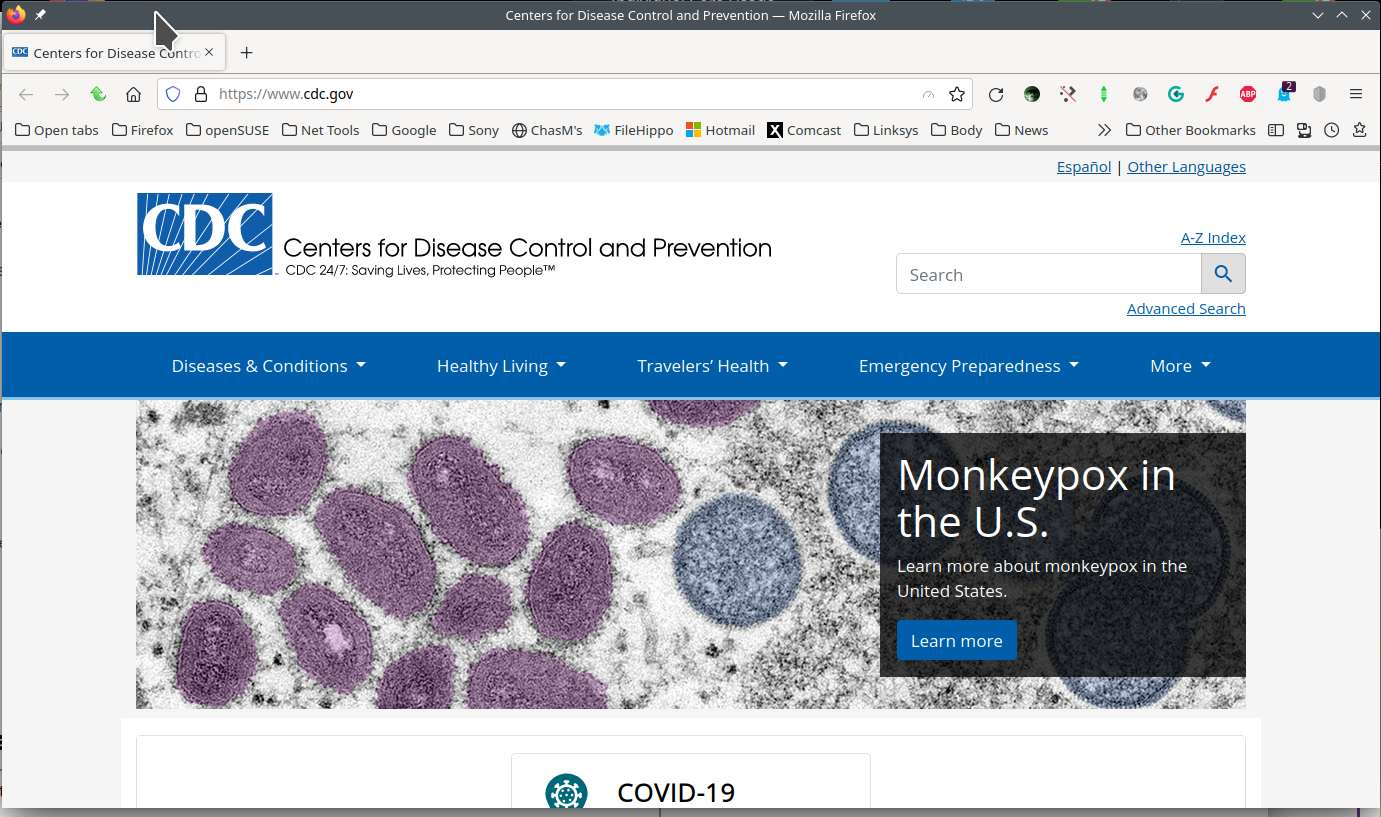
What happens if you google cdc and go from there?
I tried in troubleshoot mode and cleared the browser cache. Get the same message when I google CDC and go from there.
When I "Refreshed Firefox" it started working but then went back to not working. Thank you
Two other users reported problems accessing CDC, but I have no idea what the pattern is.
Could you try my suggestion from those threads: if you are getting a "Server Not Found" error, one possible reason is that the DNS lookup -- the step where your browser tries to find the numeric address for the site -- failed. Could you try changing your DNS setting using the steps in the following article: Firefox DNS over HTTPS. Does having DNS over HTTPS either ON or OFF make any difference?
It is working now. Will see how long that last. Hope it is solved! :)
Any chance that this was a problem on their side that they fixed? (The CDC)
I don't think it was the CDC themselves, but large sites often contract with content distribution networks (CDNs) like Cloudflare, Akamai, etc., so there can be regional outages that others do not notice.
선택된 해결법
Hoping that is what it was. Thank you for all your help and I will post if it goes out again.
Mark this as resolved and have a good day.