


Cannot see outlines / everything looks weird

Hi there,
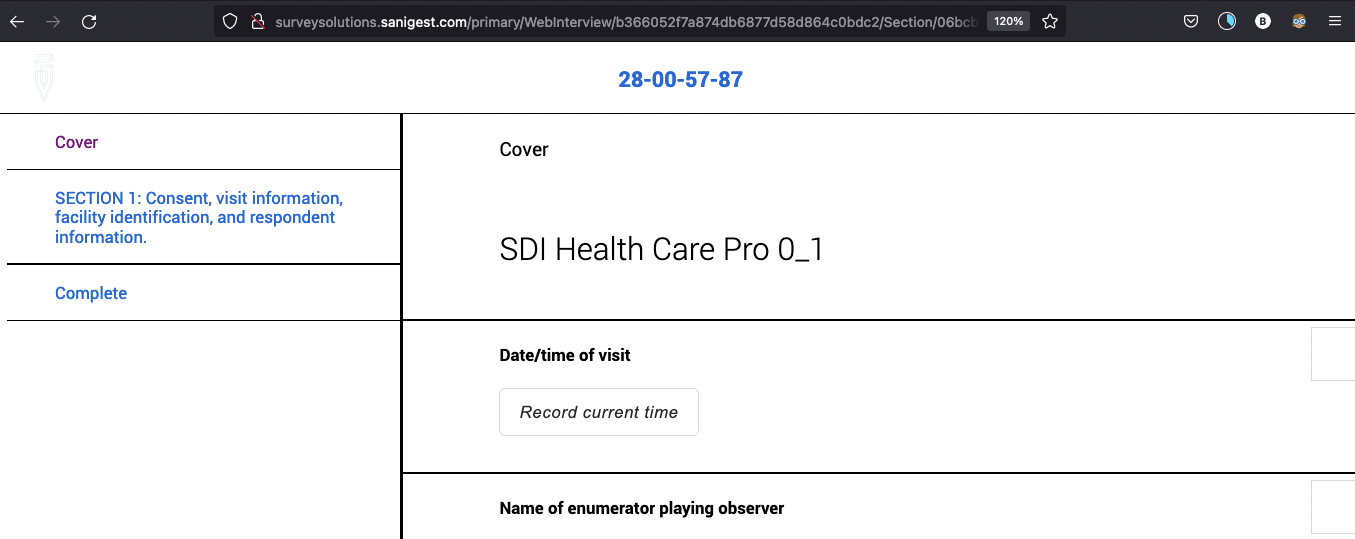
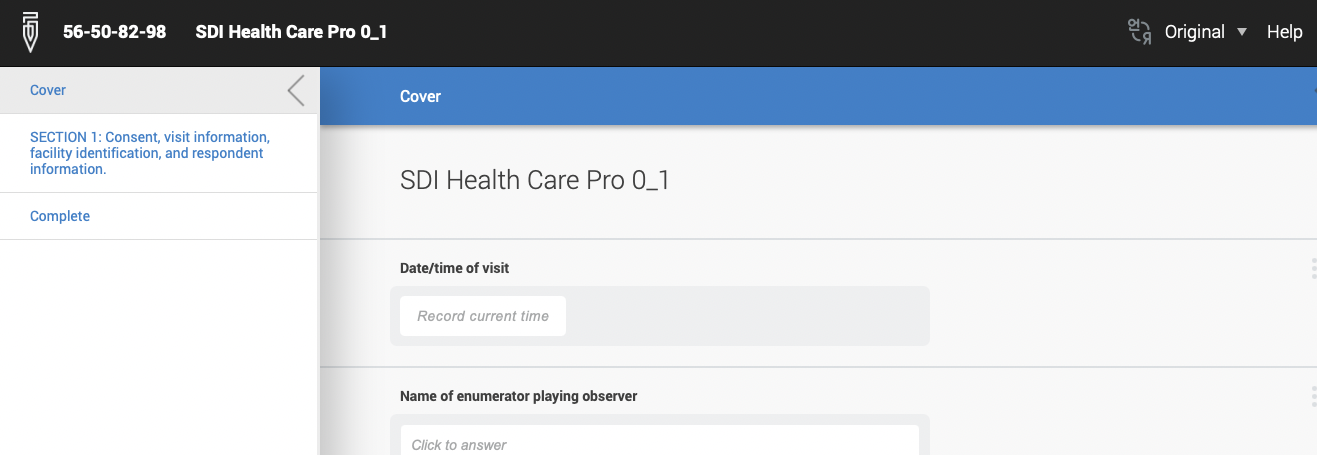
My Firefox updated (on Mac) and now the "appearance" is awful. There are no outlines on anything so on a number of websites I cannot see buttons to click... its just so much white. I have tried to change themes in the add-ons area, but they seem to just change the tabs appearance and upper bar. Can I make it go back to the way it was? Or what "add-on" can I use to allow me to see things with outlines etc. I am showing an example of the same website in Firefox and in Chrome. I am going to have to stop using Friefox if i cannot fix this. Thank you!
모든 댓글 (3)
Recent release notes say that Firefox automatically enables High Contrast Mode when "Increase Contrast" is checked on MacOS. It can be turned off in FF settings under General -> the Colors... button -> Override the colors specified by the page with your selections above -> Never.
OMG I LOVE YOU. Thank you, totally fixed it!

Hello,
I am glad to hear that your problem has been resolved. If you haven't already, please select the answer that solves the problem. This will help other users with similar problems find the solution.
Thank you for contacting Mozilla Support.