


The ... link to screenshot on the menu has disappered

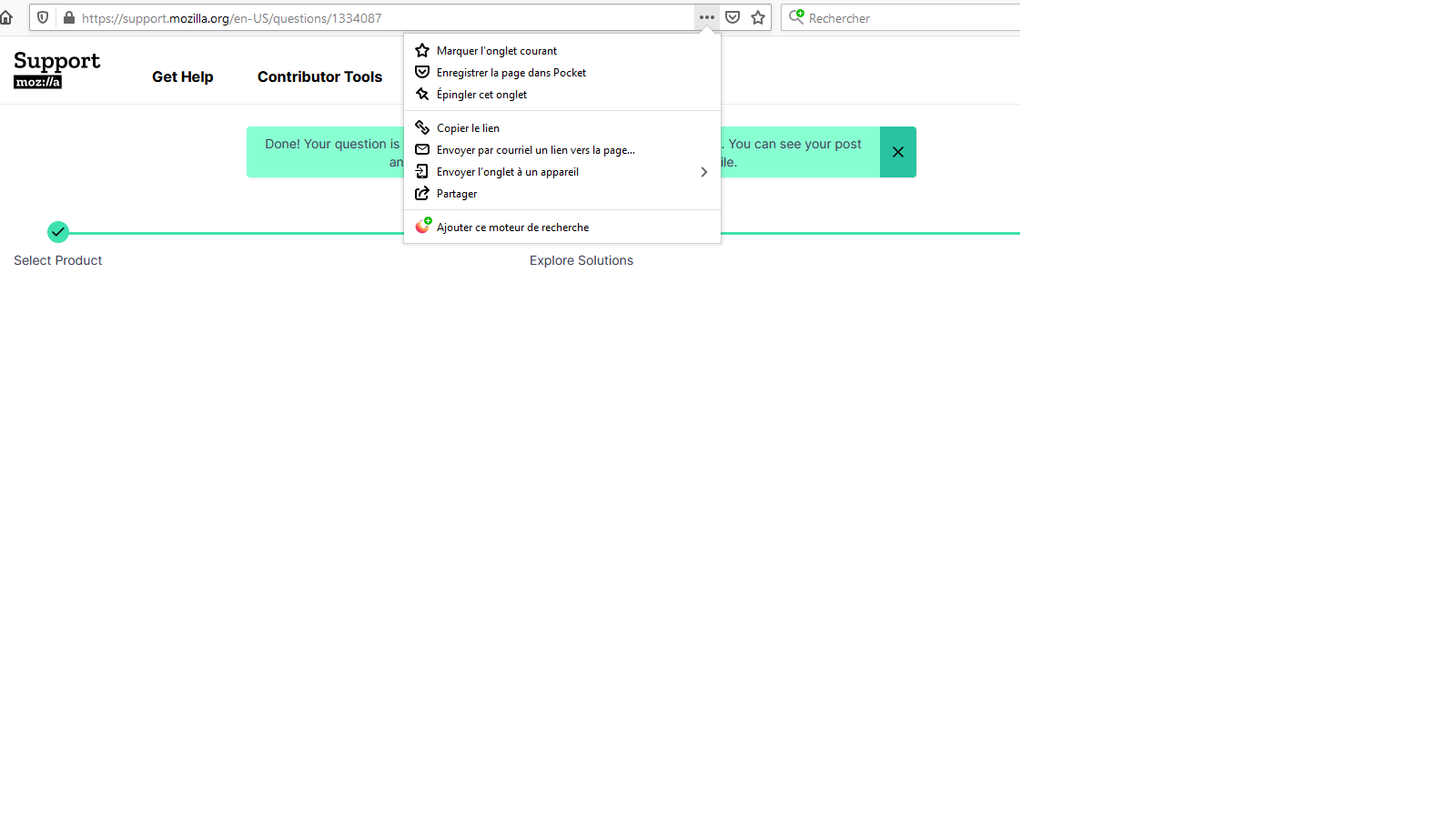
Hello there, question from a near beginner... (sorry guys!)... The ... 3 points link to screenshot on the menu has disappered since a couple of days. Same with you? Browser 88.0 (64 bits) last version Windows 10 How to reinstall it, please? Best Eddy
선택된 해결법
Hi, the interface is changing right now and the Take a Screenshot icon has been removed from the Page actions menu. It will be available only under a toolbar button and under the right-click menu.
The full Page Actions menu will be removed soon.
문맥에 따라 이 답변을 읽어주세요 👍 1모든 댓글 (4)
Sorry, me again... Let me post a screenshot of my query Best Eddy
선택된 해결법
Hi, the interface is changing right now and the Take a Screenshot icon has been removed from the Page actions menu. It will be available only under a toolbar button and under the right-click menu.
The full Page Actions menu will be removed soon.
So many thanks TyDraniu! What a shame! Another button rather than a developping menu. Soon there will be no space left on personal bar... Have a great day! Eddy1950
Note that you can also places icon that you aren't using often in the chevron (>>) overflow area and you can remove the flexible spaces at either side of the location bar via the right-click context menu if you haven't done this already.