

이 쓰레드는 보존되었습니다.
만약 도움이 필요하시면 새로운 질문을 올려주세요.

보존
Some text is too small to read in Firefox while it is fine in other browsers

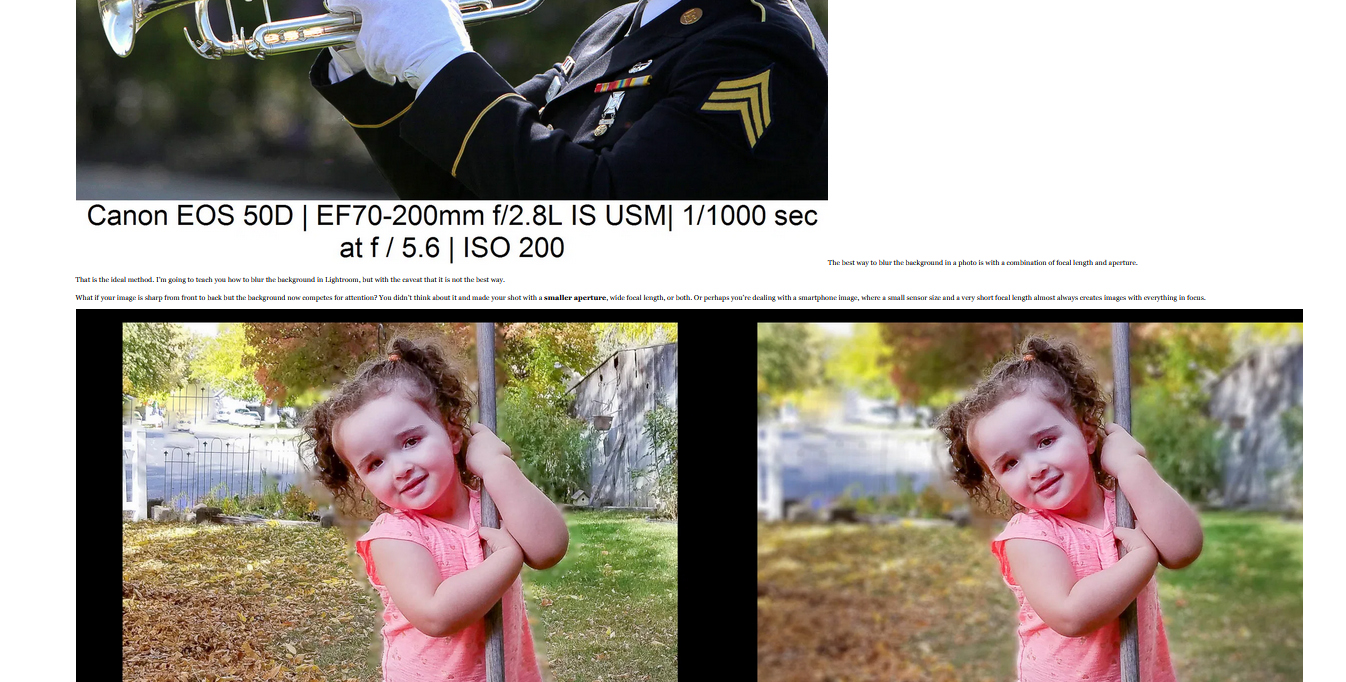
Emails from one site resizes the text if large images are included and it results in text that is too small to read. Other browsers are fine. Is there some setting that I am missing in Firefox. I am including a screen shot showing what I am getting.
Emails from one site resizes the text if large images are included and it results in text that is too small to read. Other browsers are fine. Is there some setting that I am missing in Firefox. I am including a screen shot showing what I am getting.
모든 댓글 (4)

Check your zoom controls.
<Control> (Mac=<Command>) + (plus) enlarge - (minus) reduce 0 (zero) restore
I usually have my zoom set to 110%. I can increase the zoom so I can read the tiny font but then I need to scroll back and forth to read each line. Maybe it's an Outlook problem.
Is the problem with Firefox or Outlook?
Try holding down the <Shift> key and then change the zoom.
That didn't do a thing. It seems strange that only messages from this sender has this problem.