


Can't find 'Turn on Sync' within settings on Mobile

Trying to access bookmarks saved on my desktop on on Android.
As instructed I tap on 'settings' on my mobile but no where can I find TURN ON SYNC.
Trying to access bookmarks saved on my desktop on on Android.
As instructed I tap on 'settings' on my mobile but no where can I find TURN ON SYNC.
모든 댓글 (4)
Hi
If you select Settings from the Firefox for Android menu and scroll to the top of the screen, you will see the option to Turn on Sync.
I hope that this helps.
Thanks, but as I said, there is NO 'Turn on Sync' anywhere on the screen.
Screenshots
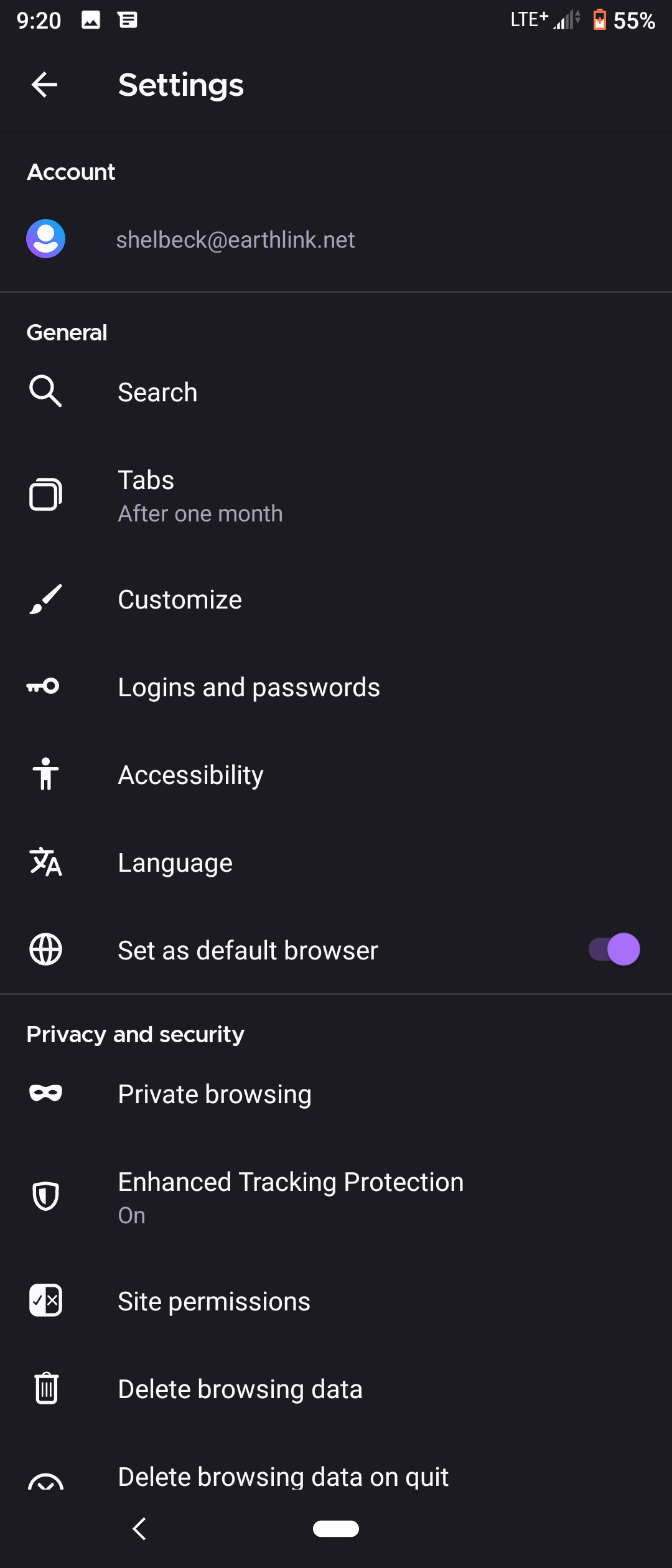
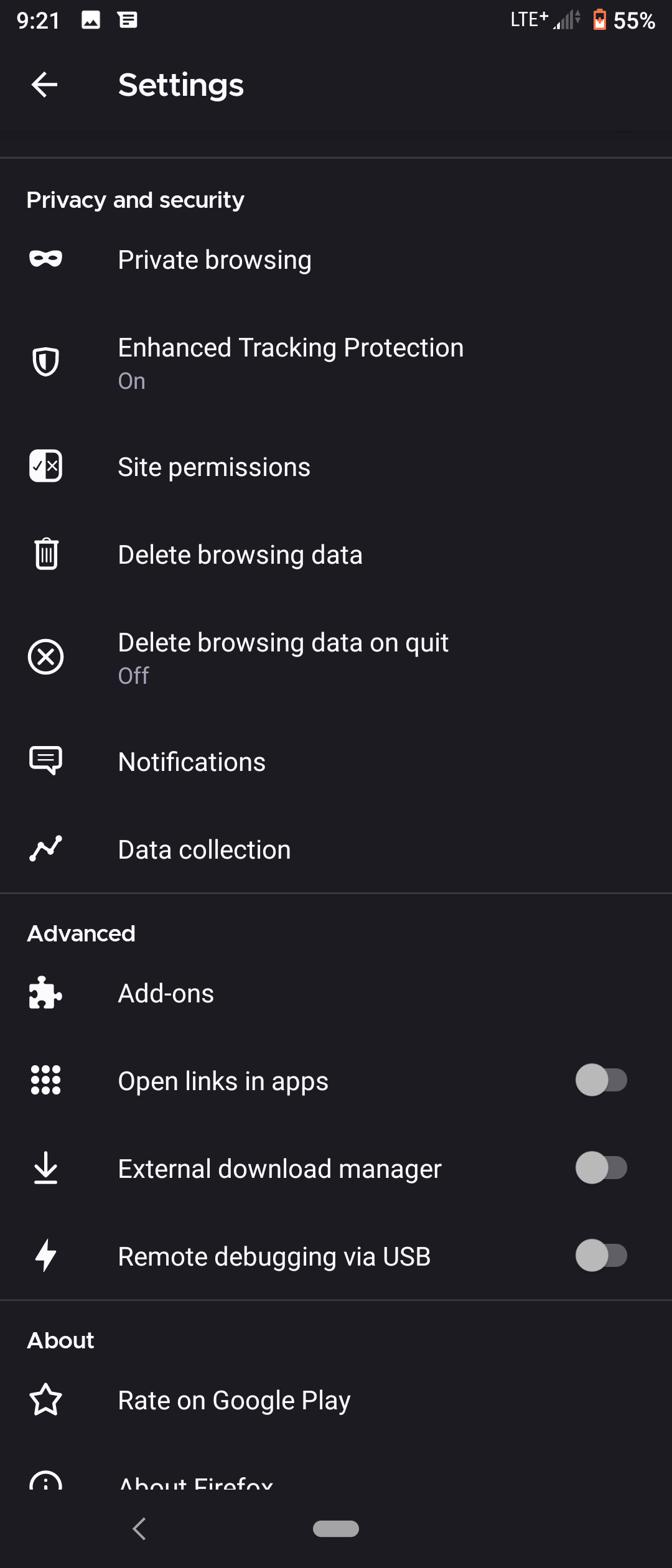
It looks like you have already turned it on. Tap your email address at the top of the list to see the Sync settings.