


Unable to trigger URL automatically using Windows 10
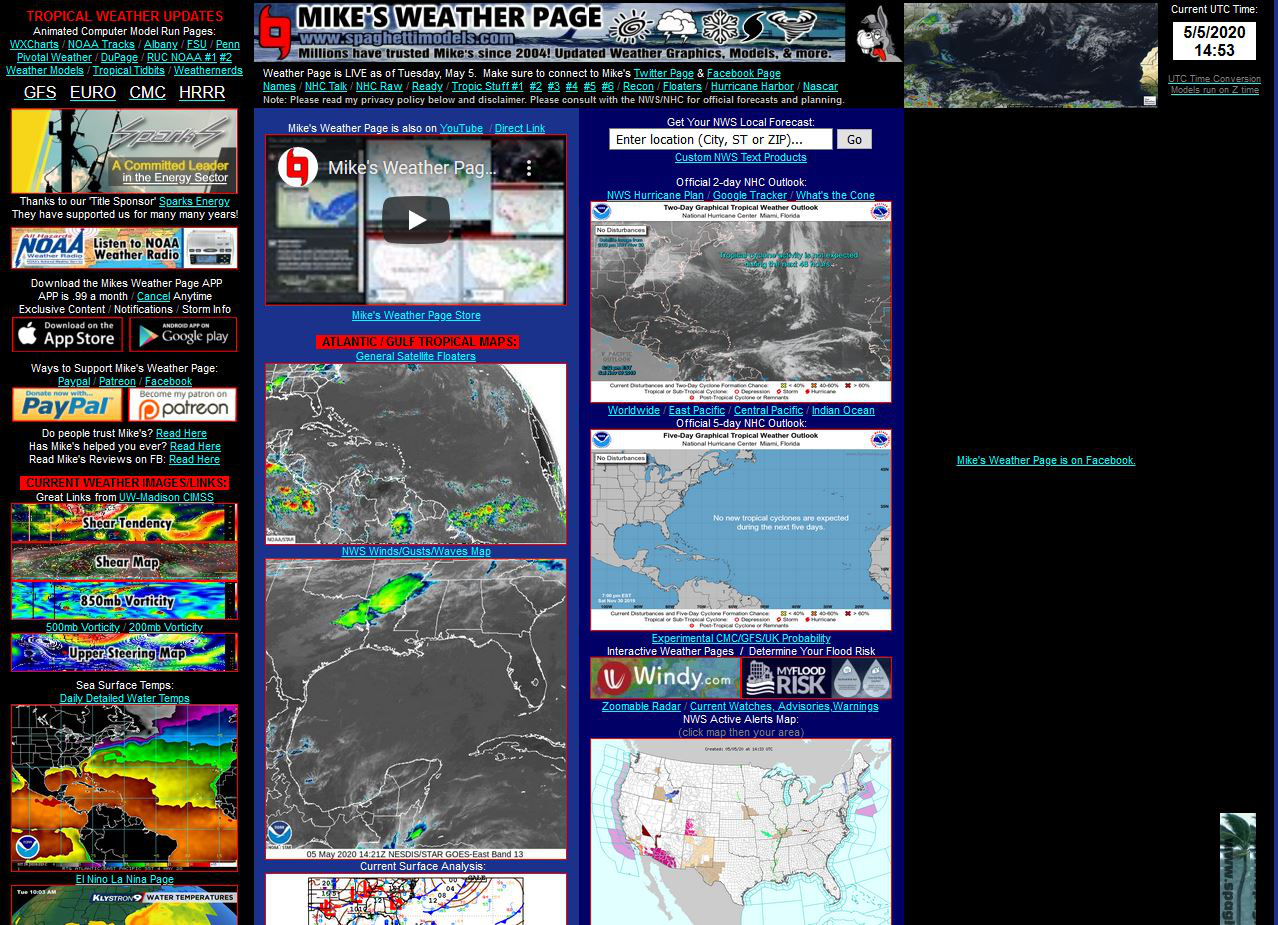
I am a user of Mike's Weather Page (and have used it for years). I disable my ad blocker when using it because on the top of the right-hand side, his Facebook page is vertically bookended with ads. I am using MS System 10.
The site works well with Chrome, and I can see his Facebook page displayed. But I am unable to see his Facebook page and the bookend ads with Firefox. All I see is the hotlink URL for his Facebook page, which, if I click on it, opens a new window containing his Facebook page.
How do I get the Facebook page to open within Mike's Weather Page?
Thanks.
선택된 해결법
Thanks...I set the browser's ETP to Standard, refreshed the browser, and now, it's working. Thanks so much!!!
Ted
모든 댓글 (4)
It sounds like Firefox's Enhanced Tracking Protection (ETP) is probably blocking the content from loading because it would be detected and treated as a Social Media Tracker or some other Tracking Content.
You will probably need to disable ETP on that website in order for it to load properly.
This would be the expected behavior for a page outside of the container created by the Facebook Container extension: FB content isn't allowed in pages outside that container. But perhaps you can open Mike's page inside the container somehow so FB content can be shown in it?
선택된 해결법
Thanks...I set the browser's ETP to Standard, refreshed the browser, and now, it's working. Thanks so much!!!
Ted
Wesley, actually it was your suggestion that sent me to change the ETP. I started from the bottom up on Solutions, but when I hit the first button, I wasn't able to key your solution as well. I'm worry.