


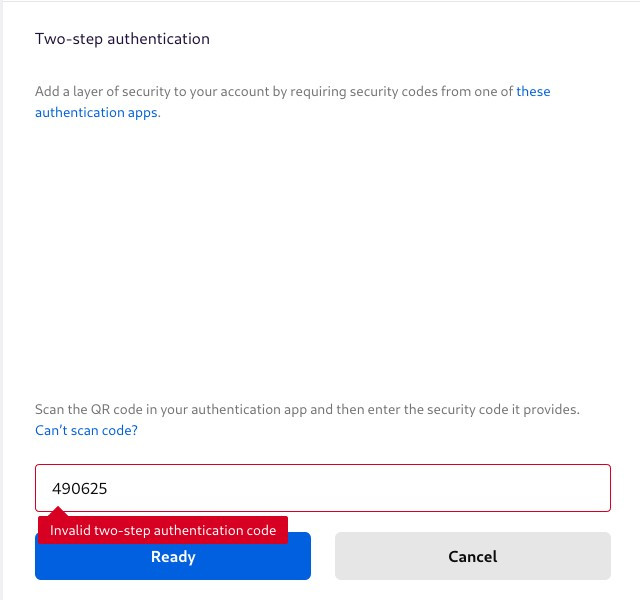
Trying to activate 2FA always returns "Invalid two-step authentication code" error
I deactivated 2FA to change the app I use to generate the code but I can't manage to reactivate it, every time I scan the QR Code and input the code I get this error. I also tried to input the code manually without scanning the QR Code but the result is the same.
I tried both on Firefox Preview on Android and on latest Firefox version on Arch Linux but the result is the same.
모든 댓글 (5)
Make sure that the time is correct on the device you use to generate to TOTP code. The code is only valid for 30 seconds, so the slightest offset will make the code invalid.
Maybe try a different app to generate the code if the new app isn't working. There are also Firefox extensions you can try or use to compare the TOTP code.
I already tried with different applications and devices, the result is still the same. Other codes for other accounts are working as expected and without any issue.
Did you try to disable and re-enable 2FA and possibly logout and login again in between?
I tried logging out and back in right now but I still get the same error.
I opened a bug report on Bugzilla about this issue.