


Bookmarks keep syncing wrong
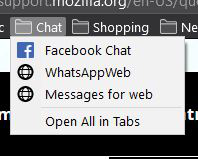
I've been using Firefox on my desktop, laptop and Android Mobile for months without issue. Recently i swapped to a new phone and for some reason the bookmarks on my desktop and laptop are getting jumbled/deleted (see attached pics)
To try solve this I exported my bookmarks to a .json file, then manually deleted all bookmarks on all my devices, ran a manual sync on all devices then completely uninstalled and deleted appdata/cache files.
I then re-installed using a fresh download from Mozilla, signed in and imported my bookmarks from the json file.
for a full day my bookmarks stayed intact, I then installed firefox on my phone and within an hour my desktop bookmarks became jumbled again.
Am I missing something here?

모든 댓글 (4)
as a temporary solution I've simply disabled bookmark syncing *sigh*
You must be using FF 72. This was a long running problem with sync and a rebuilt version of the code was installed starting with FF 72. You can read on Mozilla Bugzilla my bug report. https://bugzilla.mozilla.org/show_bug.cgi?id=1577691
Disable syncing and delete the sync account from your account's control panel. Later, you can recreate the same sync account with the old password. Then, disable syncing on all the other computers as well, and delete all bookmarks.
Import your .json or .html bookmarks backup in one computer and check if it's correct. Recreate the FF account and enable the active computer's sync. Wait a few minutes until the sync data is in the cloud and then turn on sync - one computer at a time - and check the bookmarks before activating the next.
Also recommend to export the bookmarks in both formats .json and html.
If you still have sync problems, it's best to sign up at Bugzilla and create a report.
글쓴이 ineuw 수정일시
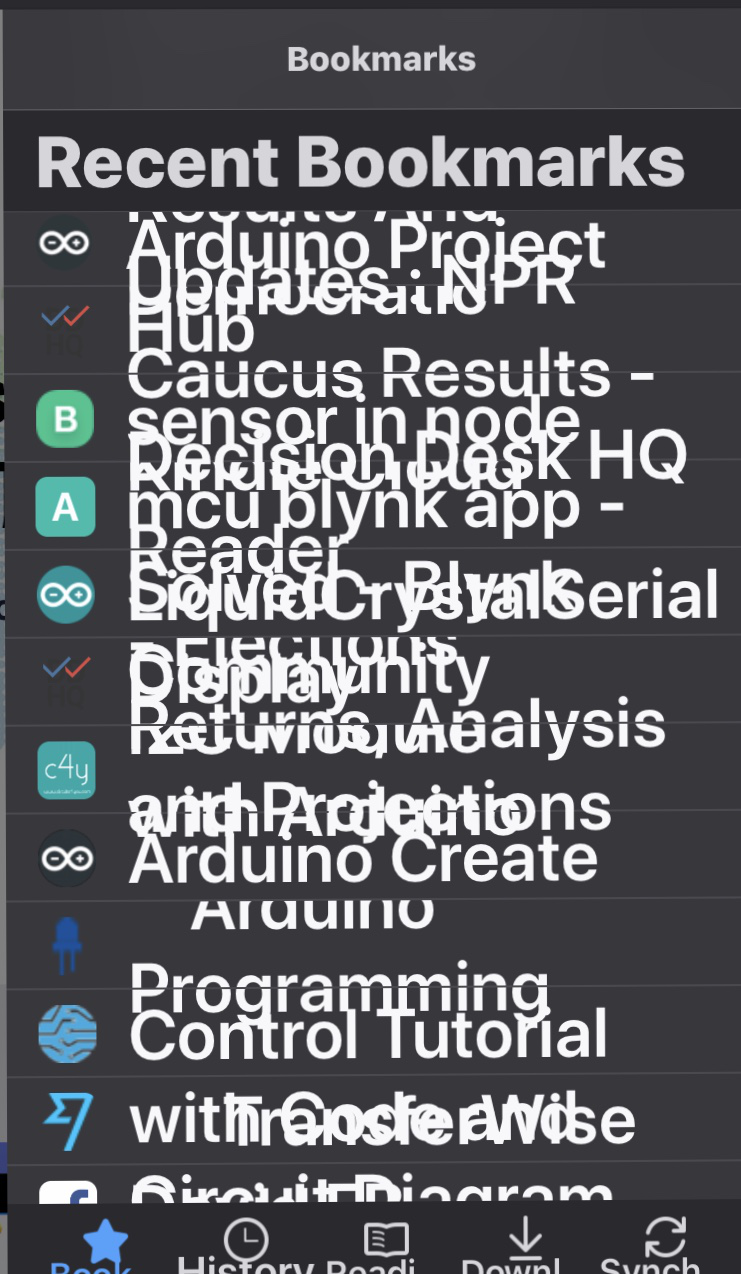
I am getting a completely jumbled set of bookmarks. Is this the same issue? See screenshot attached...
Hi dwilson28
This looks like a different issue.
Are you possibly using a userChrome.css file in the chrome folder in the profile folder to style this part of the Firefox user interface that is broken for the current Firefox release ?
Probably best is to create a new thread for your issue.