


Can't import passwords, button is missing

I've migrated from chromium and successfully imported most of my data (cookies, history, bookmarks), except passwords. In security settings I couldn't find "Import passwords" button, which is shown on support page (https://support.mozilla.org/en-US/kb/password-manager-remember-delete-change-and-import ). How can I import passwords?
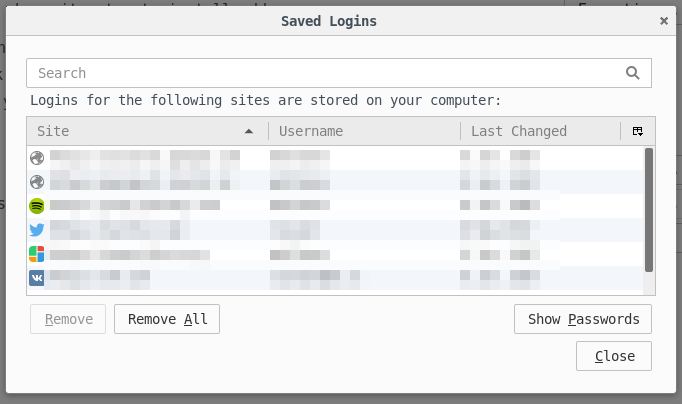
글쓴이 mchlkzmn 수정일시
모든 댓글 (1)
선택된 해결법
If you show the article for Linux then you will see this note: Note: The Password Manager Import feature is currently available on Windows only.
Bug 589589 - Breakdown: Chrome profile migration for Import Wizard and Migration Assistant - passwords, form data, and settings Bug 707044 - Import login data from Google Chrome on Windows
Please do not comment in bug reports
https://bugzilla.mozilla.org/page.cgi?id=etiquette.html