


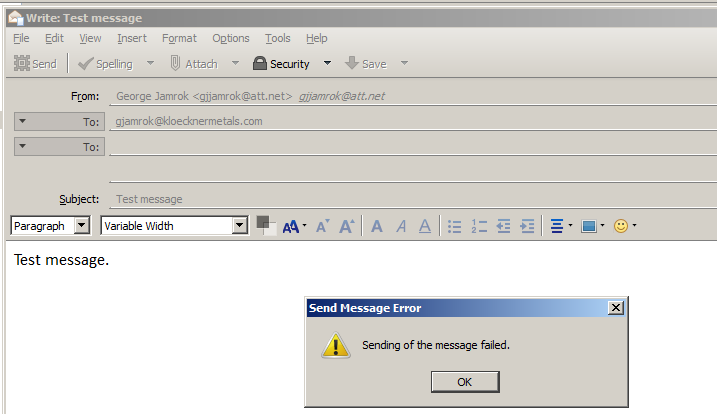
Send e-mail requires 2 tries to send successfully.

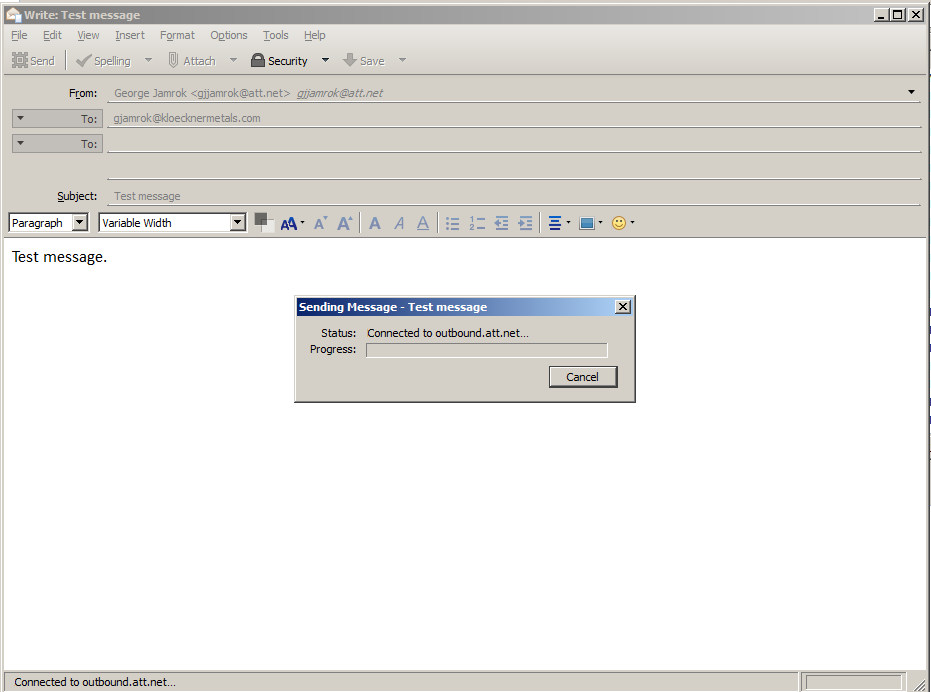
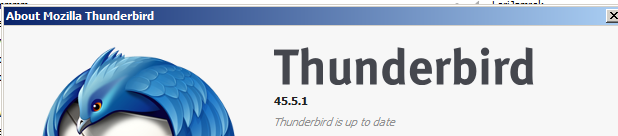
I am now on Thunderbird 45.5.1 as of 11/22/16. Recently when I send an e-mail the Sending Message box shows that I'm connected to my ATT outbound.att.net server and the progress bar continues moving but the message does not send. I have to Click the Cancel button. Then I try to send the same message again and it goes without a problem. Sometimes an e-maill will go on the first try.
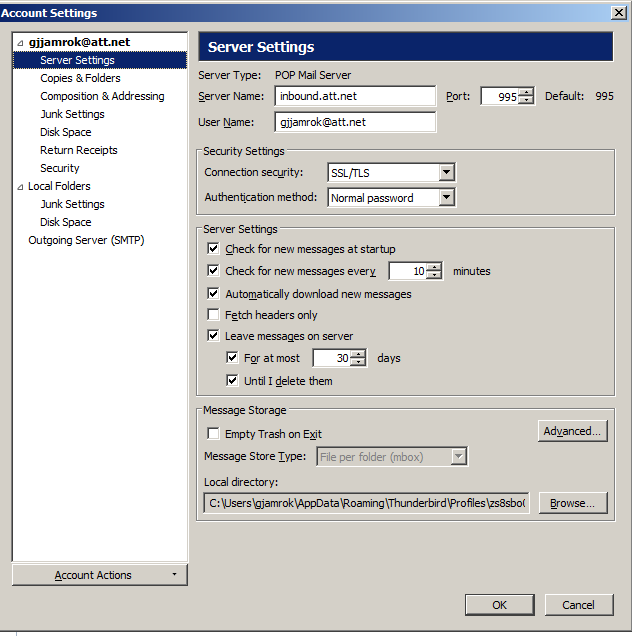
There have been no changes to my mail setup.
Regards
모든 댓글 (2)
선택된 해결법
Another person has been having problems sending e-mail with ATT also: https://support.mozilla.org/en-US/questions/1148558
I'm thinking that there might be a problem with the ATT servers.
ATT has two different settings for outgoing mail listed here: https://www.att.com/esupport/article.html#!/dsl-high-speed/KM1010523
In Thunderbird Account Settings, select "Outgoing Server (SMTP), and edit the setting on the right side. Try both settings ATT suggests. For both, use SSL:
Server name: outbound.att.net Port: 465
Server name: smtp.mail.att.net Port: 465 or 587
This seems to have fixed the issue. using the smtp.mail.att.net port 465. Cautiously optimistic. Thanks for the advice.