

이 쓰레드는 보존되었습니다.
만약 도움이 필요하시면 새로운 질문을 올려주세요.

보존
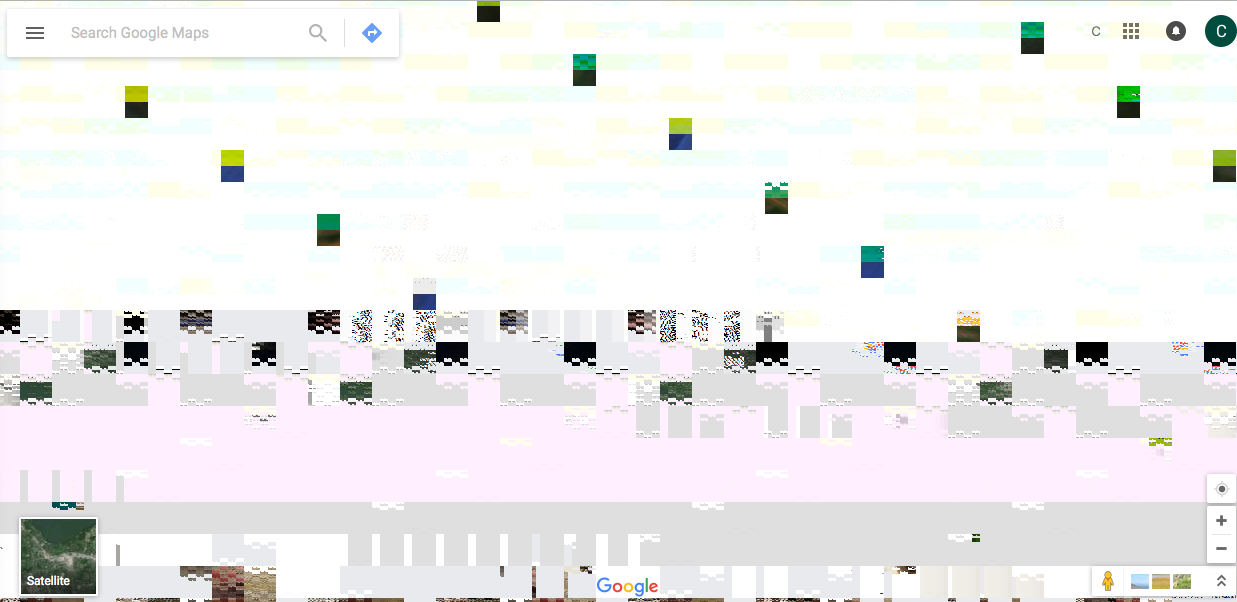
Google Maps and Adobe PDF pages appear as gibberish

All Google Maps and and PDF appears on screen as gibberish. This only happens in Firefox (not Chrome, Safari, etc). v.44.0.2. Also happened with v. 44.0
All Google Maps and and PDF appears on screen as gibberish. This only happens in Firefox (not Chrome, Safari, etc). v.44.0.2. Also happened with v. 44.0
모든 댓글 (1)
You can try to disable hardware acceleration in Firefox.
- Tools > Options > Advanced > General > Browsing: "Use hardware acceleration when available"
You need to close and restart Firefox after toggling this setting.
You can check if there is an update for your graphics display driver and check for hardware acceleration related issues.