


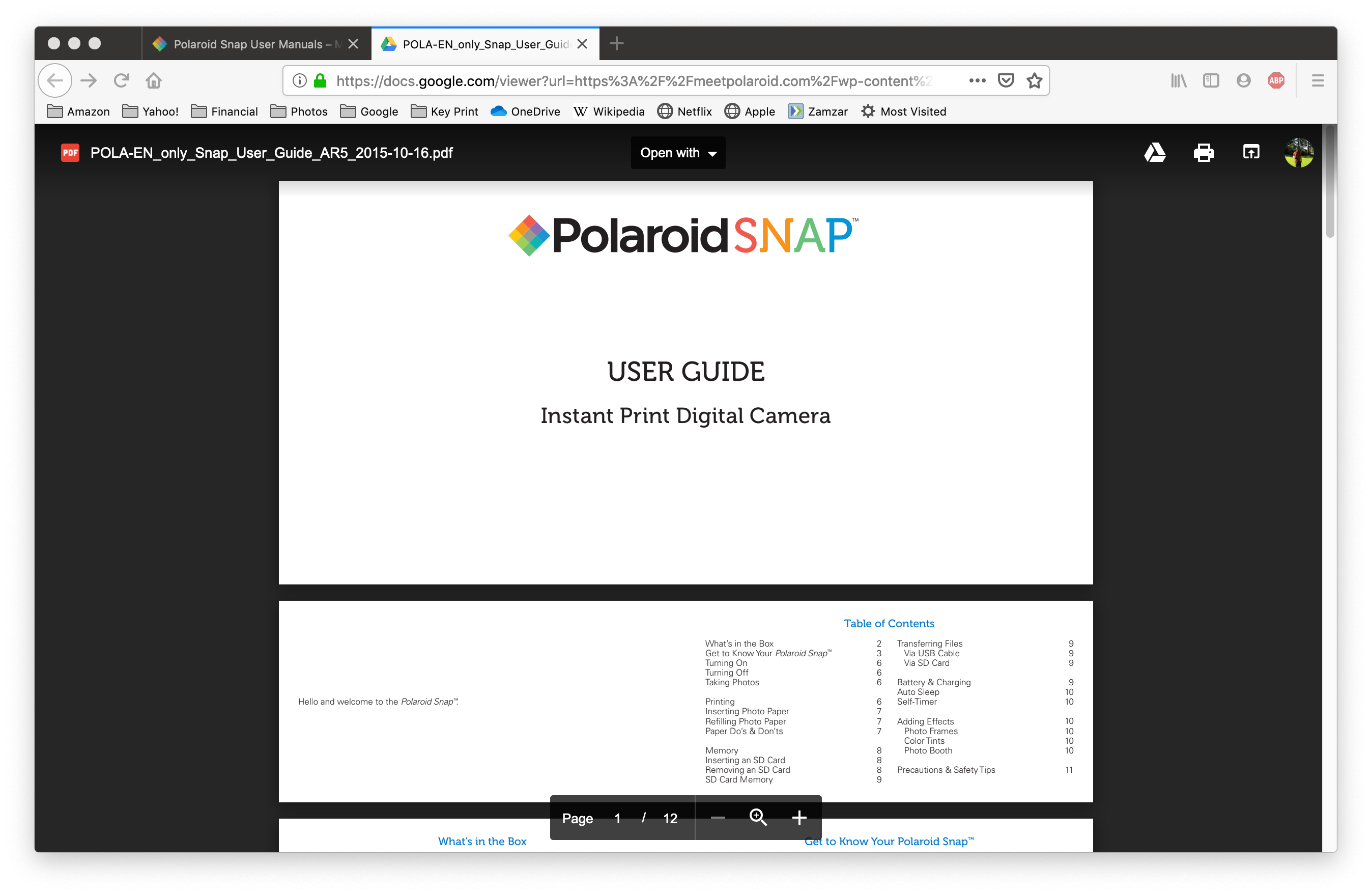
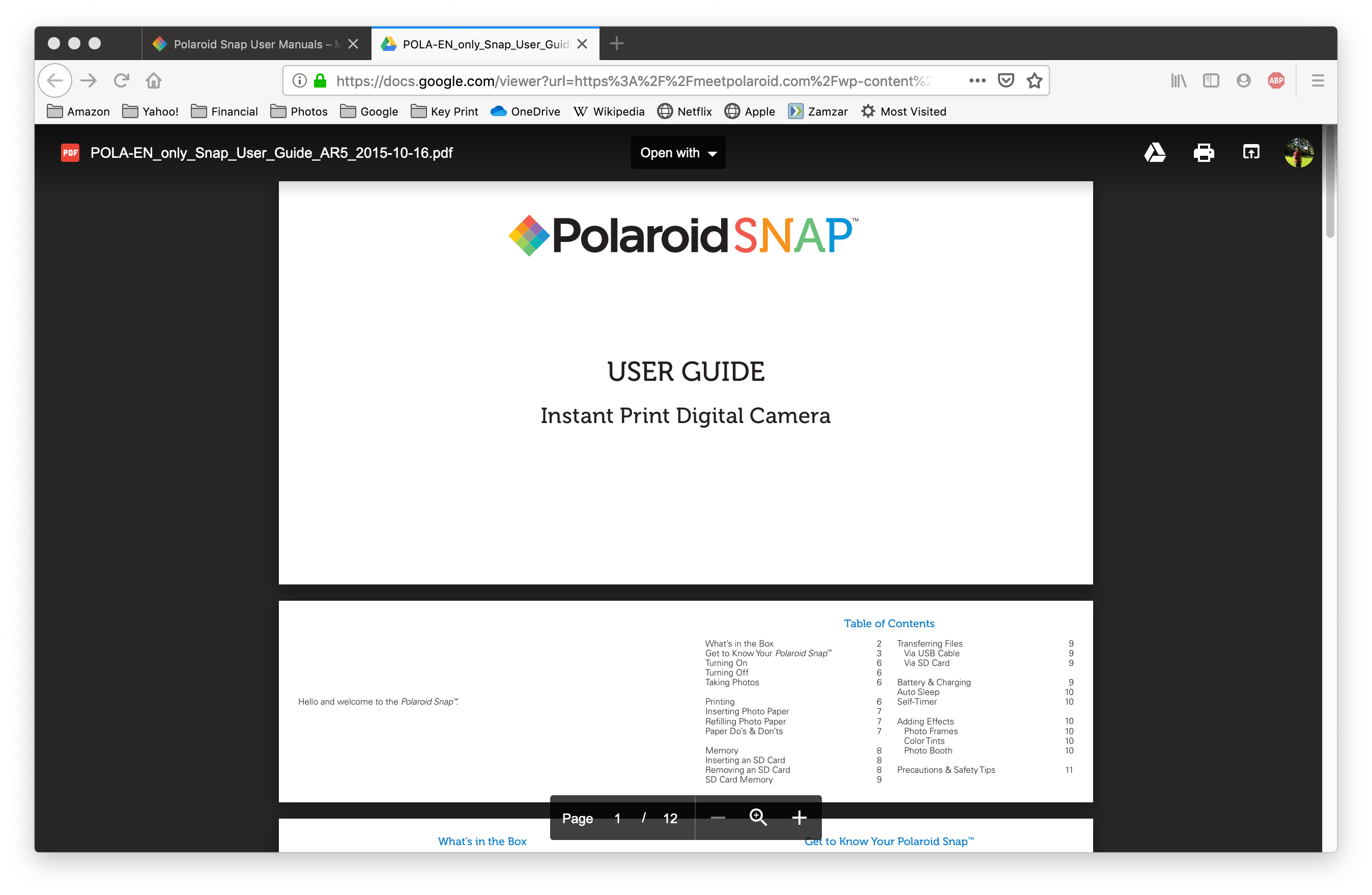
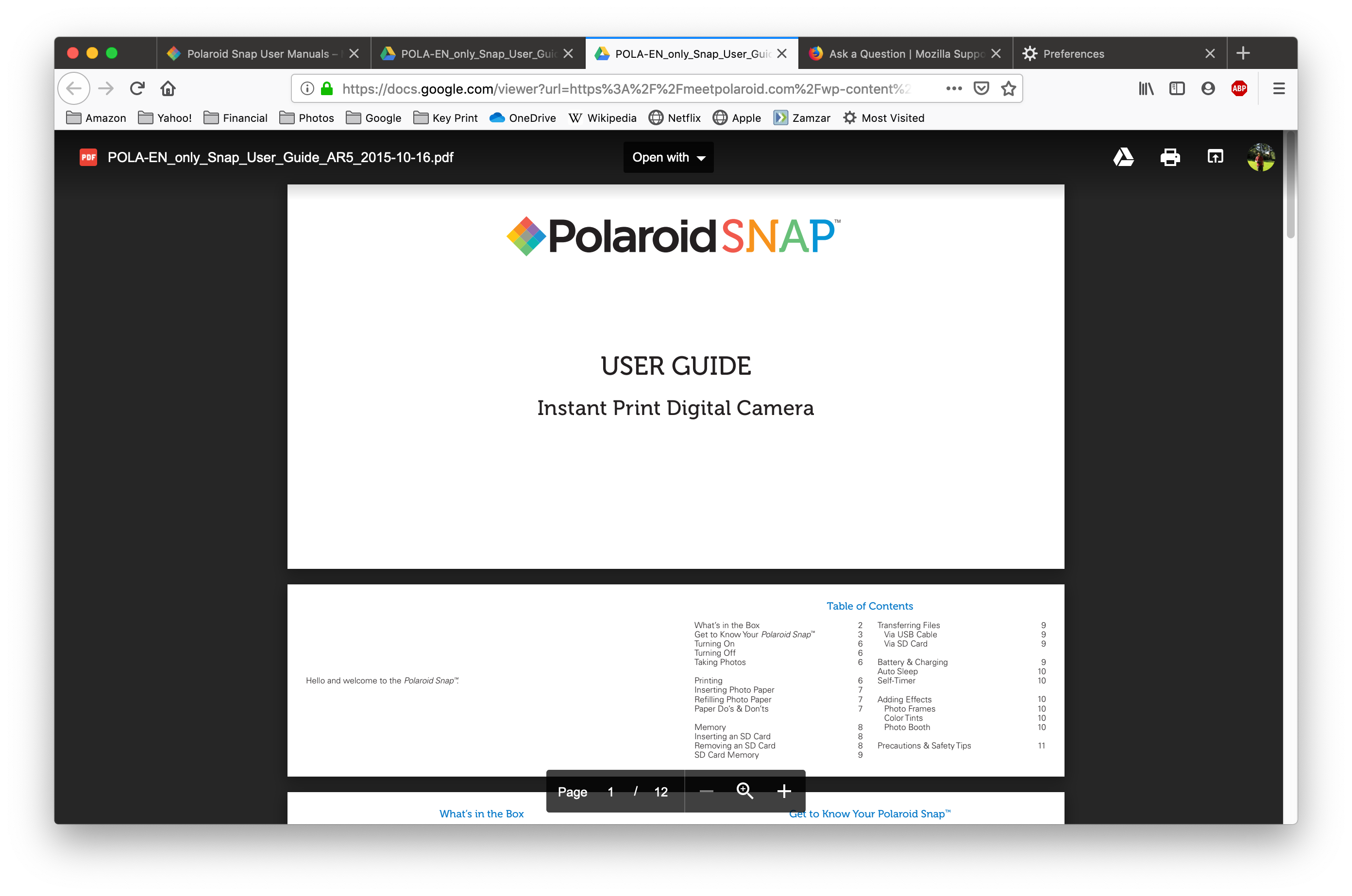
On some sites, clicking on a PDF results in opening on Google Drive, which shows gibberish.

On some sites, clicking on a PDF results in it being opened in Google Drive where it looks like gibberish. Firefox is ignoring the preference to open PDFs in Mac Preview. Opening in the Firefox PDF viewer also did not work.
The problem goes away if I disable "Google PDF Viewer" add-in.
선택된 해결법
walrus549 said
If it is a plug-in problem, shouldn't the plug-in be fixed? Who is responsible for fixing it?
The developer of the add-on is responsible ....
You could try to contact them - under "More information" => Support Email :
https://addons.mozilla.org/en-US/firefox/addon/google-pdf-viewer/
모든 댓글 (5)

Sounds more like a plugin issue then a Browser issue. You should check the plugin settings.
walrus549 said
The problem goes away if I disable "Google PDF Viewer" add-in.
Well, obviously that add-on is the problem, which isn't surprising, as it hasn't been updated in two years .....
https://addons.mozilla.org/en-US/firefox/addon/google-pdf-viewer/
As an alternative to that extension, you can use a "bookmarklet" to open a currently displayed PDF in the Google Docs viewer on those occasions where you want to do that. A bookmarklet is a small script that you save on your Bookmarks Toolbar or Bookmarks Menu (anywhere convenient) and click like a toolbar button to run the script.
https://www.jeffersonscher.com/res/sumomarklets.html#gdocsview
If it is a plug-in problem, shouldn't the plug-in be fixed? Who is responsible for fixing it?
선택된 해결법
walrus549 said
If it is a plug-in problem, shouldn't the plug-in be fixed? Who is responsible for fixing it?
The developer of the add-on is responsible ....
You could try to contact them - under "More information" => Support Email :
https://addons.mozilla.org/en-US/firefox/addon/google-pdf-viewer/