


Where did McAfee SiteAdvisor button go in Firefox v29.0? It was in v28.x

I upgraded to v29.0 and the toolbar that had McAfee SiteAdvisor button along the bottom disappeared. In Add-Ons Manager, Extensions shows McAfee SiteAdvisor 3.6.6. Apparently it's working, since when I do a search it shows each site's ratings but I want to use the button when I want. I am running Win 8.1.
გადაწყვეტა შერჩეულია
I tried the Classic Theme Restorer and it restored both the Site Advisor icon and the little Mcafee Secure Search window at the bottom right of the Firefox window. And yes, the icon is tiny but it is there. Thanks, Bratin.
პასუხის ნახვა სრულად 👍 1ყველა პასუხი (7)

I don't use McAfee but see if it's located in the Customize section
- Go to the menu at the top right corner and click Customize
- To the right side you'll set a grid of icons. Check to see if McAfee is there then drag it to the add-on bar.
No it's not there. In Customize it has Show/Hide Toolbars but the only options are the Menu and the Bookmarks toolbars.
The add-on bar was removed in Firefox 29. This made it so the McAfee Site Advisor Widget/icon disappeared. I think it will be up to McAfee to update the Site Advisor software. I know what you're talking about as I used to use that too. I'll contact McAfee and see what they say.
Bratin, That's kinda what I thought had happened. It would be great of you to check with McAfee. If you find out anything please let me know. Thanks
So I get McAfee Security through my internet provider, Cox Communications. I contacted them and the representative looked into it. He said that they know about the issue and are working to fix it.
For now their temporary work around is to install an add-on called Classic Theme Restorer. This add-on restores the old look of Firefox and allows you to bring the add-on bar back.
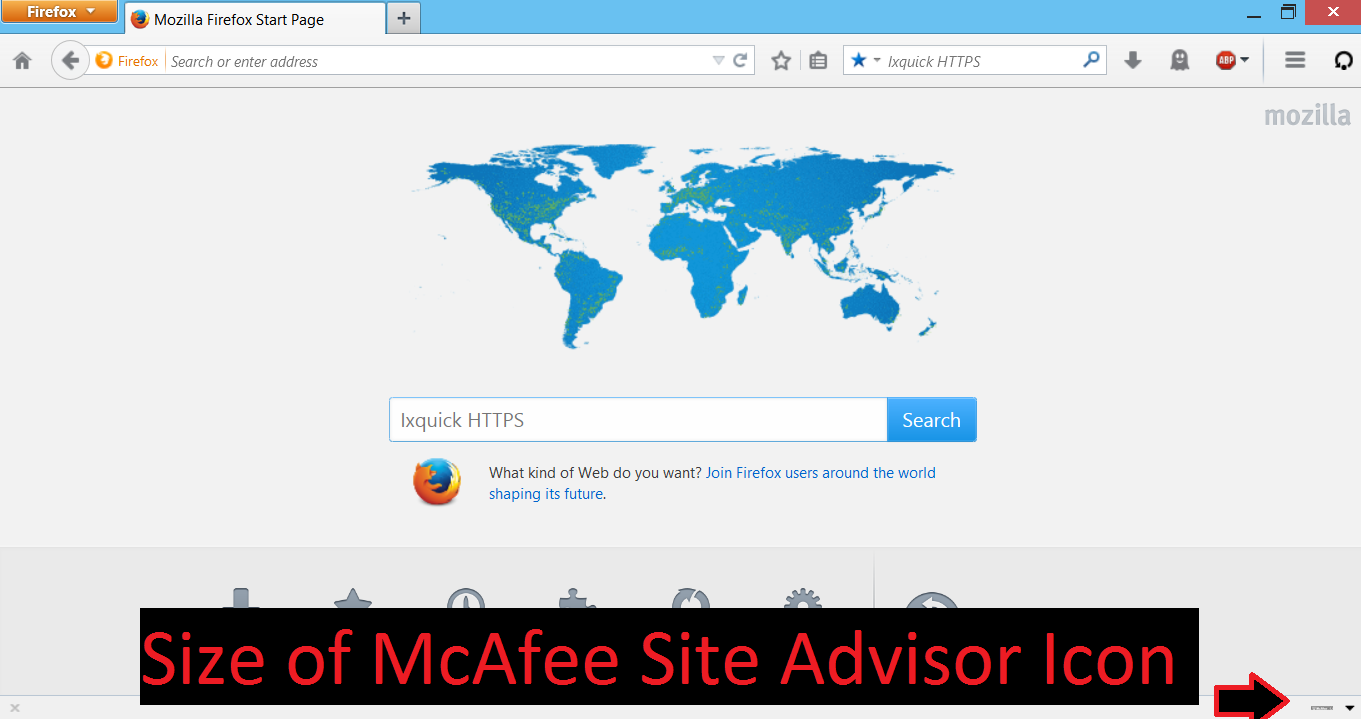
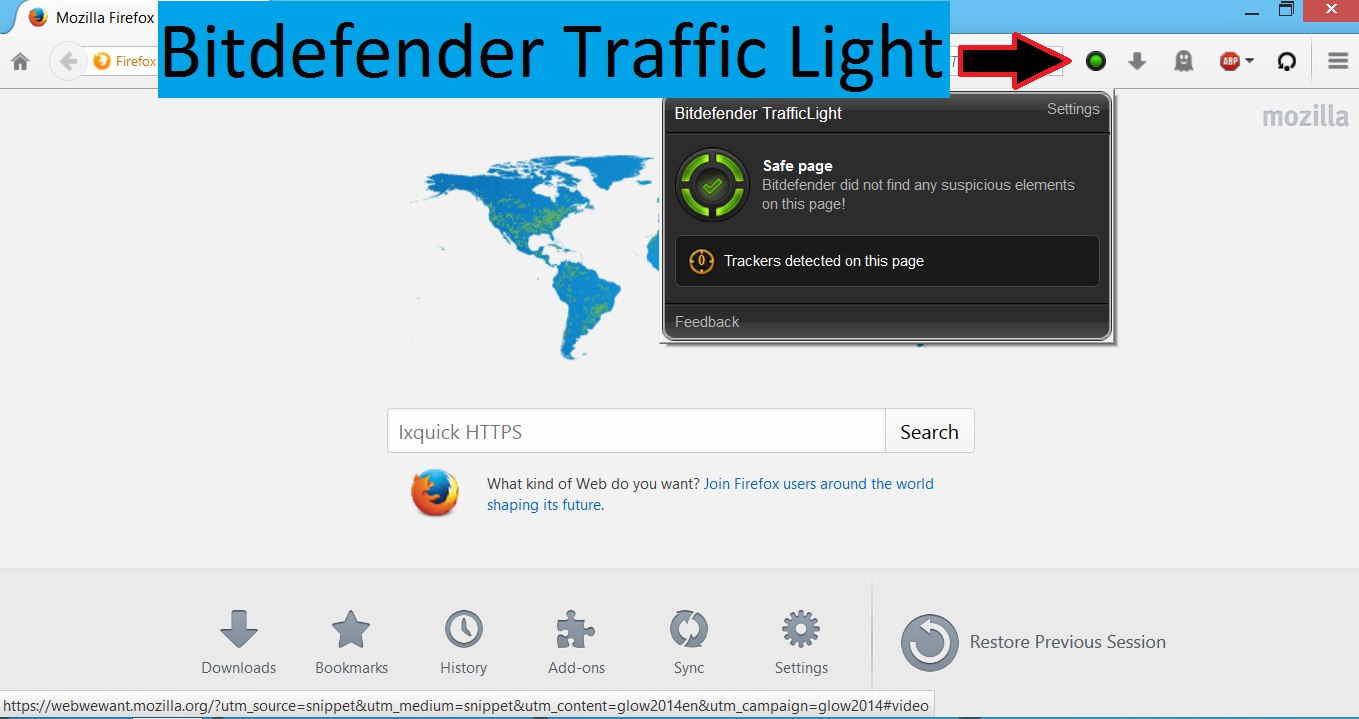
However, they did tell me and I tested this out that the icon for McAfee Site Advisor is TINY. I'll include a screenshot. While they're working on a fix I'm personally just going to use BitDefender Traffic Light
I hope that answers your question and helps you out!
(edited by moderator to add links to add-ons -m)
ჩასწორების თარიღი: , ავტორი: mjb
Thanks Bratin! It will do for now.
შერჩეული გადაწყვეტა
I tried the Classic Theme Restorer and it restored both the Site Advisor icon and the little Mcafee Secure Search window at the bottom right of the Firefox window. And yes, the icon is tiny but it is there. Thanks, Bratin.