


Website persistent on staying in cookies

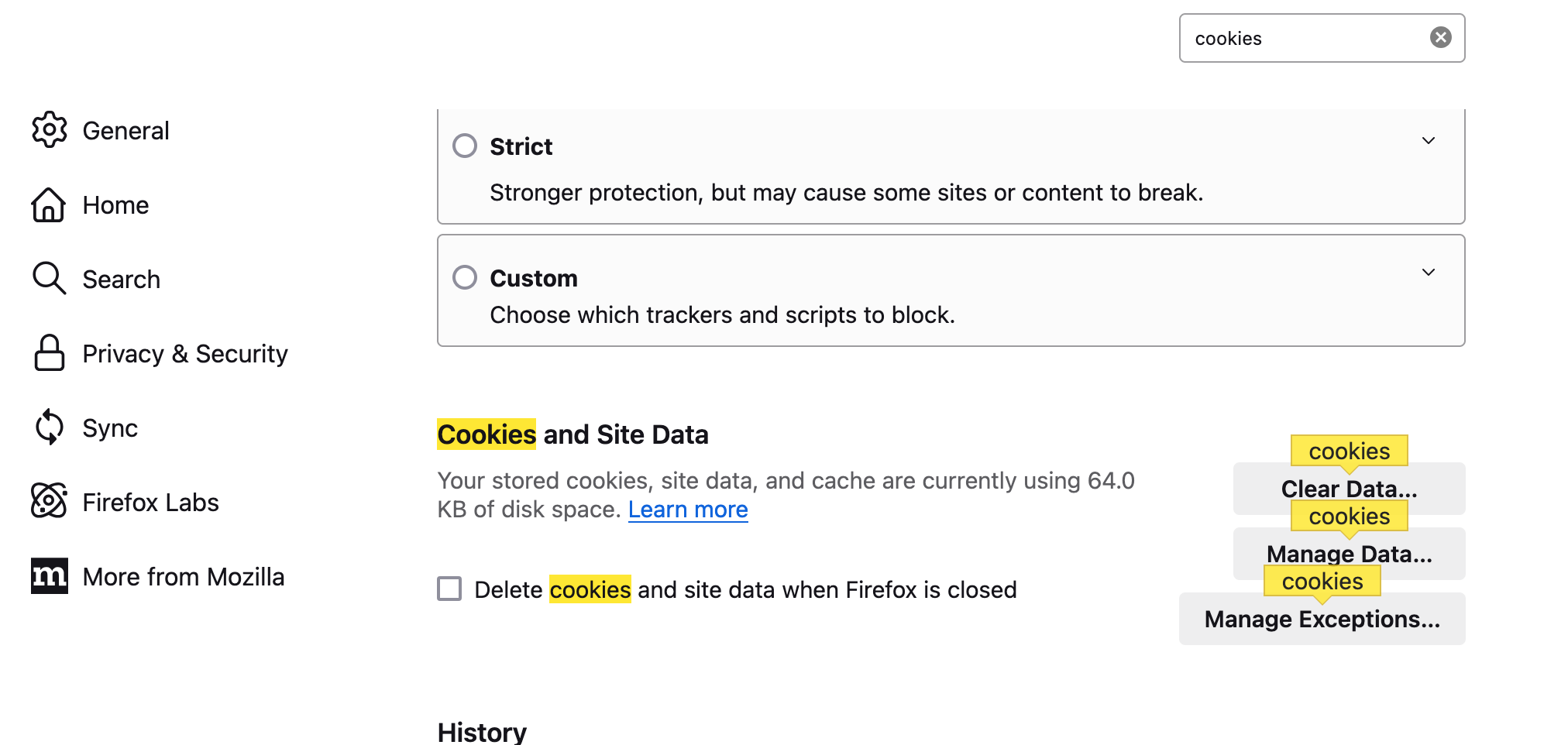
Hi there, in my settings in firefox: there is a website that refuses to go away from the "Manage Data" section of the "Cookies and Site Data" section of my Firefox settings. I will select to remove all of the cookies ever, and even when I refresh the settings page, or close and restart the App, or turn my computer off and on again, it is still there. Strange! I would like assistance with this.
of note, I've checked w/ third party extensions that manage cookies, and that website doesn't show up when I manage cookies via said extension.
I have MacOS Big Sur, 11.7.10. I have the latest version of Firefox.
Thank you!

შერჩეული გადაწყვეტა
You can check the storage/default folder in the Firefox profile folder to see if you see a folder with this website and delete this folder.
You can use the button in "Help -> More Troubleshooting Information" (about:support) to go to the current Firefox profile folder or use the about:profiles page (Root directory).
- Help -> More Troubleshooting Information -> Profile Folder/Directory:
Windows: Open Folder; Linux: Open Directory; Mac: Show in Finder - https://support.mozilla.org/en-US/kb/profiles-where-firefox-stores-user-data
ყველა პასუხი (4)
That is about data stored in local storage.
You aren't using Private Browsing mode as in that case you need to exit PB mode temporarily?
cor-el said
That is about data stored in local storage. You aren't using Private Browsing mode as in that case you need to exit PB mode temporarily?
I'm confused about that last thing you mentioned. But to clarify, I'm not using Private Browsing and I don't have any other tabs open. I've also closed & relaunched firefox as well as restarted my computer.
ty!
შერჩეული გადაწყვეტა
You can check the storage/default folder in the Firefox profile folder to see if you see a folder with this website and delete this folder.
You can use the button in "Help -> More Troubleshooting Information" (about:support) to go to the current Firefox profile folder or use the about:profiles page (Root directory).
- Help -> More Troubleshooting Information -> Profile Folder/Directory:
Windows: Open Folder; Linux: Open Directory; Mac: Show in Finder - https://support.mozilla.org/en-US/kb/profiles-where-firefox-stores-user-data
thanks! while I didn't find the site in the finder directory, I went to the website itself, clicked the lock icon and then clicked "Clear cookies and site data" and that made it go away. Funny I didn't do that earlier. Thanks again!