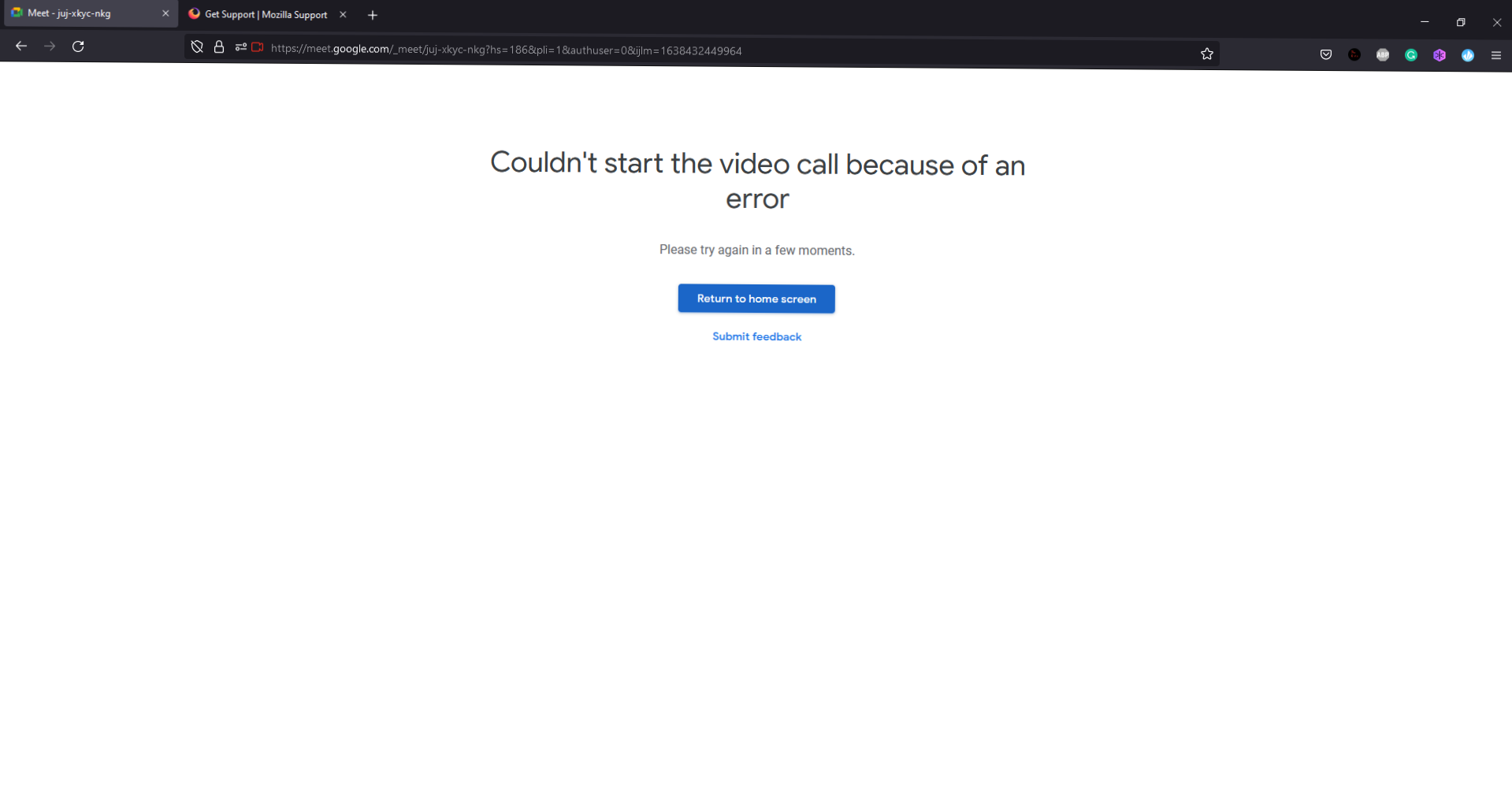
Cannot Join Google Meet
I cannot join any g meet using Firefox browser but i can join using Google Chrome.Whenever I try to to join a meet link it shows "Could not start a video call because of an error."I have tried Troubleshoot Mode and I have even tried to reinstall Firefox but the same thing.I would be great if someone can find me a solution thank u.
ყველა პასუხი (2)

Make sure you are not blocking content.
https://support.mozilla.org/en-US/kb/enhanced-tracking-protection-firefox-desktop also see https://blog.mozilla.org/security/2021/03/23/introducing-smartblock/
https://support.mozilla.org/en-US/kb/smartblock-enhanced-tracking-protection
Diagnose Firefox issues using Troubleshoot(Safe) Mode {web link}
A small dialog should appear. Click Start In Troubleshoot(Safe) Mode (not Refresh). Is the problem still there?
Many site issues can be caused by corrupt cookies or cache.
Warning ! ! This will log you out of sites you're logged in to. You may also lose any settings for that website.
- How to clear the Firefox cache {web link}
Tried but no use same issue.