


Delete all password, bookmarks and other information when Sign off from Firefox 71.0
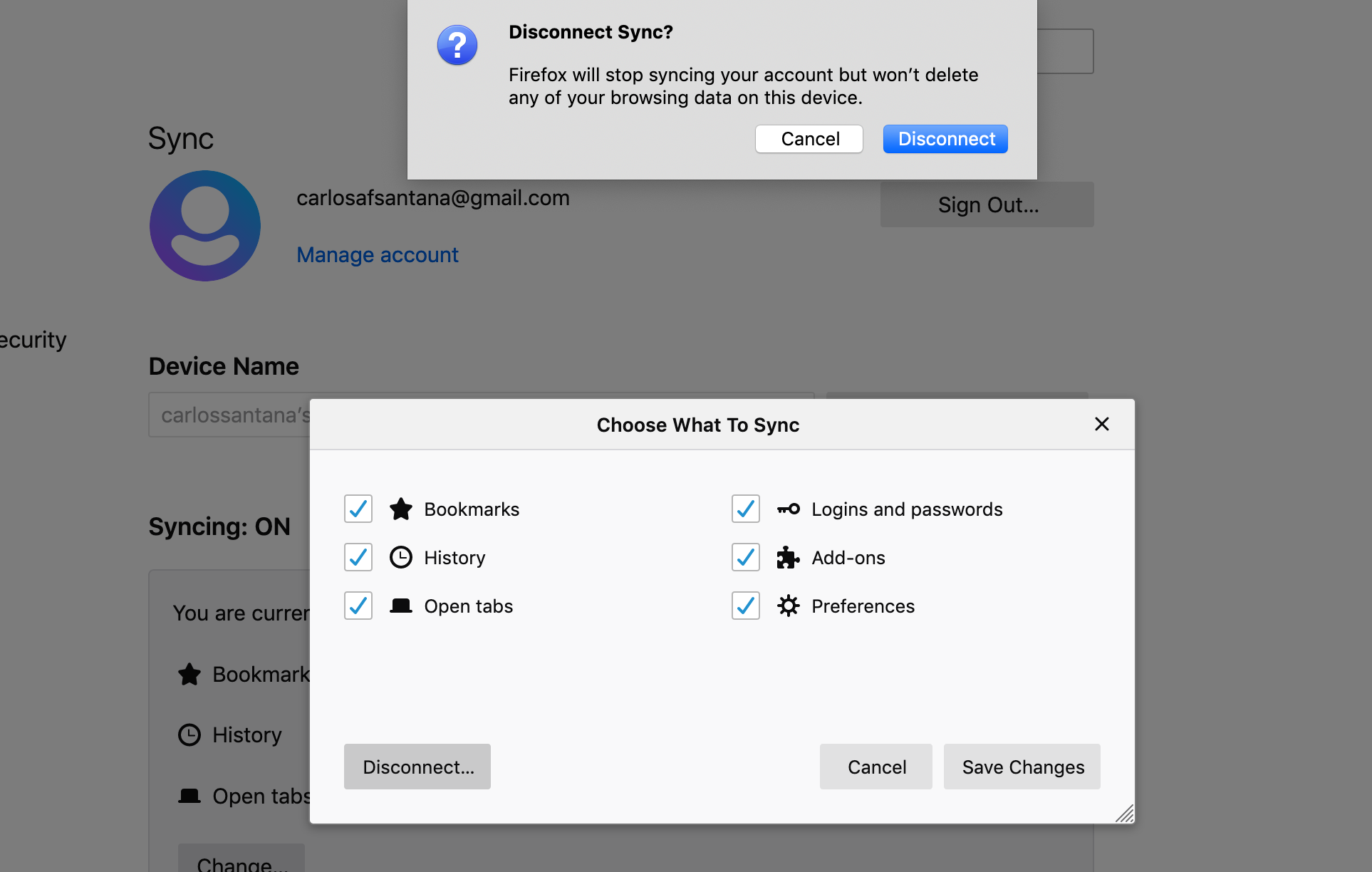
On previous Firefox version, when I Sign Out my Sync account the browser ask if want to "Remove Firefox Sync Data" or " Remove Other Private Data" like in this page (https://support.mozilla.org/en-US/kb/remove-synced-device-firefox-accounts) but on the 71.0 don't ask me not...
ყველა პასუხი (3)
This option was removed in Firefox 71 (see bug 1582023). Too many users were accidentally deleting their data from their device by mistake.
I used a computer from another person and l logged in and all my personal data was saved in the other person's computer I logged out and my information still in this computer. I do not want my information still there. How can I leave this computer in the same that I took it?
Note that it isn't recommended to connect to Sync on a computer that isn't your own. If you do this frequently then you can consider to use Firefox portable installed on a removable USB drive.
You will have to remove this data yourself and that may not be easy depending on what items you sync.