


FireFox needs to update (I think?) but wont

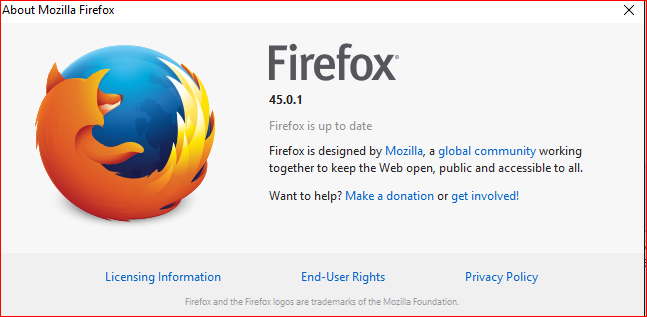
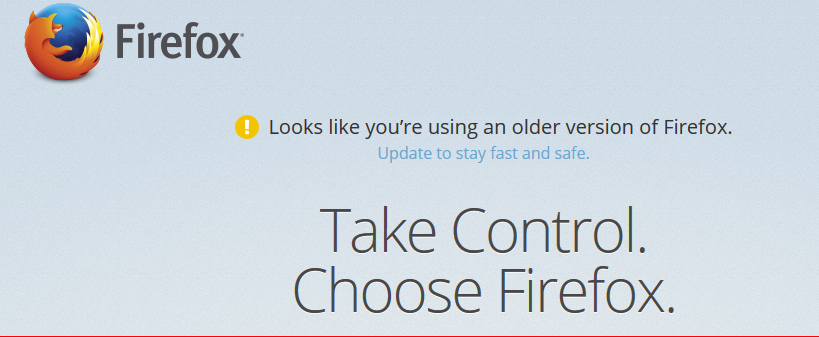
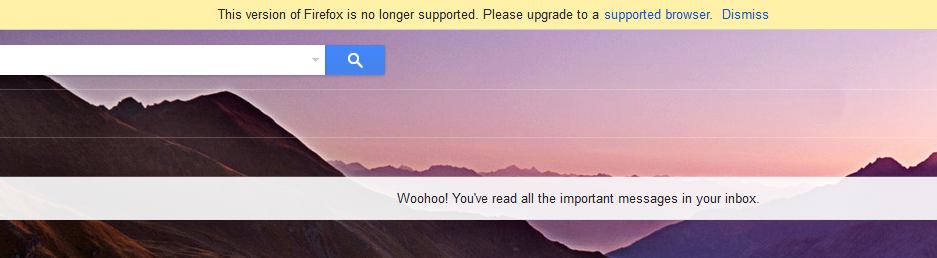
Hi guys, for a long time now many websites have told me I've been using an outdated version of firefox and that I need to upgrade, but when I follow firefox's instructions to upgrade (?->about firefox->update and restart) it tells me that firefox is up to date also I checked the firefox version on control panel and it is the same version that the latest install appears to want to install (45.0.1). What is going on? Do I actually need to update? And if so how?
I added some images to show what i mean.
გადაწყვეტა შერჩეულია
Somehow, your Firefox was set to report itself as version 36. You can clear out that obsolete information using the steps in this article:
How to reset the default user agent on Firefox
Does that work?
My test page should show the updated "user agent" string in red:
https://jeffersonscher.com/res/jstest.php
Firefox doesn't tell sites about .1, .2, etc., so it should show Firefox 45.0.
Success?
პასუხის ნახვა სრულად 👍 1ყველა პასუხი (1)
შერჩეული გადაწყვეტა
Somehow, your Firefox was set to report itself as version 36. You can clear out that obsolete information using the steps in this article:
How to reset the default user agent on Firefox
Does that work?
My test page should show the updated "user agent" string in red:
https://jeffersonscher.com/res/jstest.php
Firefox doesn't tell sites about .1, .2, etc., so it should show Firefox 45.0.
Success?