


Solved
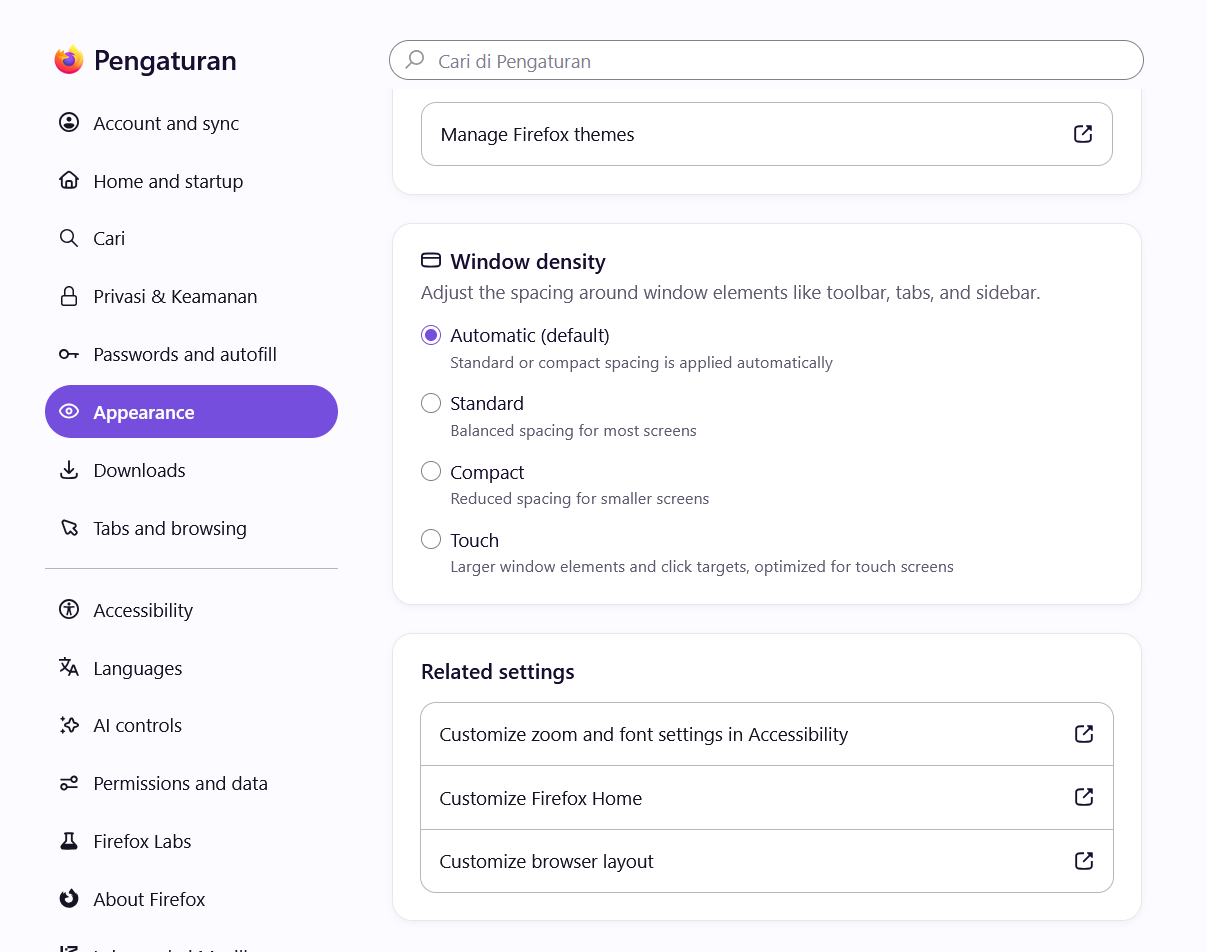
My browser dont have change icon feature
Previously, I was able to change the Firefox icon to a pixelated style, but after reinstalling the browser, that option is no longer visible in the settings.
Previously, I was able to change the Firefox icon to a pixelated style, but after reinstalling the browser, that option is no longer visible in the settings.
選ばれた解決策
Try switching browser.shell.customIcon.enabled to true in about:config.
すべての返信 (4)

This feature is currently available only in Firefox for Windows installed from Mozilla sources. It's not yet available on macOS, Linux, or in Firefox installed from the Microsoft Store.
I installed the browser from its official website, but that feature is still missing.
選ばれた解決策
Try switching browser.shell.customIcon.enabled to true in about:config.
Thanks, really appreciate it 😄