Some settings aren't working
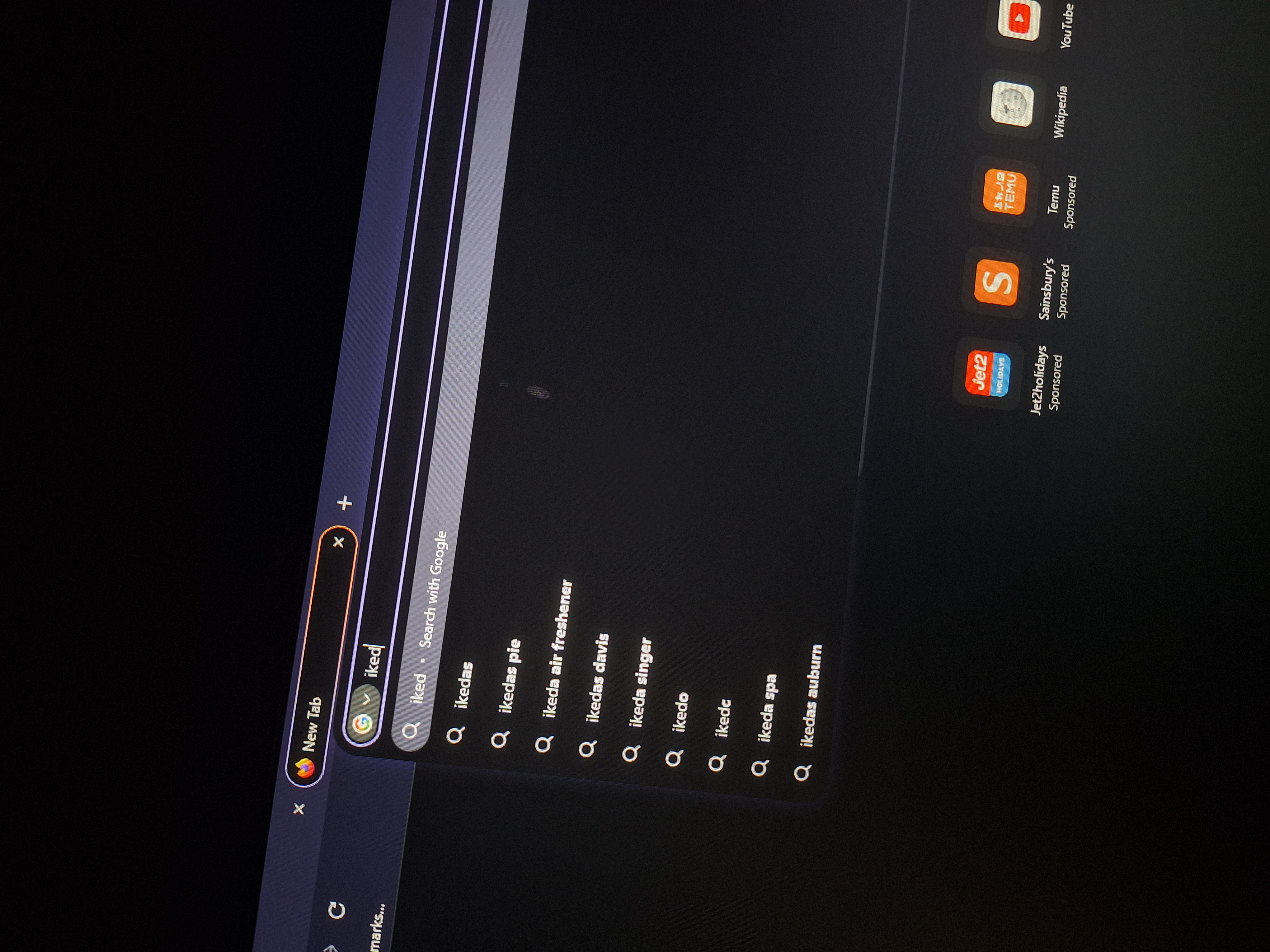
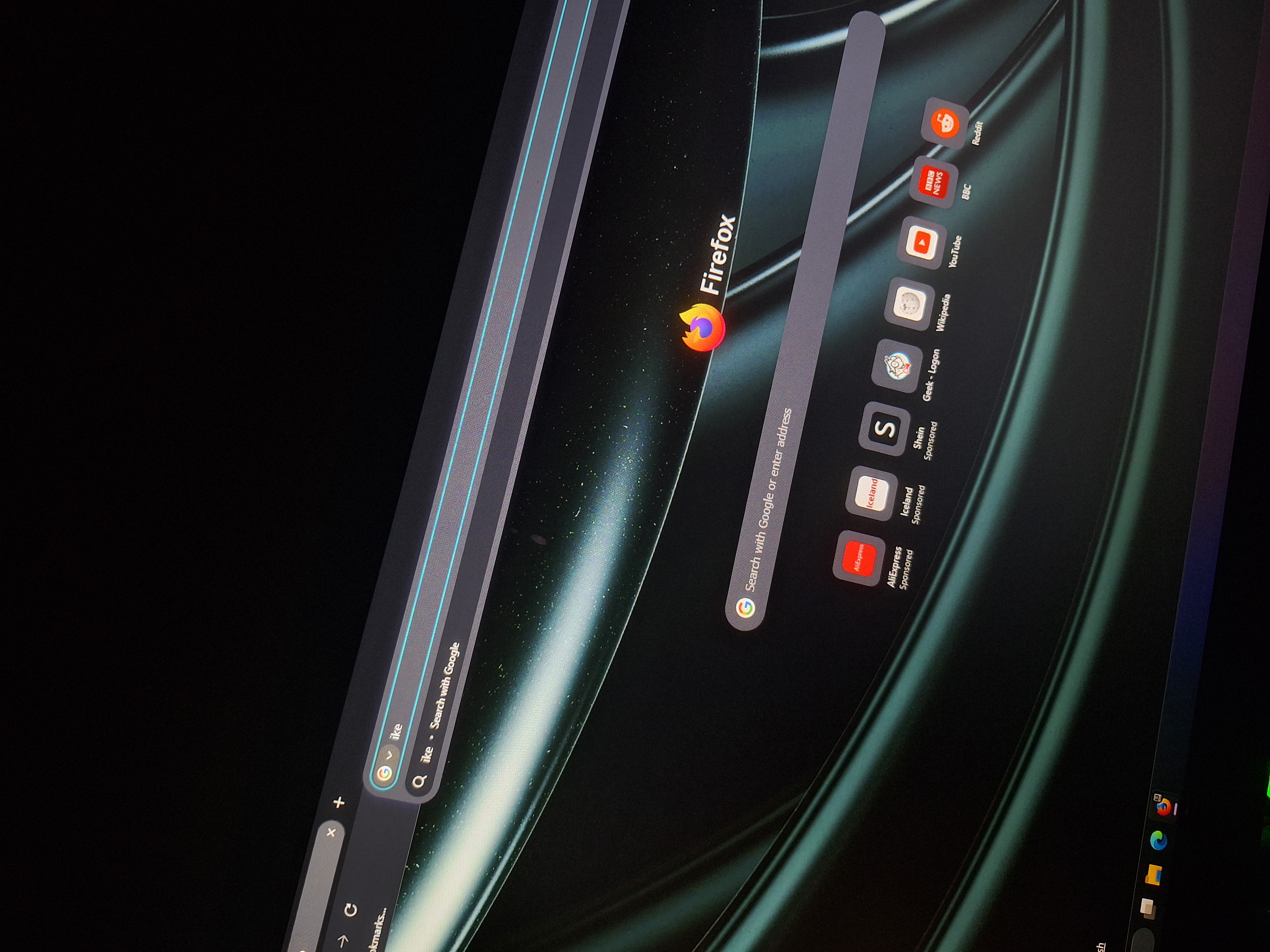
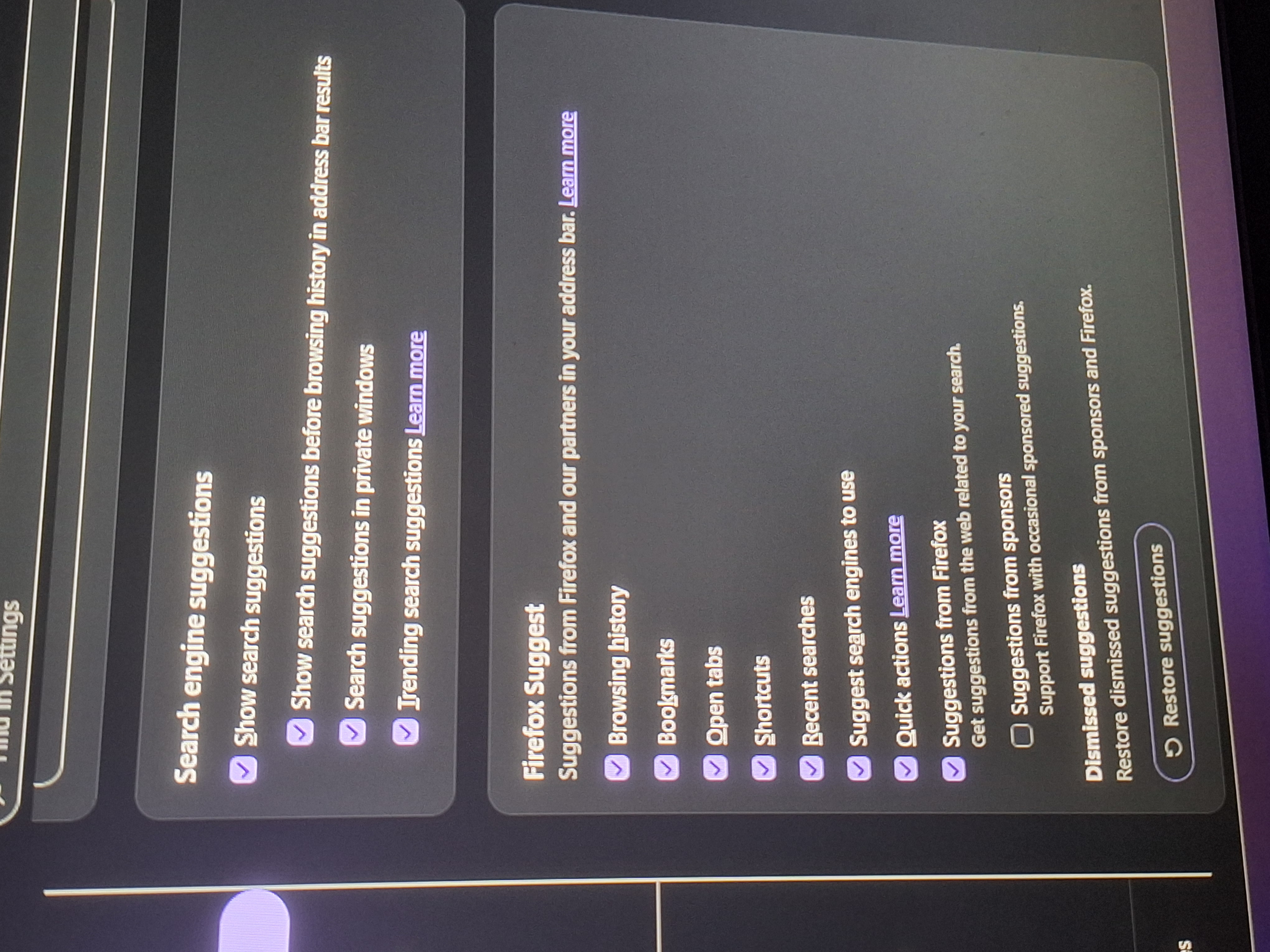
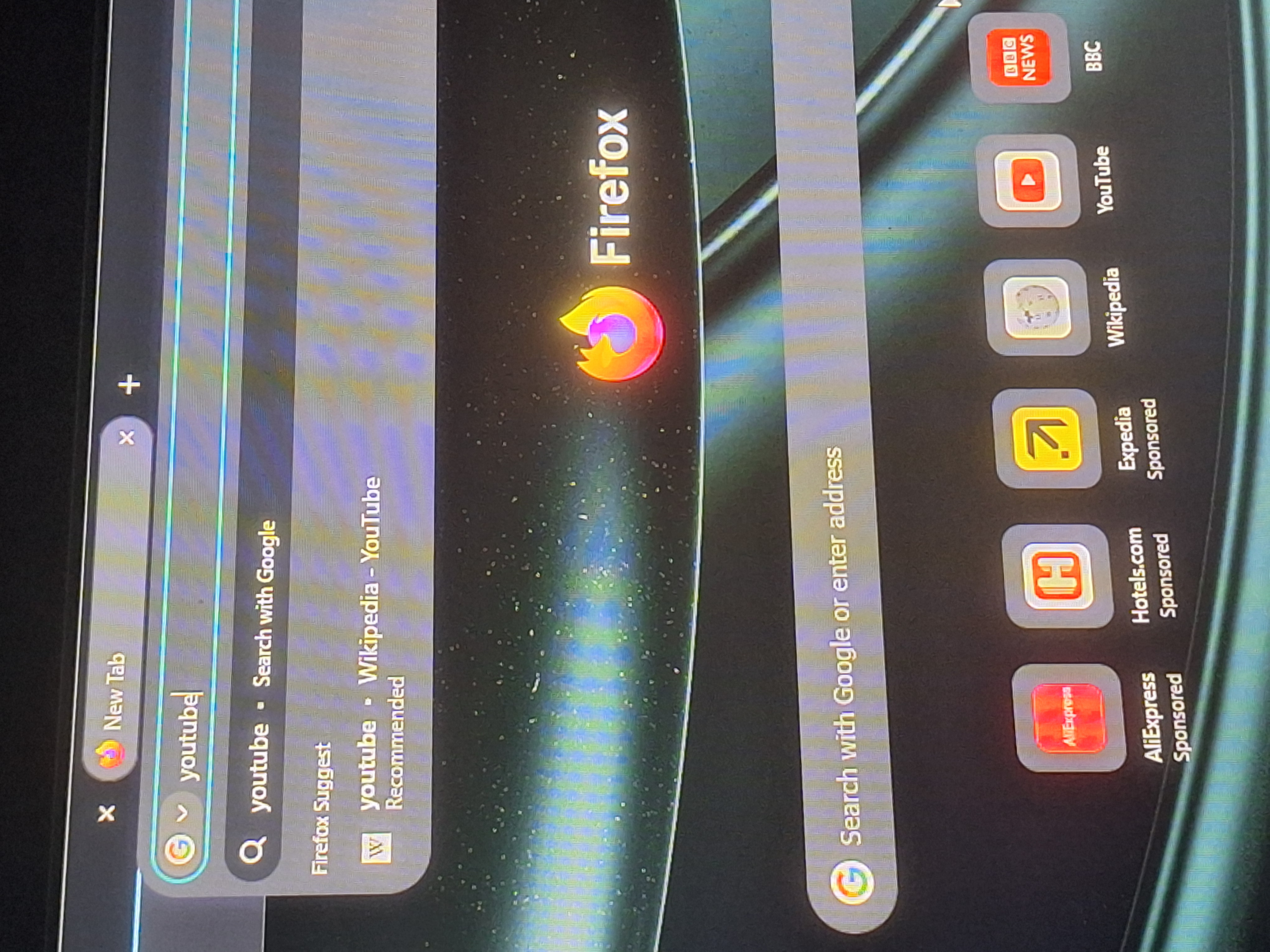
So basically, I turn on the Search engine suggestions on to show it but every time i type it in the search bar to expect search suggestions but seeing nothing in the search bar.
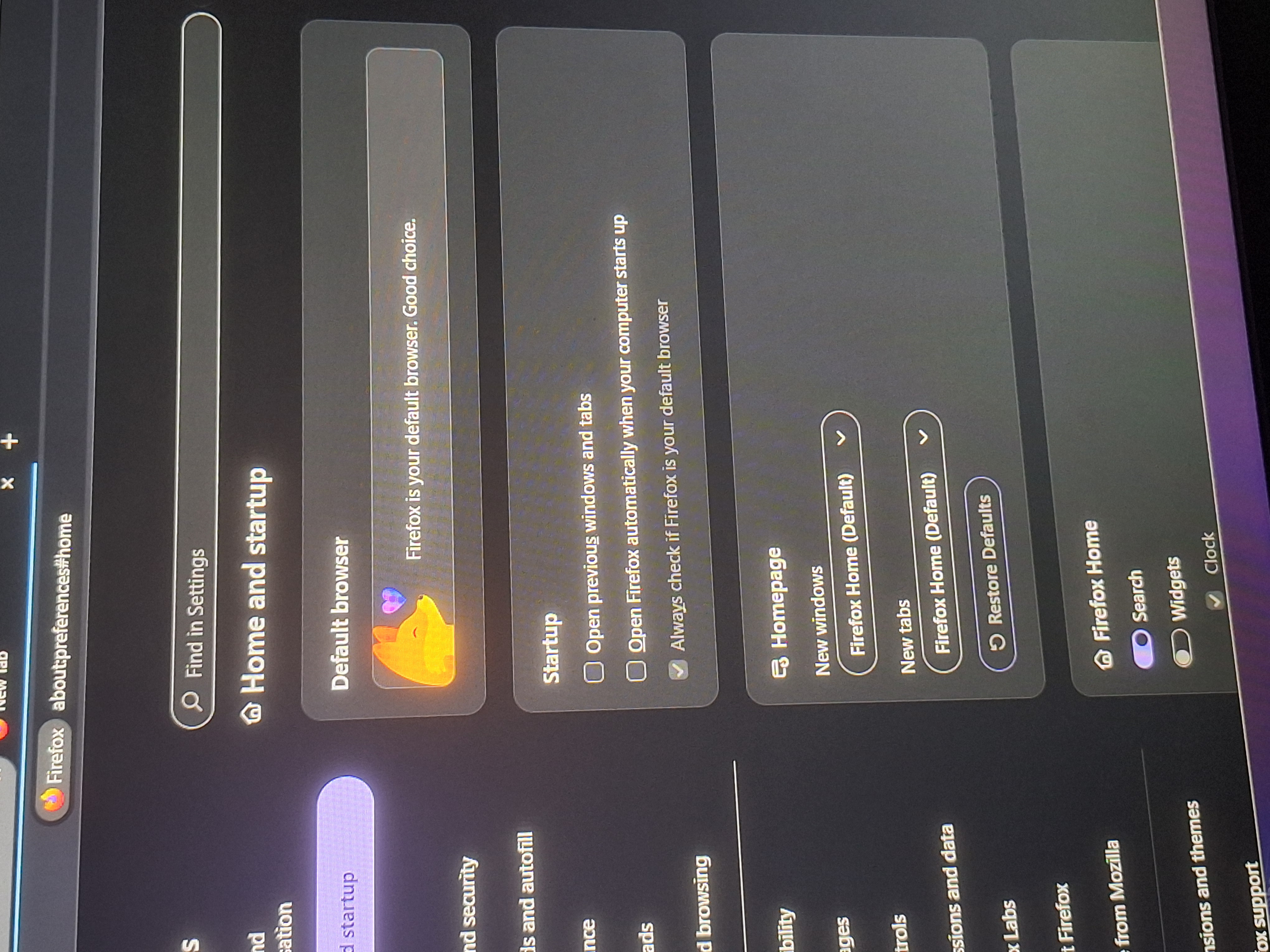
It not only the search engines, i unchecked the "Open previous windows and tabs" but every time i opened up the browser, my previous tabs are opened when I turned off my pc.
I tried to factory restart firefox and ticked the 'Show search suggestions' but when I pressed the search bar and type something, there's no search suggestions on that.
すべての返信 (4)
Hi,
Could you please try running Firefox in Troubleshoot Mode and see if the issue persists?
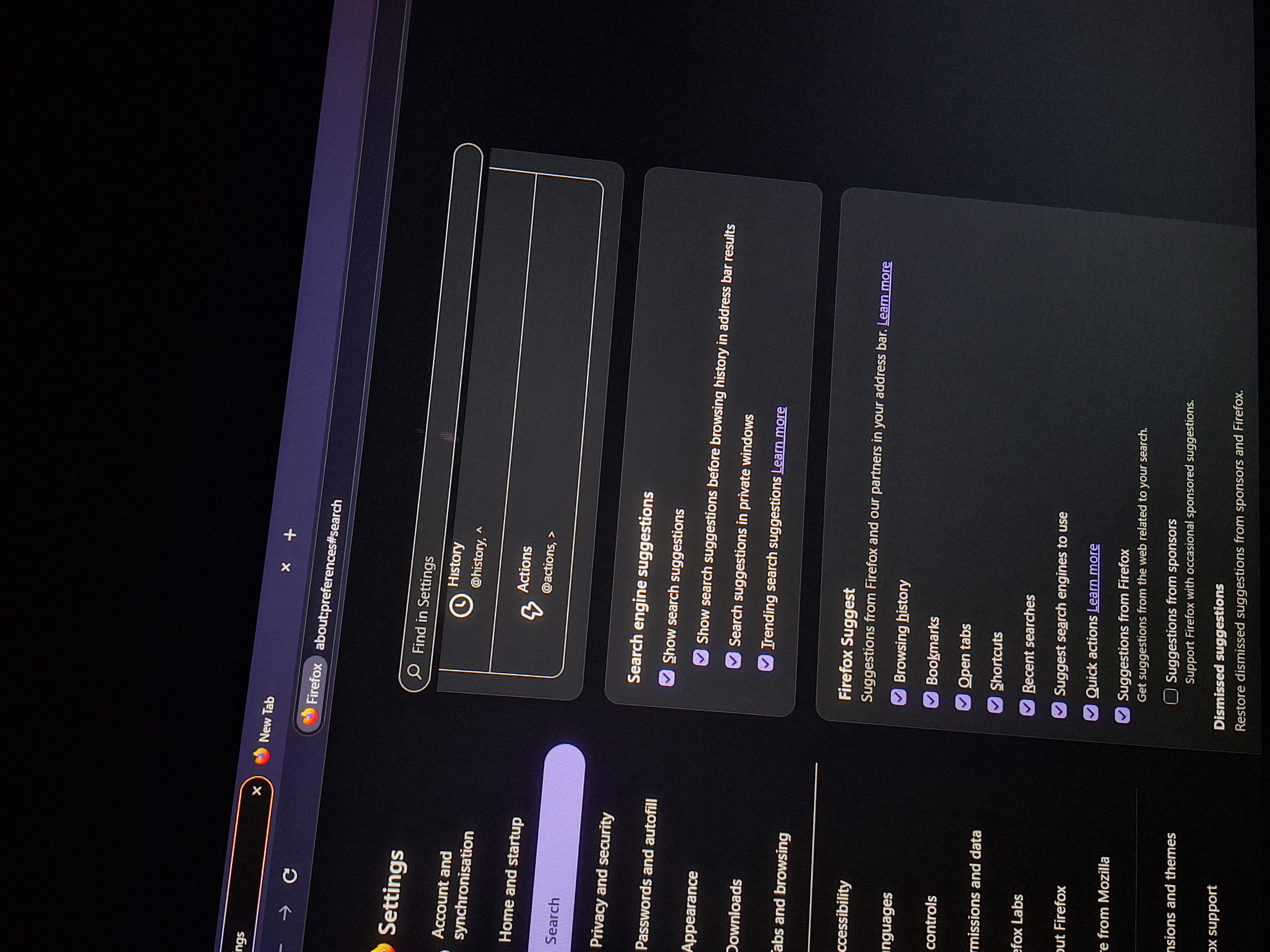
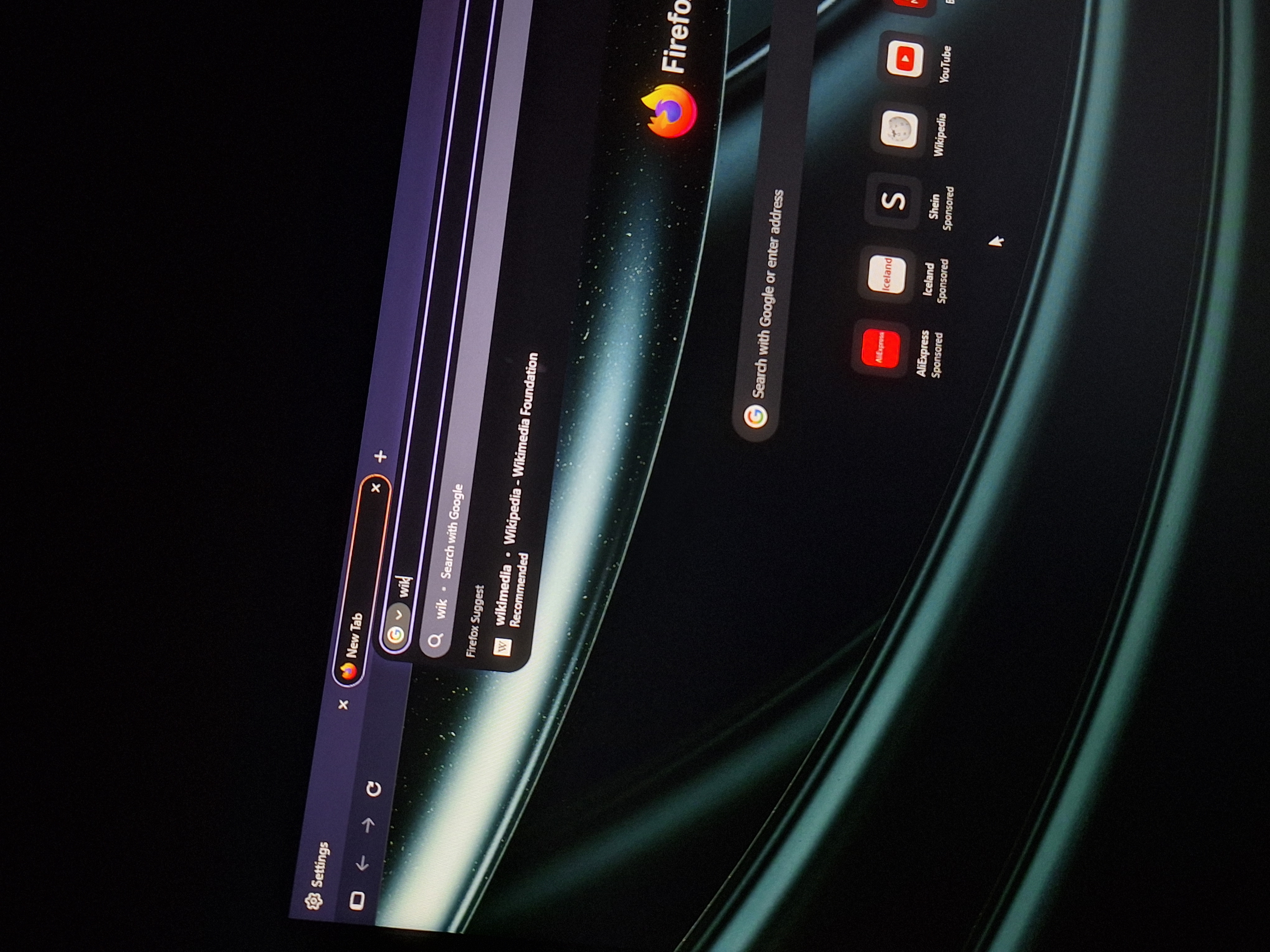
I tried to run it on troubleshoot mode but it won't show the search suggestions even though I put it on
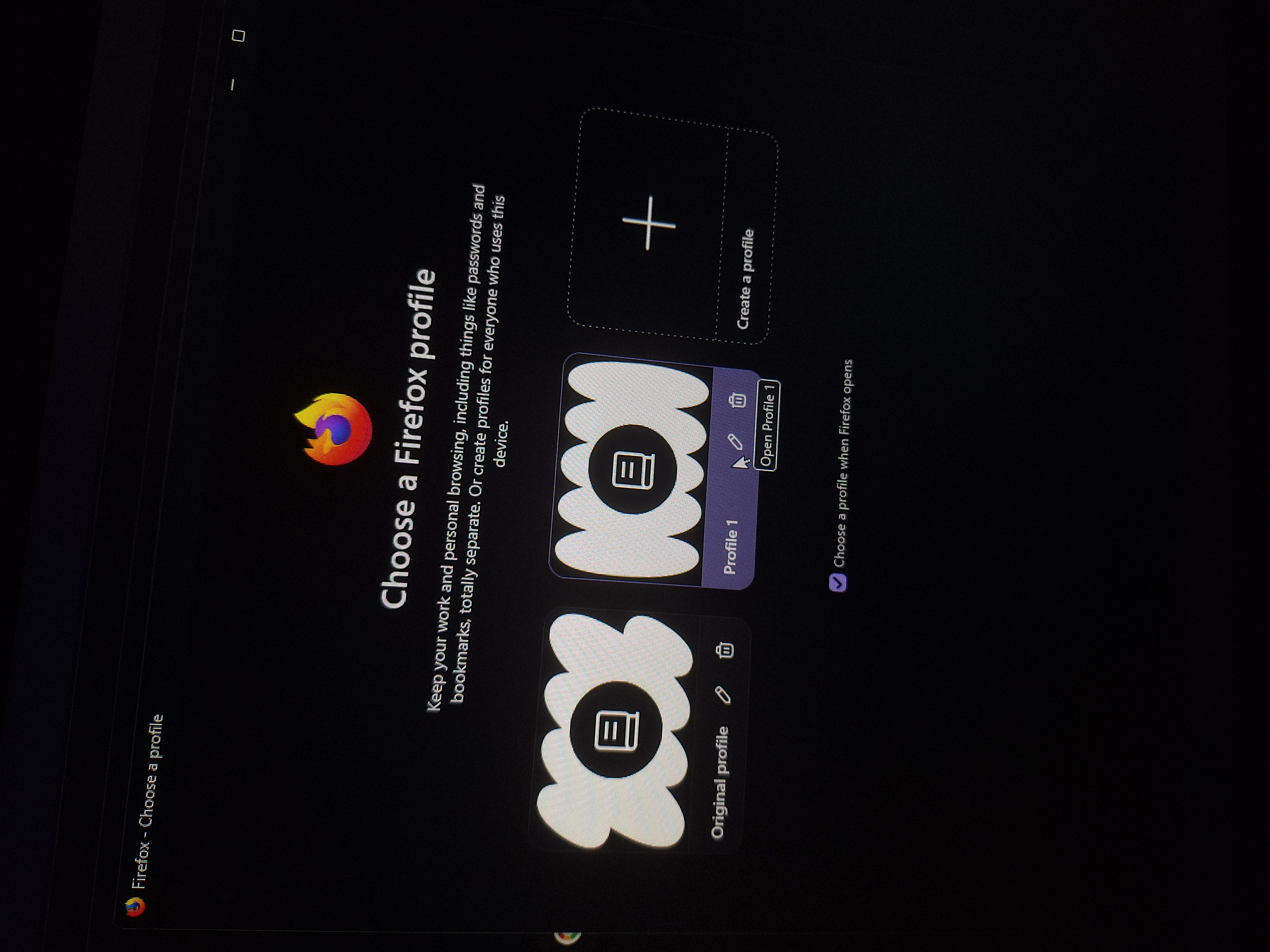
Hmm, that's weird. If the Troubleshoot Mode doesn't fix this, could you please also try creating a new Firefox profile and see if the issue persists there? (Once you check, feel free to delete it)
It's does works on the new firefox profile that I just made, with the search suggestions showing up on the search bar but not on my original profile.