


Websites allowed to install extension still blocked?

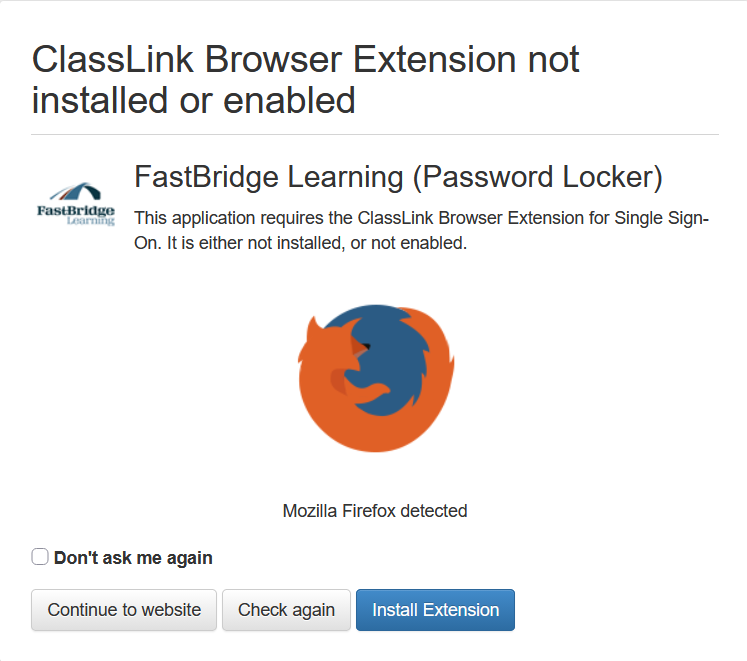
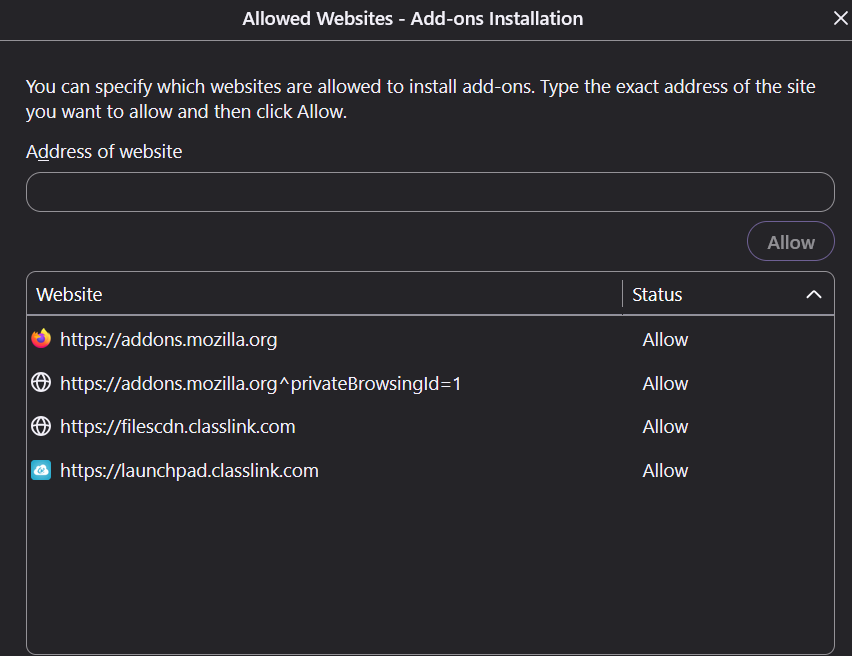
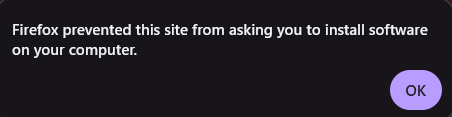
I am trying to install the ClassLink Browser Extension for Single Sign-On from the following URL: https://launchpad.classlink.com/browsersso/741309. This site has been saved under "Permissions and Data-> Allowed websites - Add-on installation" as well as the site that opens when you click the install button. Despite both sites being saved as an approved installer, I am still blocked from being able to install the extension as though the sites are not on the approved list. The extension cannot be found on the firefox extension store, so this is the only way to obtain it that I am aware of. Please help me to resolve this issue, and in the future, work to include an "allow this time" or similar option on the 'blocked installation' popup for sites not on the list, instead of only an "OK" option, so that users don't have to go back and forth through this approval process that doesn't seem to always approve it anyway.
すべての返信 (1)
The issue would usually be on the site handling the user clicks, redirects etc. — and eventually presenting the file as if not requested by the user.
If they give you a direct link to the .xpi file, you can copy that and open in a new tab manually to let you install it, to work around any site woes serving the attachment.