


How to revert to previous UI?

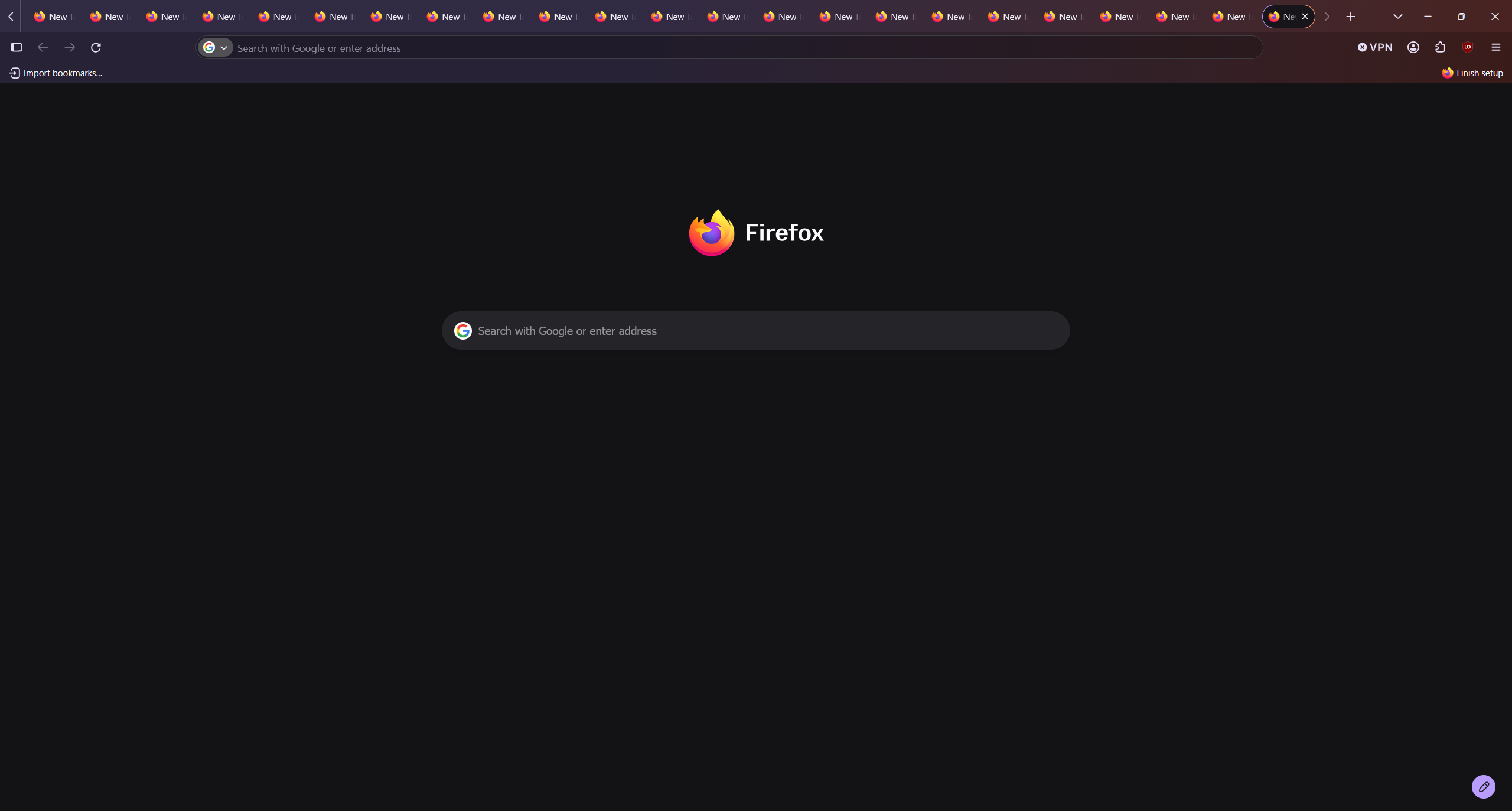
Ok this latest UI appearance change is absolute dog feces. I hate it so much! It's so ugly! How do I change it back? I did not consent for my eyeballs to be assaulted like this. Did I mention it sucks? How do I change it back? 157.0.0.11
すべての返信 (3)
Yes, with every update Mozilla takes away a reason to use and to like Firefox. What is wrong with them? This UI update is absolute dog feces indeed. I managed to get rid of the puke gradient (who the hell though that was a good idea???) by installing a different theme and I shouldn't be installing third party themes for something like this. Now, I want to get rid of the rounded tabs.
I already have to use Chrome for some sites that don't work with Firefox and I don't need a lot to switch permanently and this garbage UI may just be the last straw. If I have to deal with garbage UI I might as well switch to Chrome, at least all websites work with it.
Please bring the option to revert to the old UI.
選ばれた解決策
Web-address bar -> about:config -> ENTER -> search for nova -> double-click the line "browser.nova.enabled" -> "true" should change to "false" Anything else that says nova can be changed to false as well.
この投稿は nunya biz により に変更されました
nunya biz said
Web-address bar -> about:config -> ENTER -> search for nova -> double-click the line "browser.nova.enabled" -> "true" should change to "false" Anything else that says nova can be changed to false as well.
Thank you!!!!!
They need to add this prominently to the main Appearance setting unless their goal is to alienate more users.