


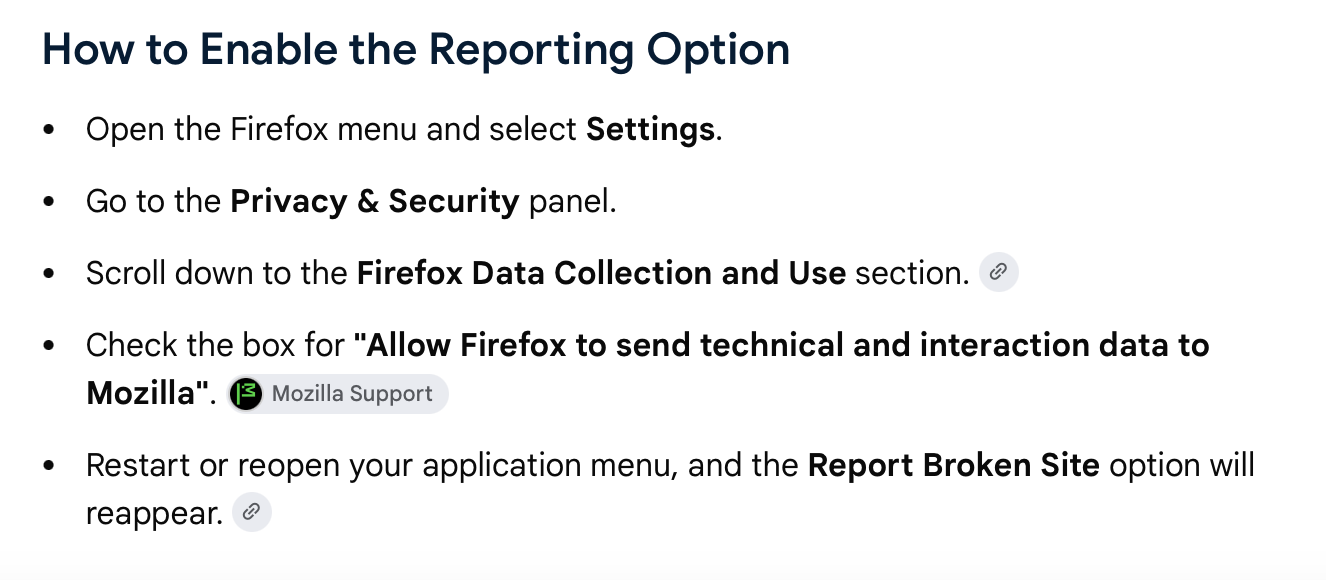
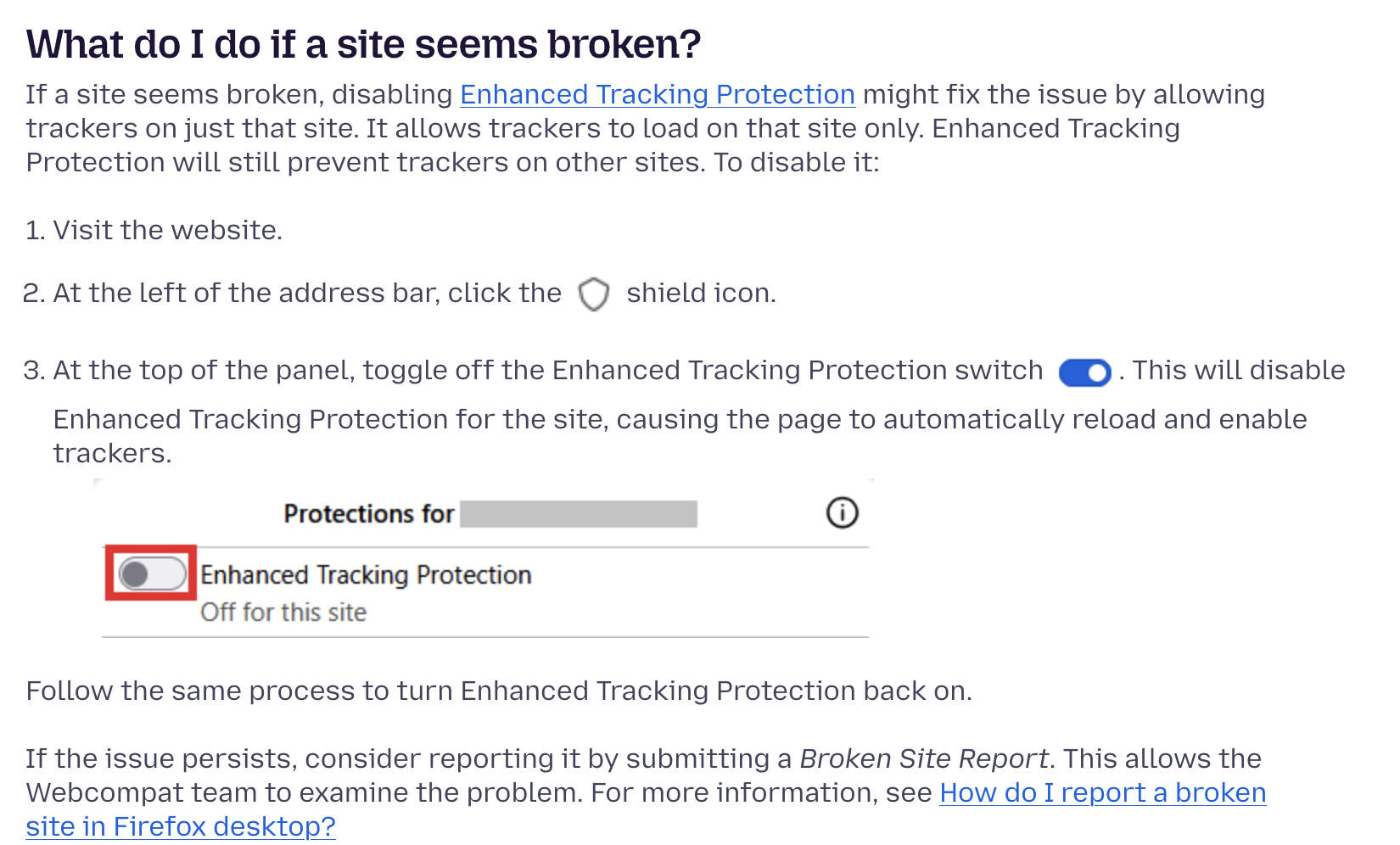
I've tried all the options offered and none of them work. The "Report Broken Site" in settings is grayed out.

The "Report Broken Site" is grayed out in Firefox. I tried all the fixes offered in Firefox. I checked my data settings in Firefox to make sure that Mozilla was included and could receive data. I cleared my history. I restarted my computer. No help. I restarted Firefox. I cleared my history. I restarted my computer. No help. I replaced Firefox. I restarted my computer. I cleared my history. No help. I tried the fixes offered on Google. I cleared my history. I restarted my computer. No help. Nothing seems to be working. Is there any help out there?
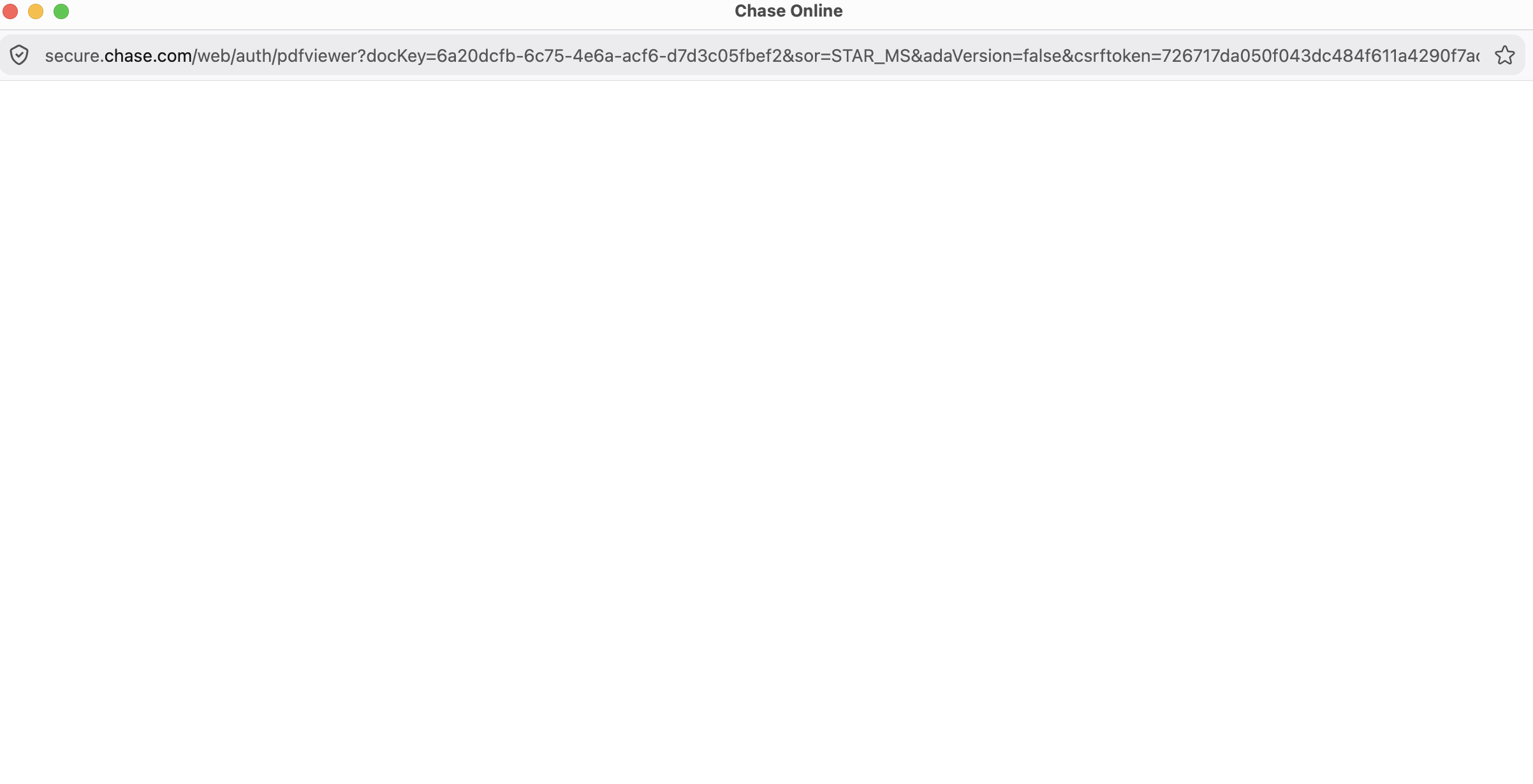
This is what I get on the Chase site in question when I look to see my statement. @ secure.chase.com/web/auth/pdfviewer?docKey=21743136-8056-4785-a682-0fd001b36caf&sor=STAR_MS&adaVersion=false&csrftoken=fdaab518f892e949fe5eef858b07f7eb 3 The page where the statement is supposed to be visible is blank.
It downloads the statement instead. I have been able to see the statement online previously, but now I can't. Would like to be able to see it.

すべての返信 (1)
It's possible the site changed their code and is serving downloads instead of just content to view.
People also had addons interfere with how banking sites' statements/PDFs work. Can you e.g. open this one? static.mozilla.com/foundation/documents/mf-articles-of-incorporation.pdf
If you log in to your bank after restarting into Troubleshoot Mode (from Help menu), is there any improvement regarding the PDF statements?
(Equally, it something's blocking Telemetry, e.g. for "privacy" purposes, the site reporter won't work — can you also check it in Troubleshoot Mode if it's still disabled for you?)