


How do I put emails in my inbox back into chronological order

Hi, I was trying to find a particular email and was playing with a couple of filters. I ended up with all of my inbox in alphabetical order. In other words, all the senders' names starting with A are at the top, and conversely all the Z' s are at the bottom. How do I put them back in the order received please? Many thanks, John.
すべての返信 (5)

See the menu option <View | Sort by | Date>. If the menu is hidden, press <Alt> or <F10> to reveal it.
If you're message list is using Table View rather then Cards View, you can click on the column header to sort by that column.
Hi Lin, thanks for answering my question, however when I click on "view" I only get Toolbars, Layout and Folders. No sorting option.
Look again. It's there. See the attached image. Make sure you have selected a folder in the Folders List first.
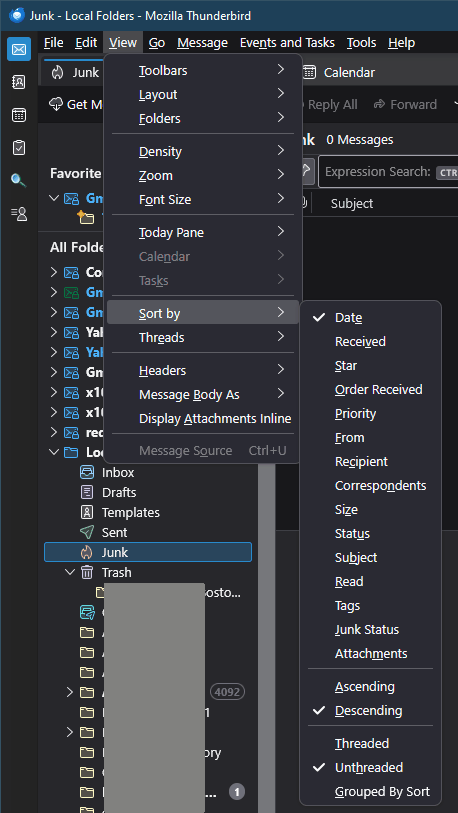
Boy, I have no idea of what's going on here Lin, but I do not have all those options at the top of my page. In fact, I have none of them. Your version looks completely different to mine. I will try real hard to do a screen shot and send it to you, cheers.
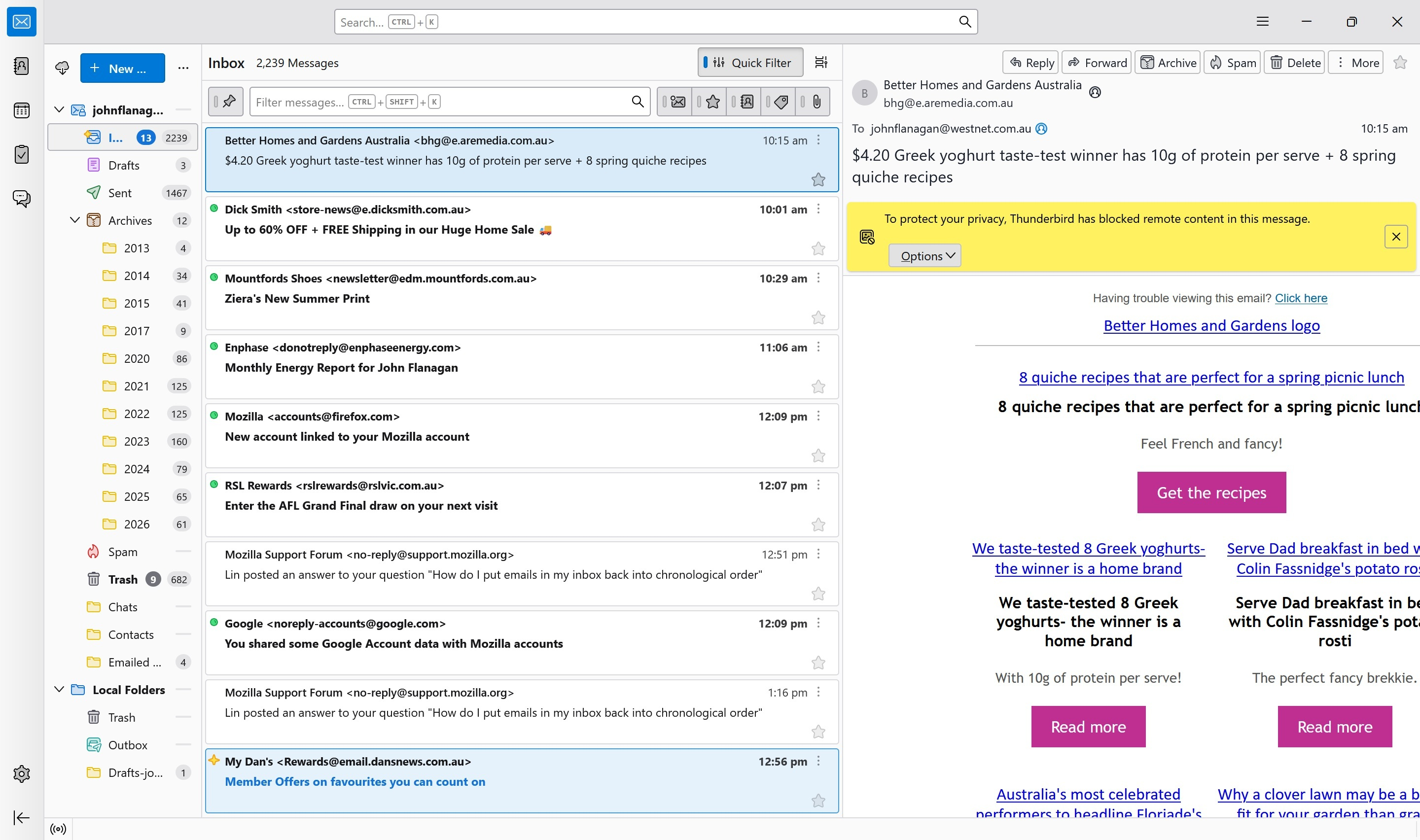
I think your menu is hidden. As I mentioned, press <Alt> or <F10> to reveal it.
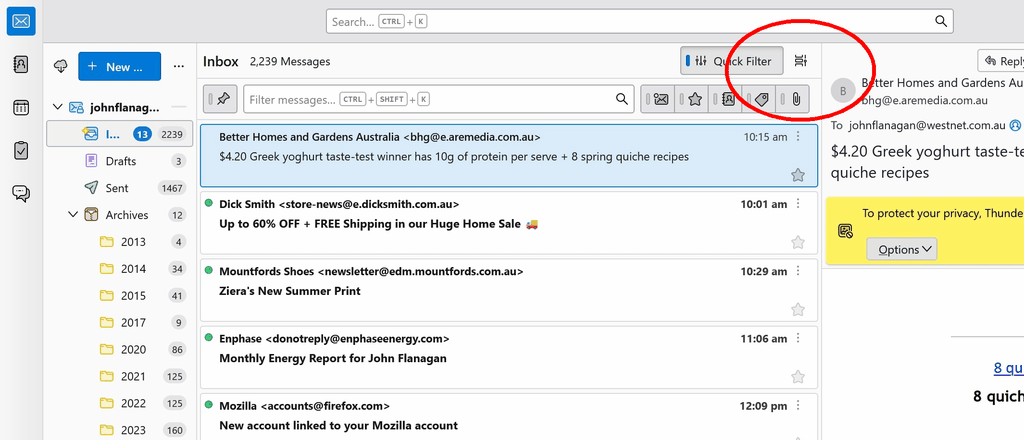
There's also a secondary menu under the little "card view" icon that shows similar options. See attached image...
この投稿は Lin により に変更されました