


thunderbird 128.7.1esr (64-bit); Missing 1000s of emails from my "Sent" folder and cannot be recoveredd through [Sent Folder]>Properties>General Information>Repair Folder

Thunderbird 128.7.1esr (64-bit) on Windows 10 PC. Upon going to my Sent Folder, I find only 2 emails (both sent today) rather than the several thousand that were there previously. This may have occurred due to a power outage system shutdown. Regardless of the cause, the problem exists. I tried to compact the folder with no success. I tried to repair the folder (under folder properties > general information > repair folder) with no success. Still only 2 emails are shown in the Sent Folder. BUT the emails still exist, because when I use the Quick Filer to search for a person to whom I've sent emails, the old emails show up! So how can I get all these "invisible" emails to be visible in the Sent Folder? Thanks for your help on this! Rich
すべての返信 (3)
That search goes to the global index file, not to the messages themselves.
David - Thanks for your response! That helps, but there's more than just index data available:
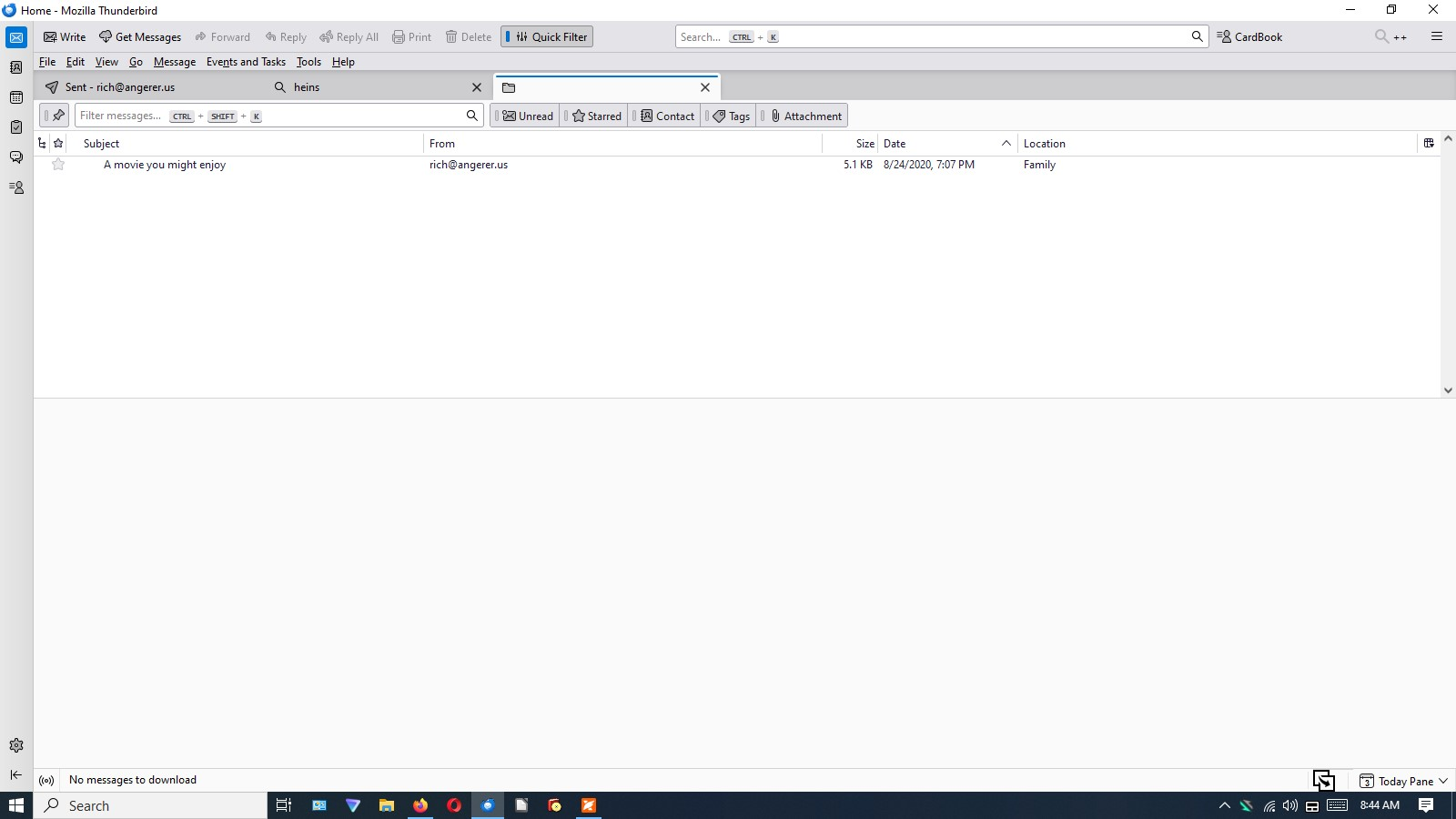
When I do a quick search and the emails are found (via the global index file), I can click on any of the search results and Thunderbird creates a new tab for the email (see the attached screenshot).
I can then left-click the email and view the entire email, or right-click the email and copy it to the Sent Folder (completely intact).
Given enough time and energy to do 1000s of quick searches, this would repopulate the Sent Folder, but it's obviously unrealistic to do so.
So...
- Is there any way to do this for all of the emails that the global index 'sees' but the Sent Folder doesn't?
- Is there any other method of having the Sent Folder reindex these emails, because they are apparently all there?
Thanks!
Rich
I wouldn't give up yet. Try this:
- click help>troubleshootinginformation
- scroll to 'profile folder' and click 'open folder'
- this puts you in profile. back up one folder until you are in the Profiles folder
- now, click into the profile folder. That may contain multiple folders, each of which is a profile. Browse each of them, looking in the Mail folder for any POP accounts and in the Mail\Local Folders folder for any local folders. If any exist, they will be in those folders.