


Firefox keeps taking me off websites and takes me to Recent Browsing

Whilst on various websites, reading articles or even on Gmail, Firefox takes me off them and takes me to Recent Browsing and I have to click on the website from there - this happens frequently.
すべての返信 (3)

You mean you have multiple tbs open and have to go back to another ?
.This morning I had 3 tabs open & when on Gmail the screen went white, then opened Recent Browsing. So I can either click on the Gmail under Recent Browsing or click back on my Gmail tab, This happens frequently & not just on Gmail. I have attached a photo showing my screen when it happened this morning. I just want to stop this from happening as it's very annoying! Thank you,
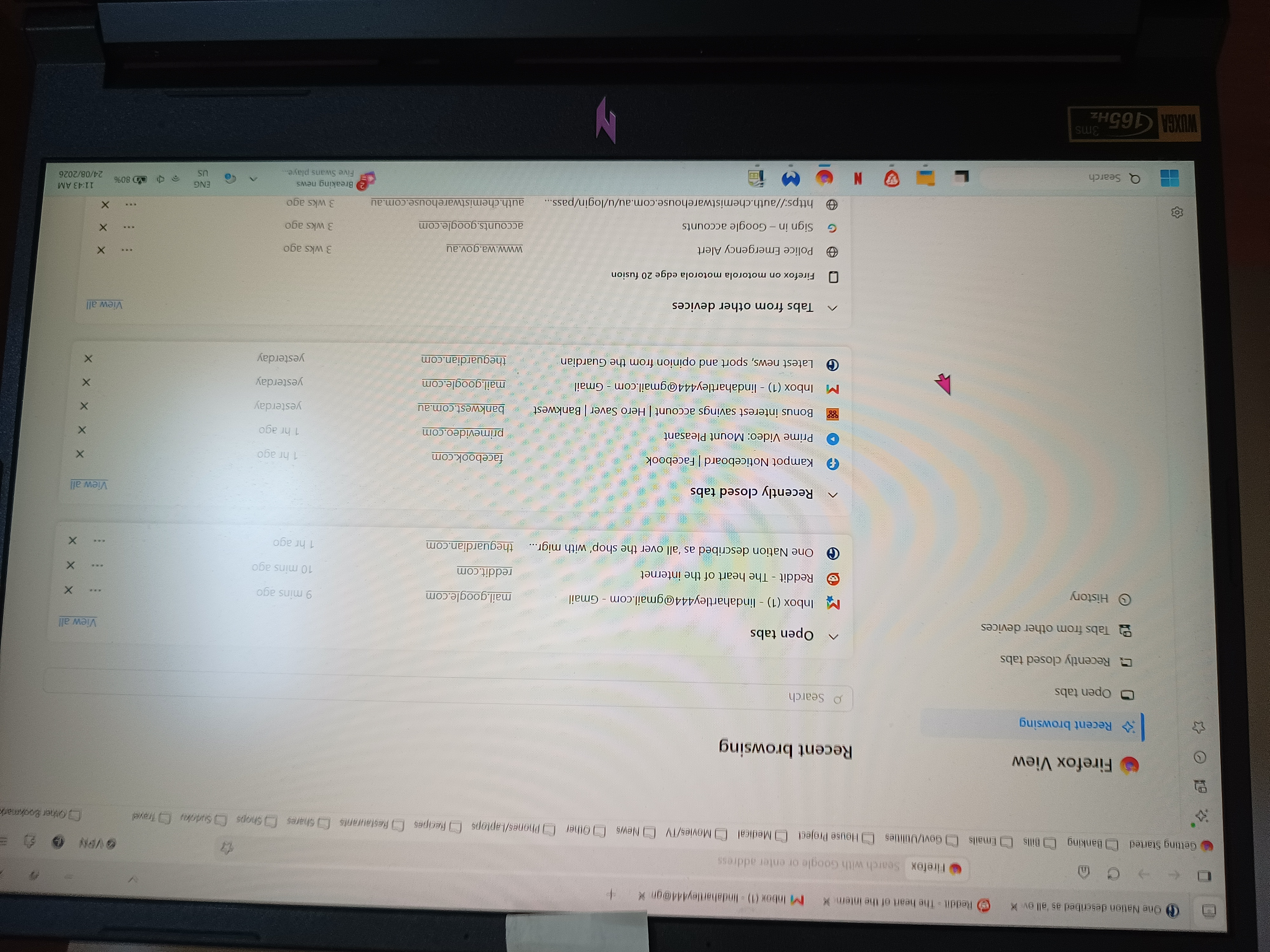
This page is called "Firefox View" and can be opened from e.g. the toolbar or some of the menus. Normally I'd guess it has a keyboard shortcut attached, and you're using some Gmail shortcuts that collide with it and open that view for you instead… however on my system that functionality has not key combo listed, so it doesn't seem it can get triggered that way.
Could you elaborate a bit more about the "screen went white" moment, how does that happen, is that only in the browser, or on the page/tab, or the whole PC screen changes etc., to help understand the circumstances? Thanks!