adding Thunderbird to mailto links

Using Thunderbird for Android on my phone to access several email accounts. But it's not showing up as an option for mailto:: links in Firefox (my default browser).
Is there a setting I'm missing?
すべての返信 (1)

Does the issue only occur in Firefox. Can you test using another browsers or app supporting mailto links?
What happens when you click a mailto link?
- Nothing happens
- You're redirected to a web page in the browser.
- The link opens in another app such as gmail.
- You see a message saying no app can perform this action.
Firefox
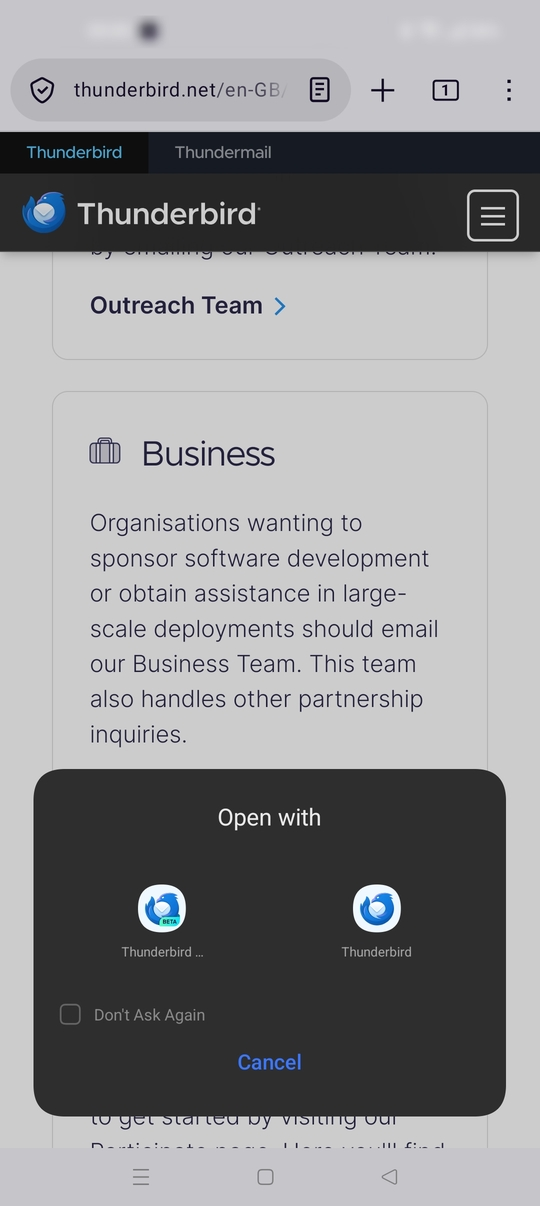
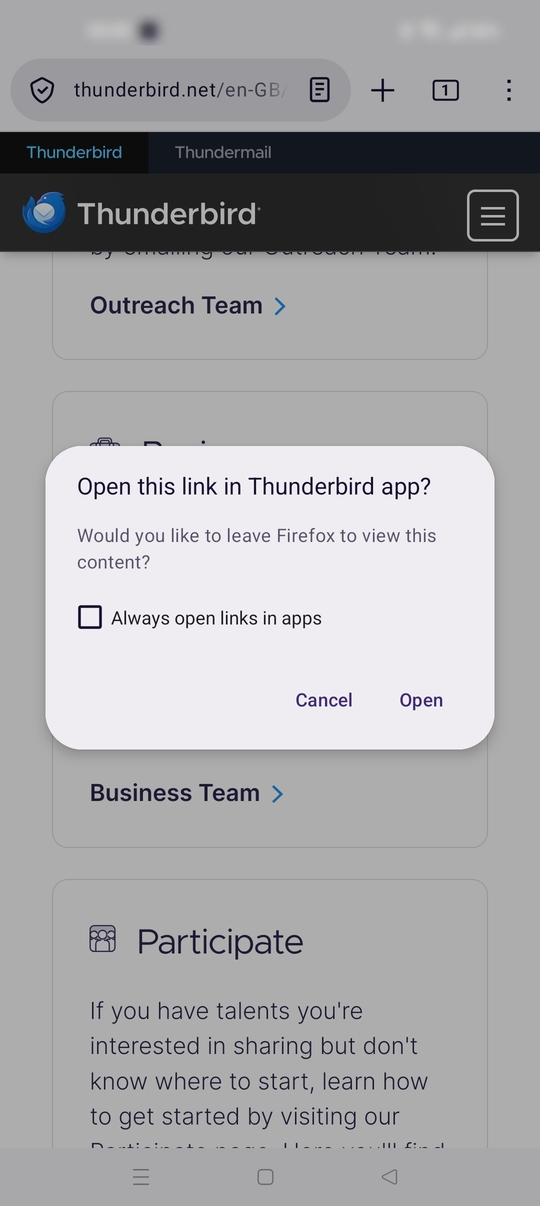
Firefox has some quirks around mailto links. When clicked, Firefox requests confirmation before passing to androids link handling. If you cancel the prompt, clicking the link again does nothing until you close the web page or browser. See screen shots.
Android
When clicking a mailto link, Android normally opens a box allowing you to select which app to open the link with. If you've previously set a default app via this box (ticked don't ask again), it will open automatically.
To reset this default app so you can pick Thunderbird ...
- Open Android settings > Apps.
- Tap the name of the app currently opening mailto links.
- Look for "open by default" or a similar setting (varies by phone / Android version).
- Tap clear default preferences.
There's no in app setting within Thunderbird Android to enable / disable its link handling.