Open
Firefox history configuration

Hi I noticed that some old links in my history are automatically deleted. How to configure expiration rules (if possible) in order to keep links forever, until manual deletion? I know that links can be saved in the bookmarks, but when browsing the Internet, unless bookmarking everything :(, no one knows if a link can be useful in the future.
Thanks for your help
Hi
I noticed that some old links in my history are automatically deleted.
How to configure expiration rules (if possible) in order to keep links forever, until manual deletion?
I know that links can be saved in the bookmarks, but when browsing the Internet, unless bookmarking everything :(, no one knows if a link can be useful in the future.
Thanks for your help
すべての返信 (2)
For information, https://support.mozilla.org/en-US/questions/1521409
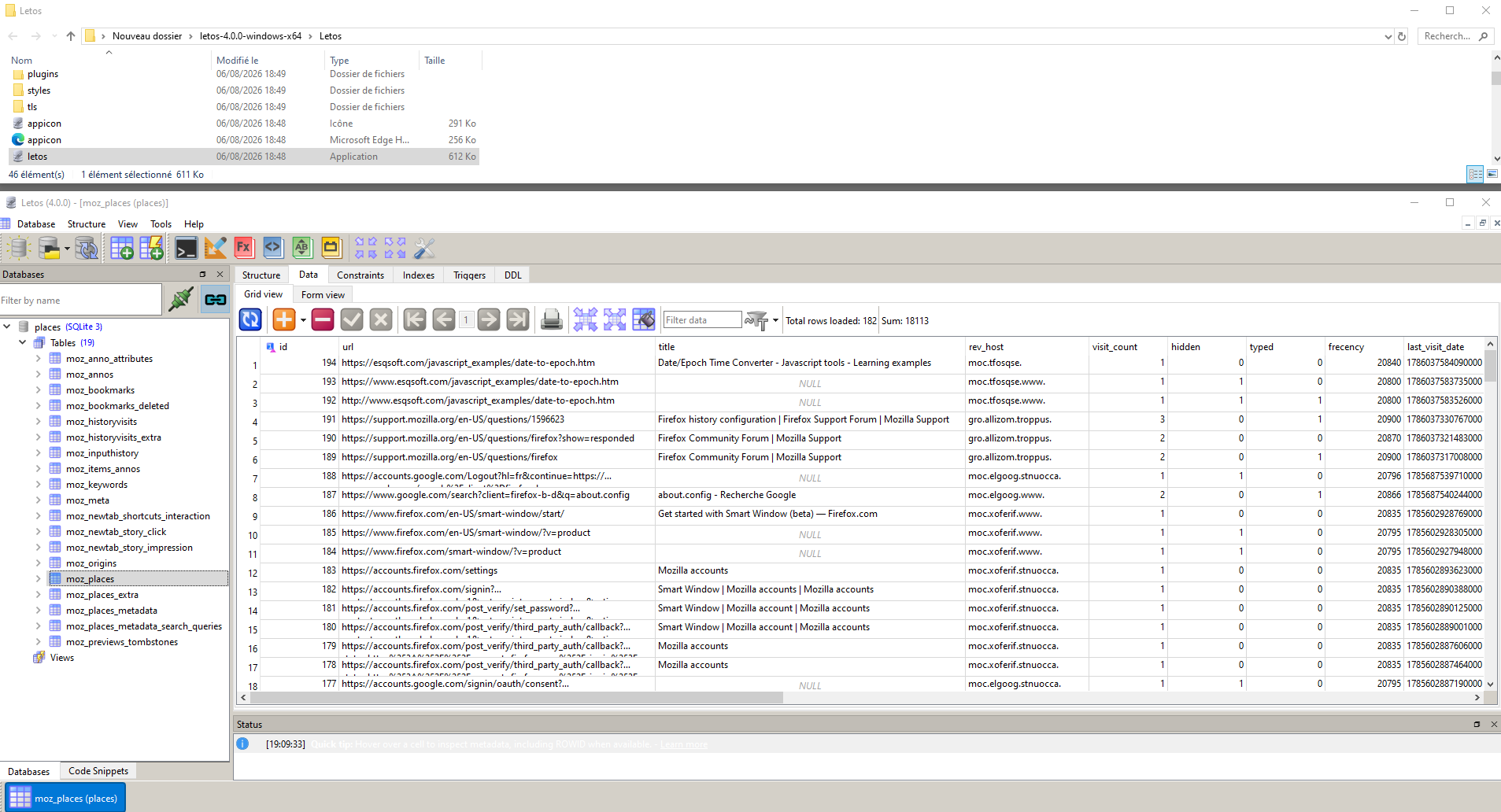
letos application