


Cannot import bookmarks from csv file on Firefox for Android 153

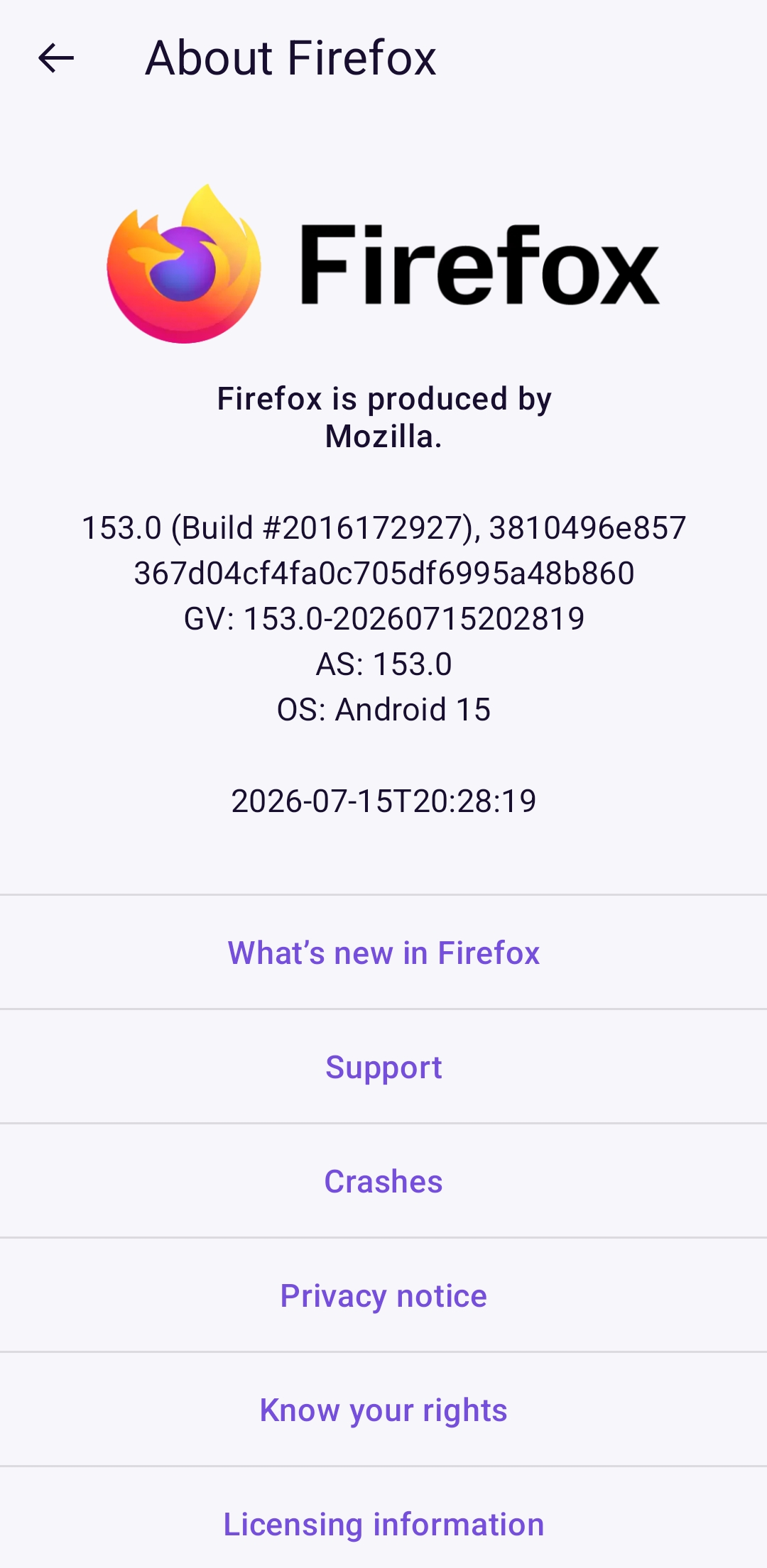
I have installed version 153 of Firefox for Android (see attached screenshot).
The release notes say that it supports importing bookmarks from csv files. https://support.mozilla.org/en-US/kb/importing-bookmarks-firefox-android says to tap bookmarks and then tap the menu icon at the top.
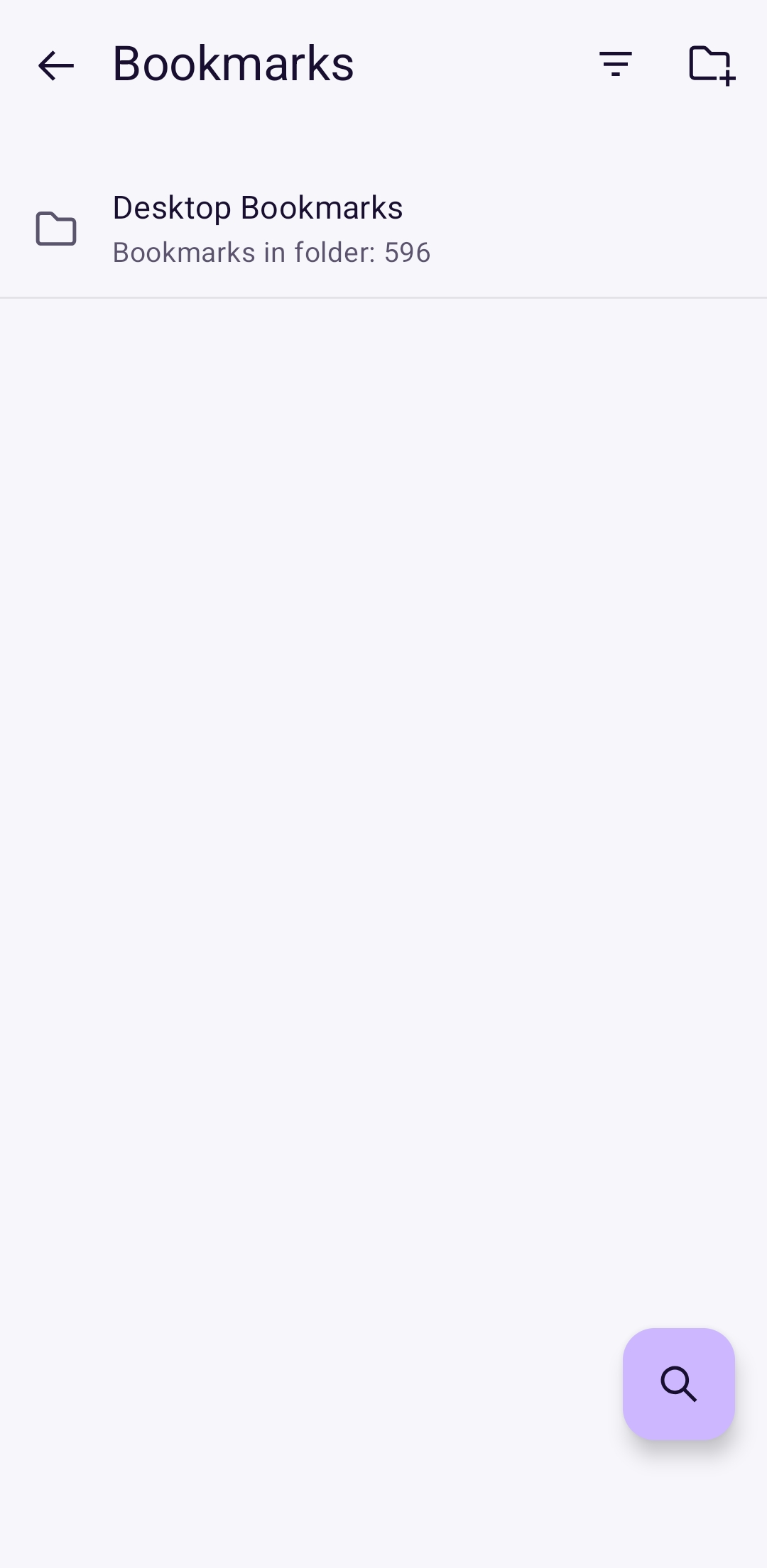
When I go bookmarks THERE IS NO MENU ICON (see attached screenshot).
What is going on?
選ばれた解決策
Hi again,
You are asking very good questions... The article should mention HTML instead of CSV and will be updated. Thank you very much for spotting this!
Regarding HTML bookmark export, here's an article: Export Firefox bookmarks to an HTML file to back up or transfer bookmarks (and see also wxie's reply above). Other browsers should also use the same file format.
すべての返信 (14)

It's strange. Mine has the three-dot menu icon. Have you tried to restart your system?
Just tried restarting system. No joy.

I don't have the option either. None of the v153 features seem to be enabled in thr stable release.
I see you use Android 15, and mine is 14. Maybe this is a bug.
Submitted as Bug 2057796
Hi
Just a quick note to say that we are looking into this with Mozilla staff and hope to be able to provide an update when staff return to work next week.
Hi,
There was an issue which should now be resolved, and the feature should be available. Could you please check? (You may need to force-restart Firefox and make sure you have Remote improvements.)
I can now get the option to import bookmarks from a file.
Next questions: - where is the csv file format documented? - how can I get Firefox for Windows to export one?
I believe that the structure of the file that can be accepted is as if it had been exported from a desktop browser.
See my second question: how can I get Firefox for Windows to export one?
You can download and install Firefox if you have a windows PC: https://support.mozilla.org/en-US/kb/how-install-firefox-windows
You can also do it if you have a GNU/Linux PC: https://support.mozilla.org/en-US/kb/install-firefox-linux
My question was *not* how to install Firefox on Windows -- it was how can I get Firefox for Windows to EXPORT A CSV BOOKMARK FILE in the format that Firefox for Android can import?
この投稿は mozilla647 により に変更されました
Ok. In Firefox:
menu - bookmarks - manage bookmarks - import and backup - export to HTML file
same menu as import
選ばれた解決策
Hi again,
You are asking very good questions... The article should mention HTML instead of CSV and will be updated. Thank you very much for spotting this!
Regarding HTML bookmark export, here's an article: Export Firefox bookmarks to an HTML file to back up or transfer bookmarks (and see also wxie's reply above). Other browsers should also use the same file format.