


How do I adjust my settings to enable me to access Nectar

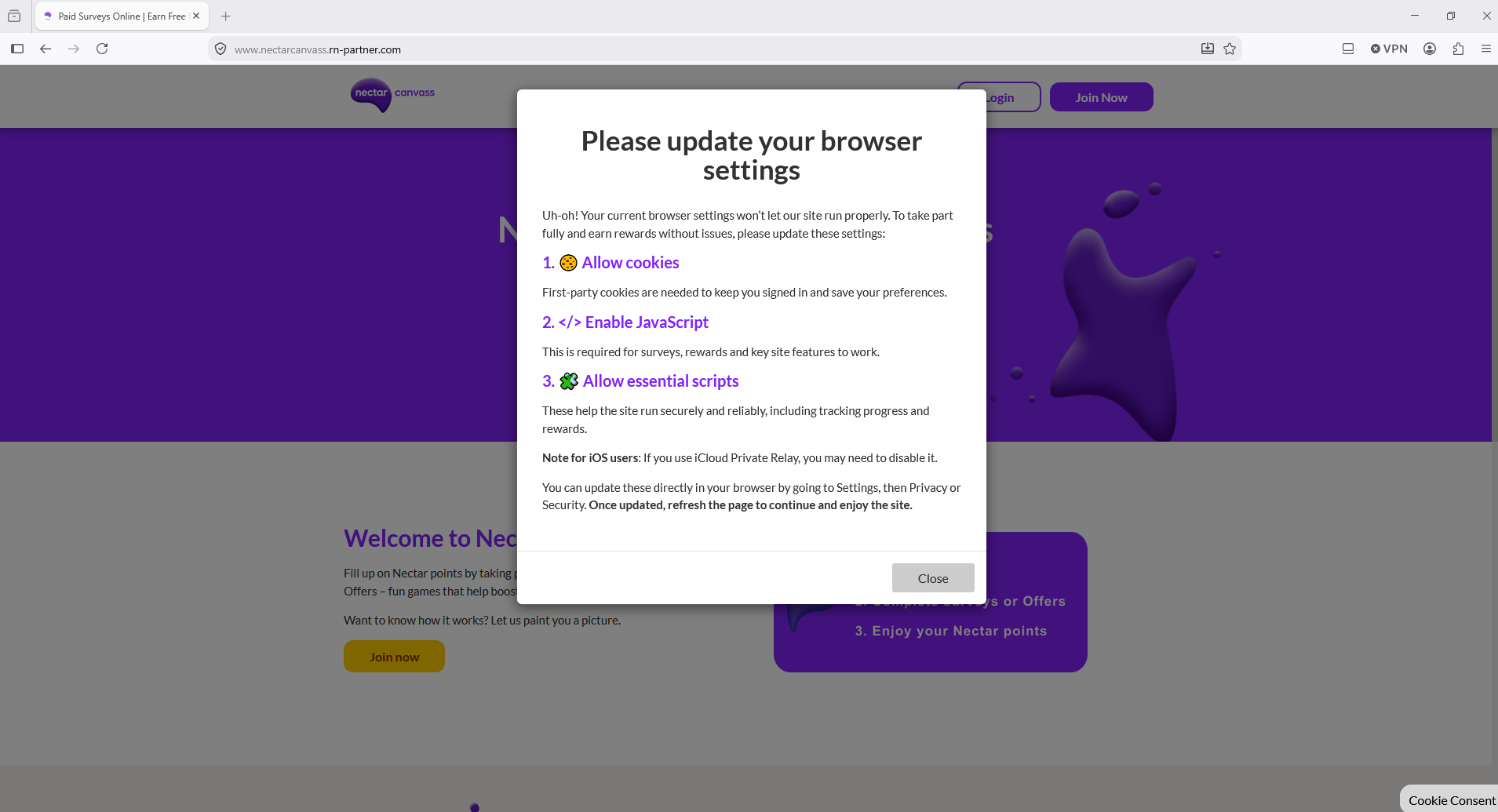
I want to access Nectar but I keep getting this message Please update your browser settings. How exactly do I do this? bold text Uh-oh! Your current browser settings won’t let our site run properly. To take part fully and earn rewards without issues, please update these settings: 1. 🍪 Allow cookies
First-party cookies are needed to keep you signed in and save your preferences. 2. Enable JavaScript
This is required for surveys, rewards and key site features to work. 3. 🧩 Allow essential scripts
These help the site run securely and reliably, including tracking progress and rewards.
Note for iOS users: If you use iCloud Private Relay, you may need to disable it.
You can update these directly in your browser by going to Settings, then Privacy or Security. Once updated, refresh the page to continue and enjoy the site.
すべての返信 (1)
Hello
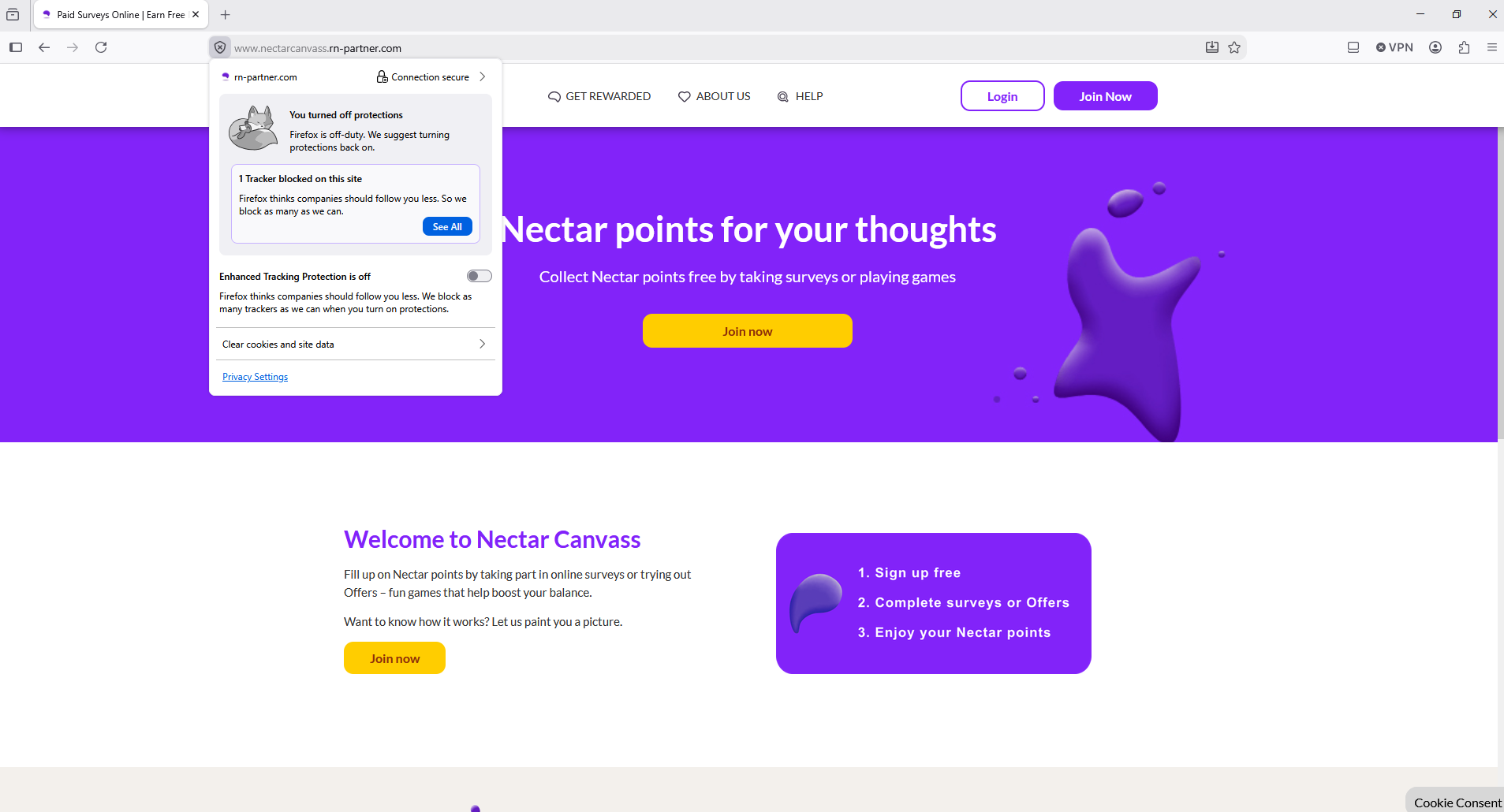
Enhanced Tracking Protection in Firefox https://support.mozilla.org/en-US/kb/enhanced-tracking-protection-firefox-desktop
Adjust your global Enhanced Tracking Protection settings ?
What to do if a site seems broken
この投稿は Agent virtuel により に変更されました