


Firefox appears in all desktops

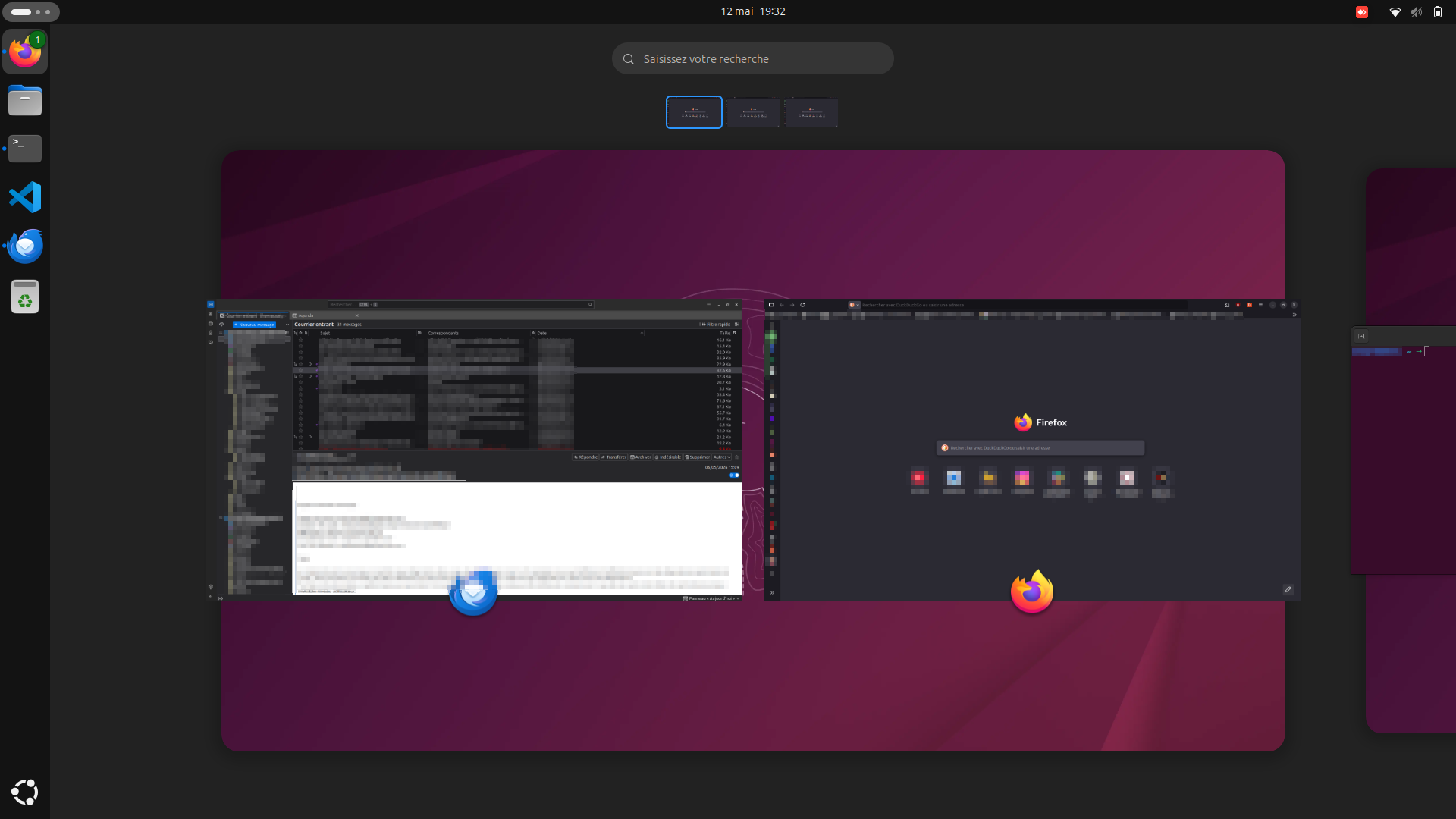
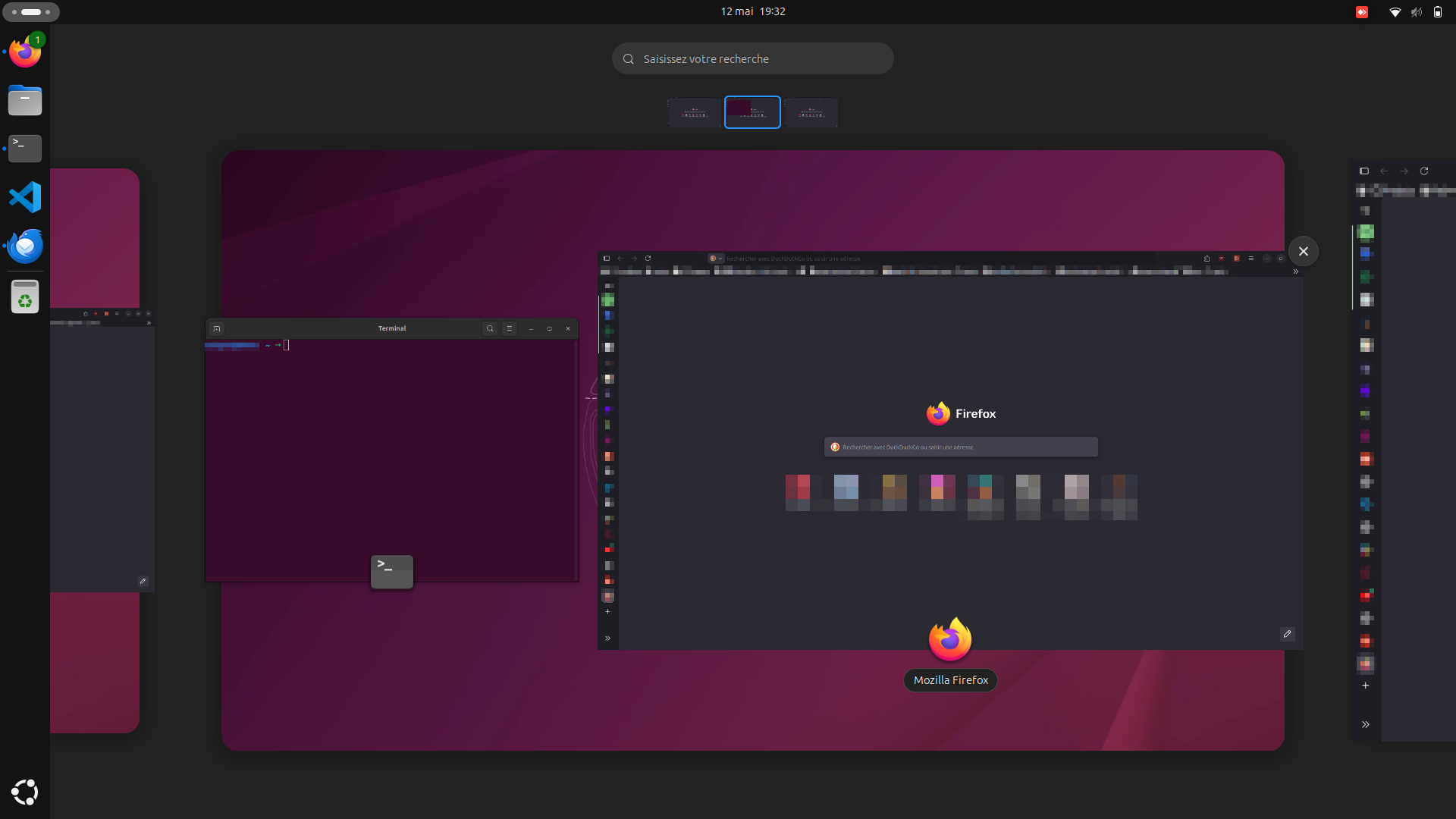
When I try to use multiple desktops to arrange the opened windows, the window of Firefox is present in all of them, even the last one, which is usually totally empty (and when we drag a new window in it, a new empty desktop is created).
You can find attached screenshots of my three desktops, where Firefox appears (I blurred all info that could be sensitive, I hope I did not miss any !).
Is there a setting to unset this ?
NB: this is a duplicate of a post I made on askUbuntu, but it seems that this issue is more Firefox related than Ubuntu... And I did not manage to fix it with the answer provided there, so I'm trying my luck here !
NB2: oops, i just noticed that I inserted this question in the wrong topic (android), it seems that I cannot change that... I anyone see how to do it let me know !

この投稿は Thomas により に変更されました
すべての返信 (2)
Hi try these, maybe they will help you
Go to about:config
Search for: widget.prefer_windows_on_current_virtual_desktop Change it to true
If it doesn't work try widget.disable-workspace-management = true
Read https://support.mozilla.org/el/questions/1536551 https://bugzilla.mozilla.org/show_bug.cgi?id=1994825
George Kitsoukakis said
Hi try these, maybe they will help you Go to about:config Search for: widget.prefer_windows_on_current_virtual_desktop Change it to true If it doesn't work try widget.disable-workspace-management = true
Thanks for your answer ! It did not work for me, but oddly this issue does not occur at every time... Yesterday I have this, but not today, maybe this comes from the configuration of the computer that is somehow updated...
この投稿は Thomas により に変更されました