


got an update for thunderbird now have a different program removed all settings

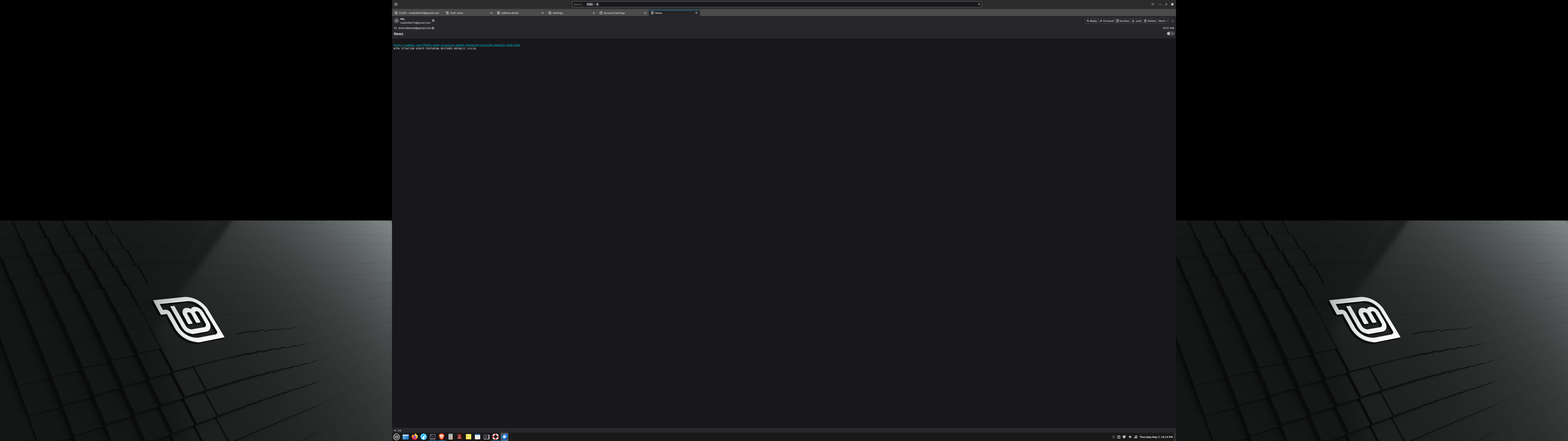
got an update for thunderbird and ended up with a different program. the old one would boot into inbox could start with a new email and send right away. After the update it boots into address book can't find anything and want the old program back. Its not supposed to look like a browser with tabs the old one I could run from inbox knew where everything was, the new one looks like it was written by Microsoft. Two pounds of crap in a one pound bag. tell me from what you see how to find the app menu and version
すべての返信 (2)
Your screen shot is unreadable, even for an expert with good eyesight. Please make a closer screen shot of the upper part of the Thunderbird main window that we don't have to speculate about your problem.
Try this: - click the alt key to display menu bar (OR, click the hamburger menu (three short horizontal bars) in upper right. - then, click layout and tick folder pane - close any unwanted tabs across the top by clicking the 'x' in each - you may also need to click view>layout for your choice of classic or vertical.