


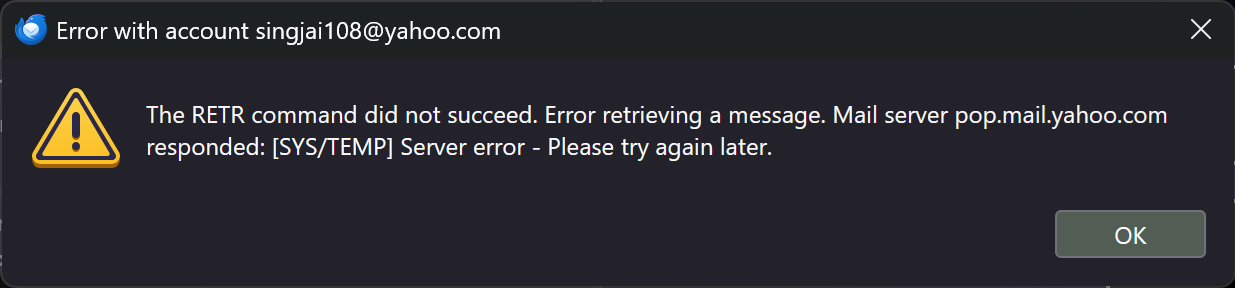
The RETR command did not succeed.

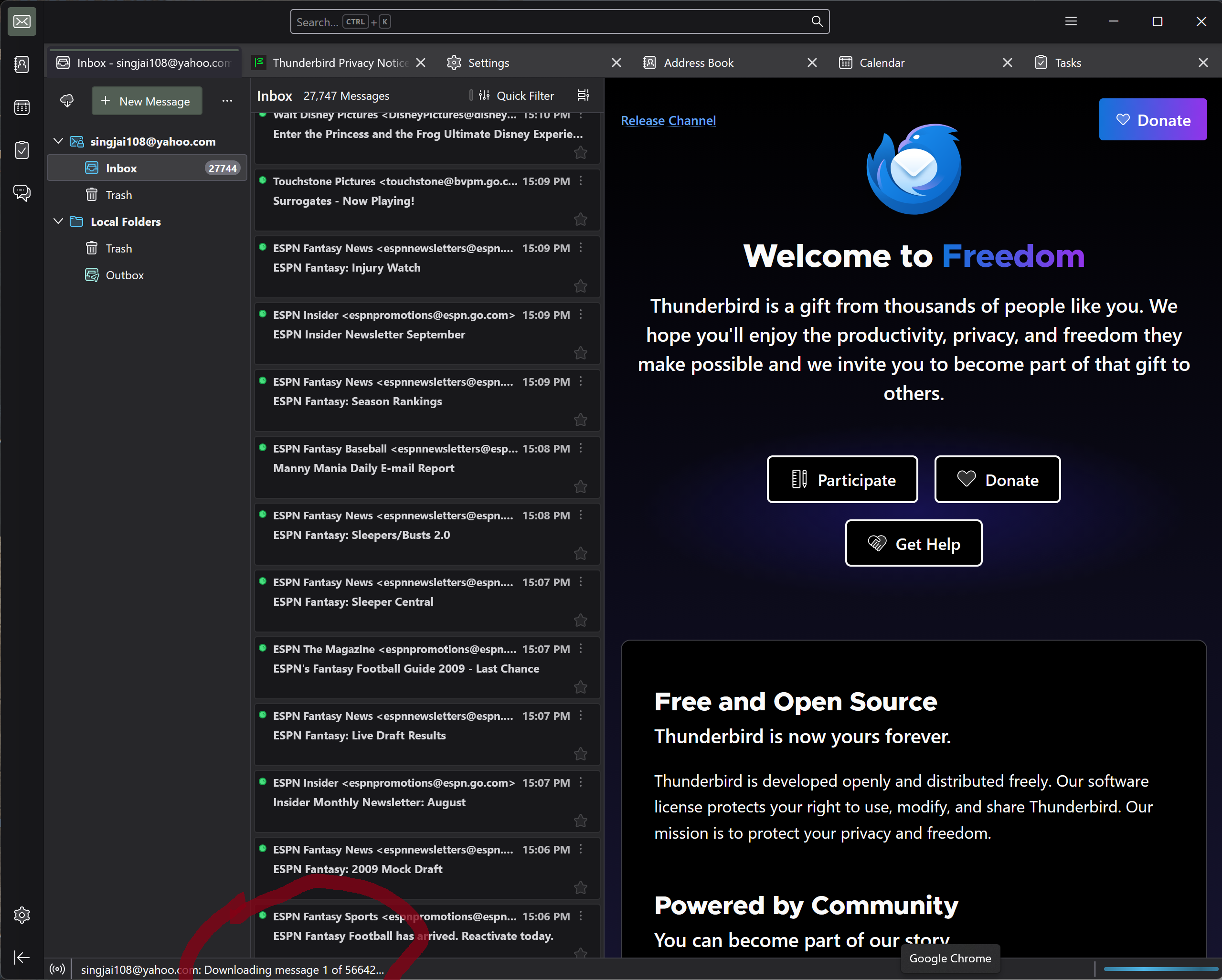
I'm trying to download my email and my progress has been halted by a single email that could not be processed. Right now I'm stuck.
すべての返信 (6)
Log onto the yahoo site where you can see your mail online. The problem message is there and can be read and possibly will then download.
You mean Yahoo Mail, yes? I suspected there was one problem message. With 50,000+ emails in my inbox, how do I identify the one problem message?
My understanding on this topic, which is light, is that the RETR command is just for POP accounts. With that, my inference is that the account is stuck on the next-to-be-downloaded message.
That's what I'm doing. Yahoo tightened up its storage limit, from 1 tb to 15 gb. I had about 28 and I wanted only to get them out of the app so I could deal with them later. I figured it was stuck on the next mail - but I have no clue how to find it - it just seems as if MT is picking them off at random.