


Successful OAuth2 login doesn't auto-return to Thunderbird Android; app remains logged in as if in browser

Hello everyone,
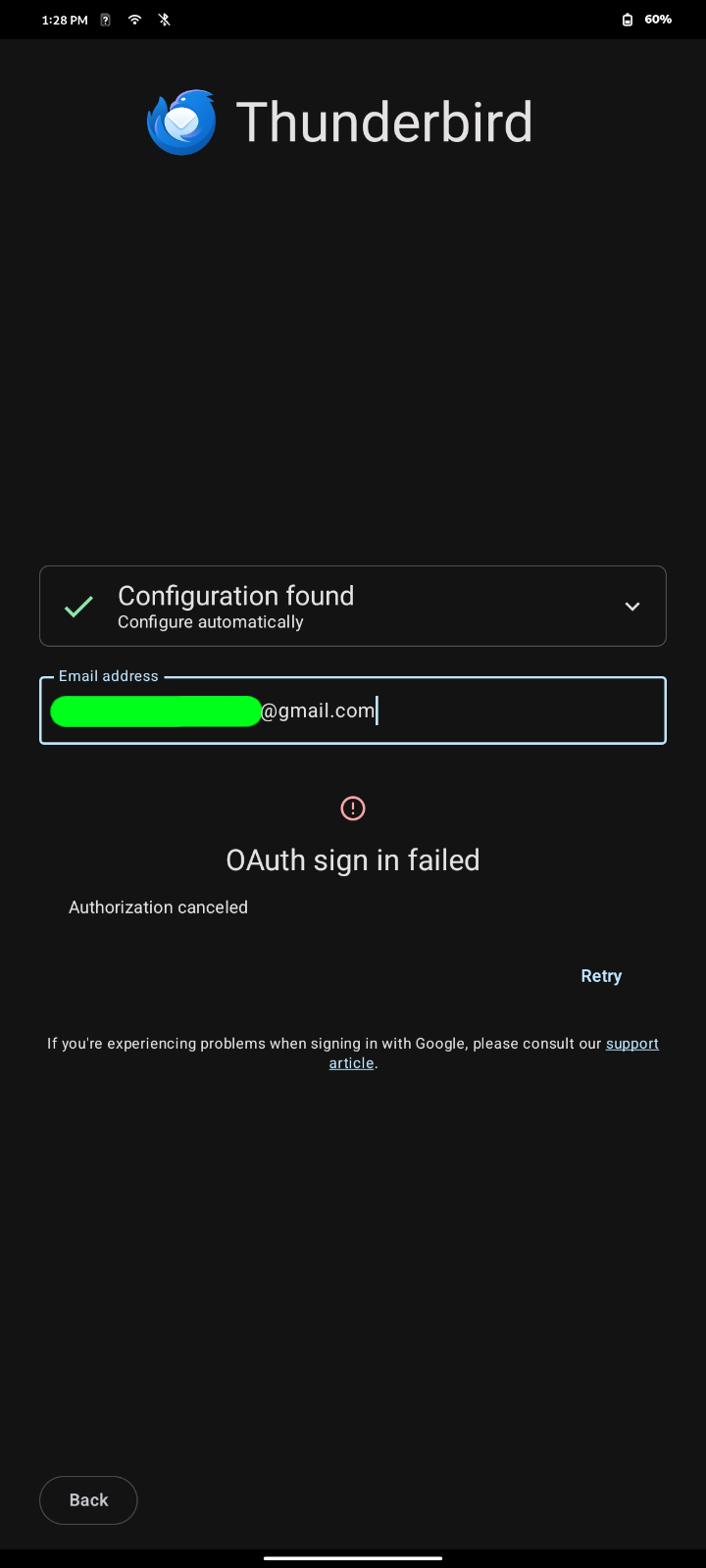
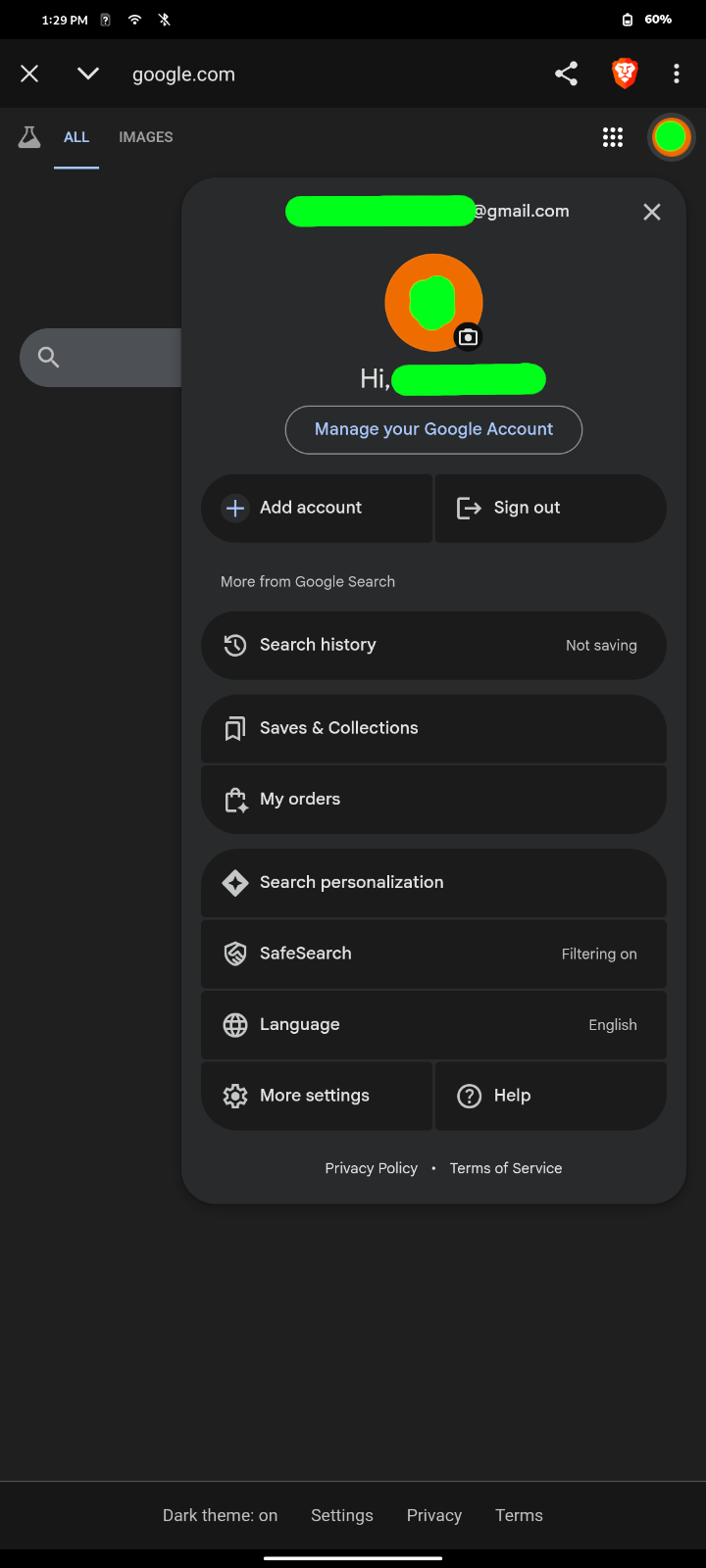
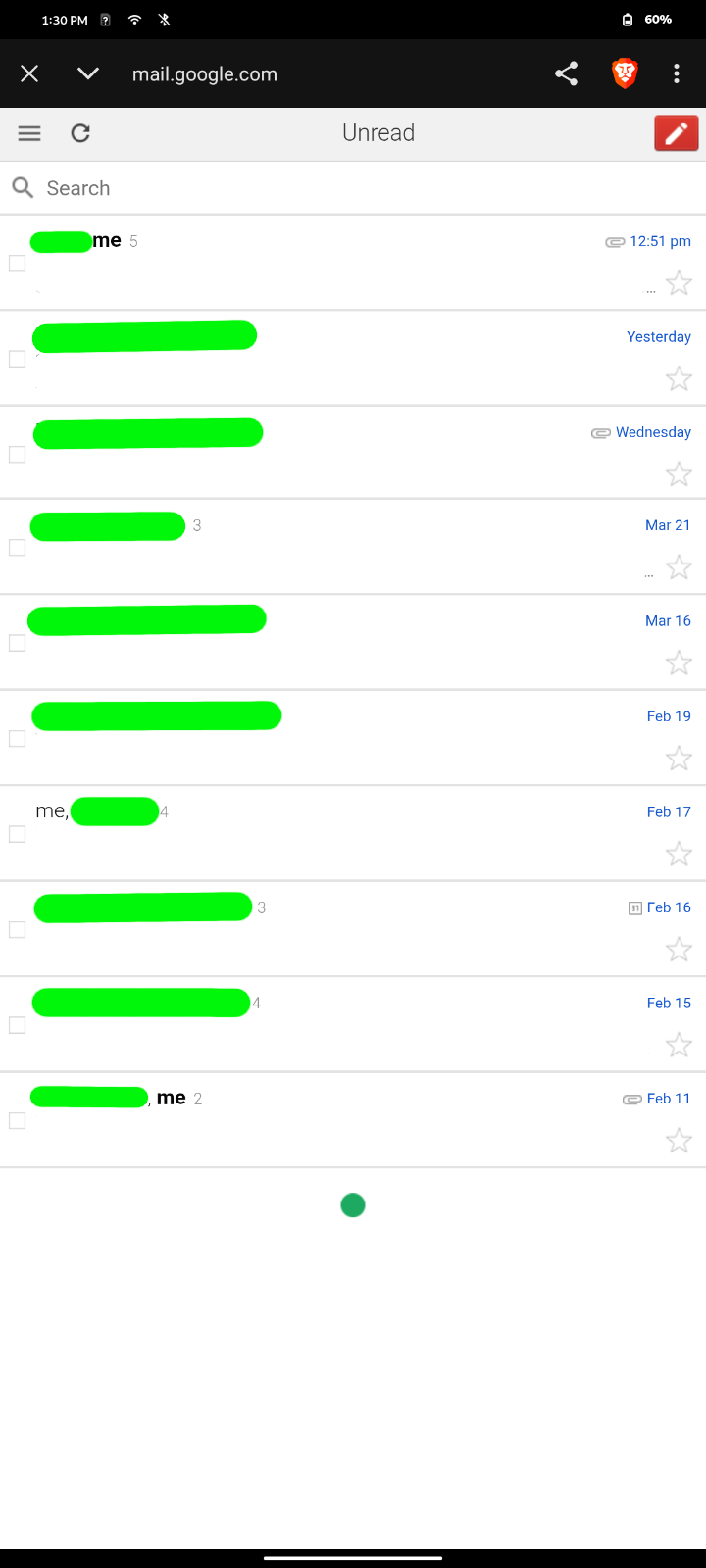
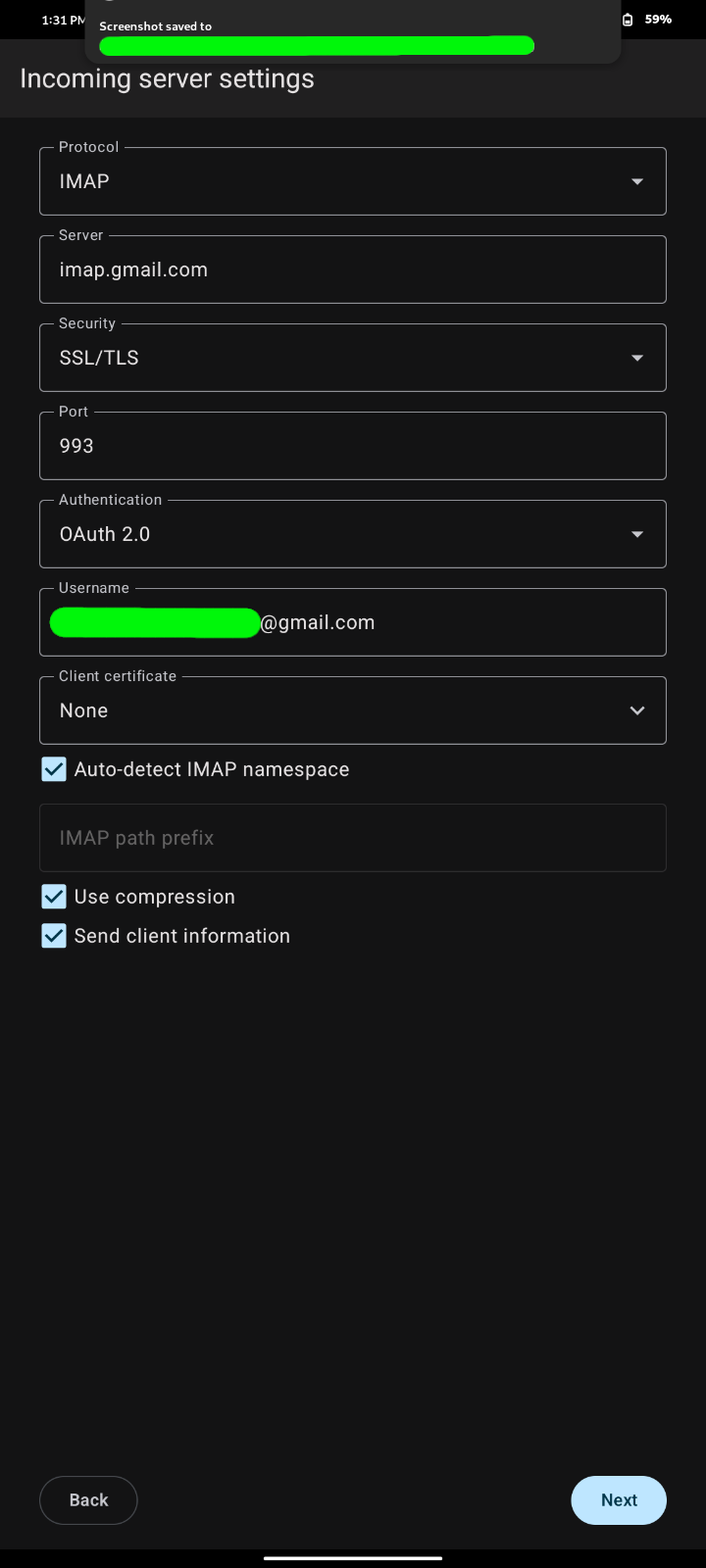
Summary: I am trying to set up my gmail account on my new phone, but after (what appears to be) successfully logging in, the Thunderbird for Android application does not pull me back out of gmail. Instead, I remain logged in to my gmail account as if in a browser. As you can see from my photos, it takes me to the point where I am truly into my gmail inbox, but I am checking it as if in some sort of outdated browser and not as if in Thunderbird. I am stuck; sitting in my gmail account, logged in; able to view email, check and change account settings, even get onto other parts of my google account. Unfortunately, I cannot find a way to get back out of my gmail account that returns me to the Thunderbird for Android accounts setup process with a successfully login to gmail. I end up having to hit exit or to close the app, which causes the account setup to fail.
Expected Behavior: Open the Thunderbird for Android App. Setup new account (gmail which produces an automatically detected OAuth 2.0 method). Give login credentials, gain access to gmail, and then be auto-redirected back to accounts setup process in Thunderbird for Android with full IMAP + SMTP access to my gmail.
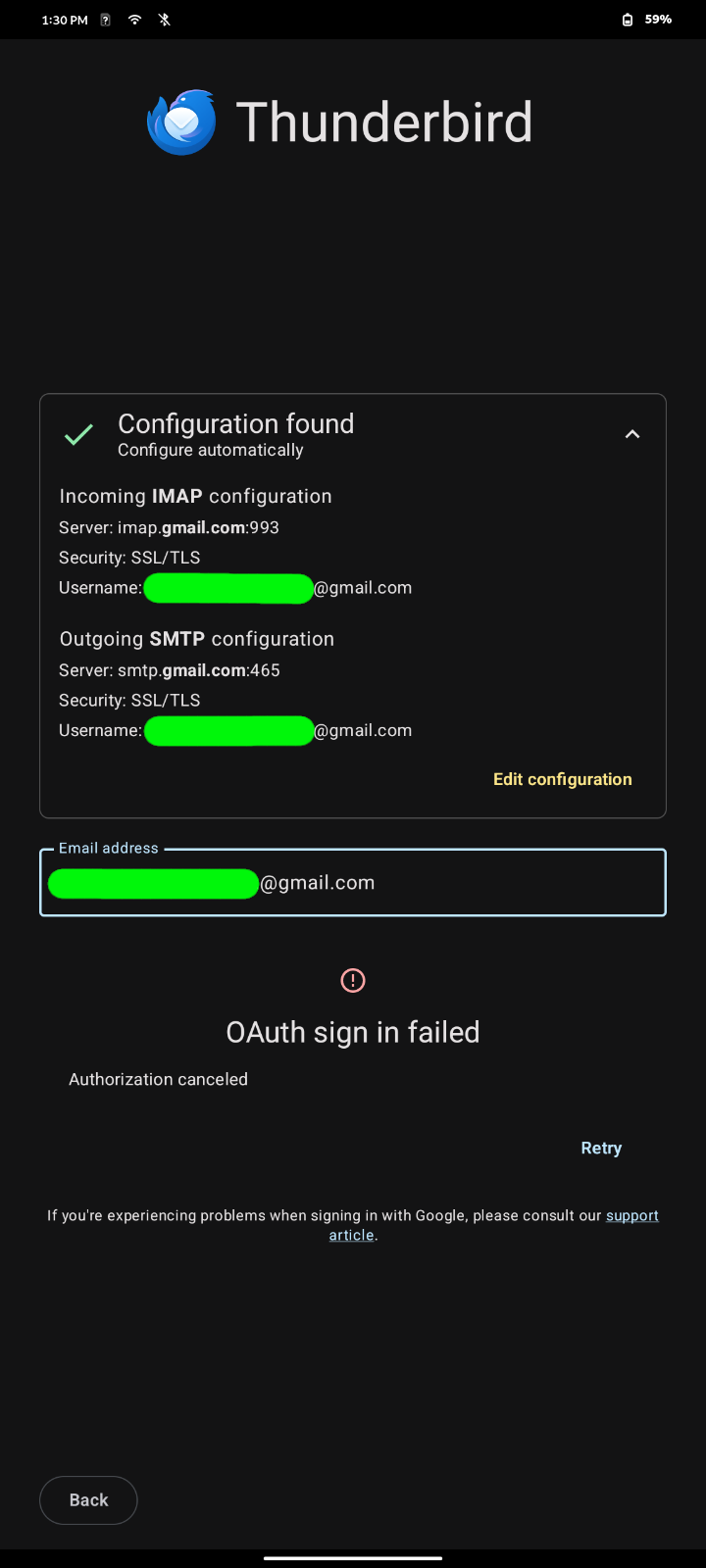
Problematic Behavior: Same as above, except I am stuck as if in browser mode. When I exit and thus am returned back to the accounts setup page, I receive a failed notice (see photo). Immediately afterward, I tried to setup an account for the same gmail address on an old android phone and successfully logged in as expected. How do I get back to the main accounts dialog with a success?
Notes: The new phone is a linux-based phone (Furilabs FLX1s) on which I have found Android apps to function without hiccup. It seems like In fact, the Thunderbird for Android app itself seems to function fine. It doesn't crash. It allows me to navigate through the app menus flawlessly.
Thanks for the help!
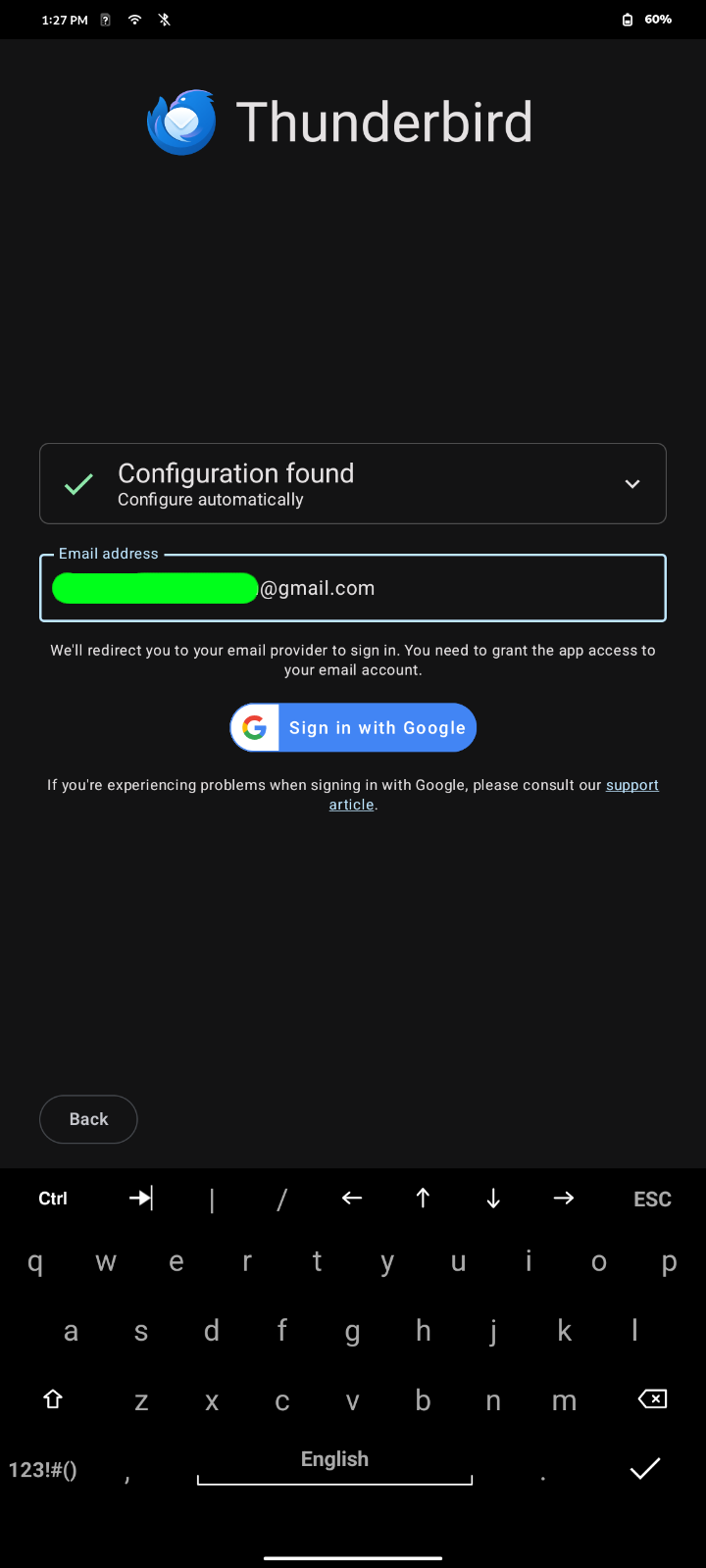
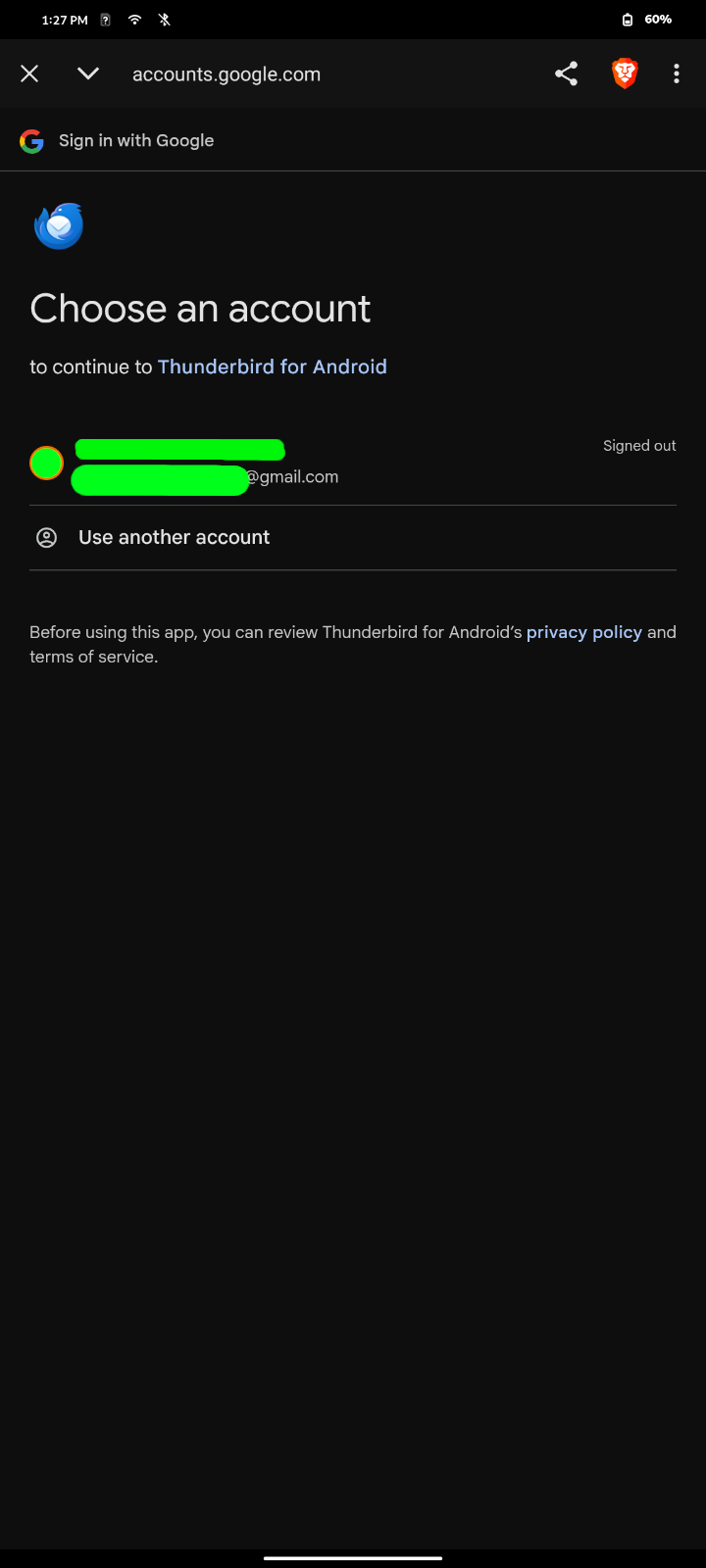
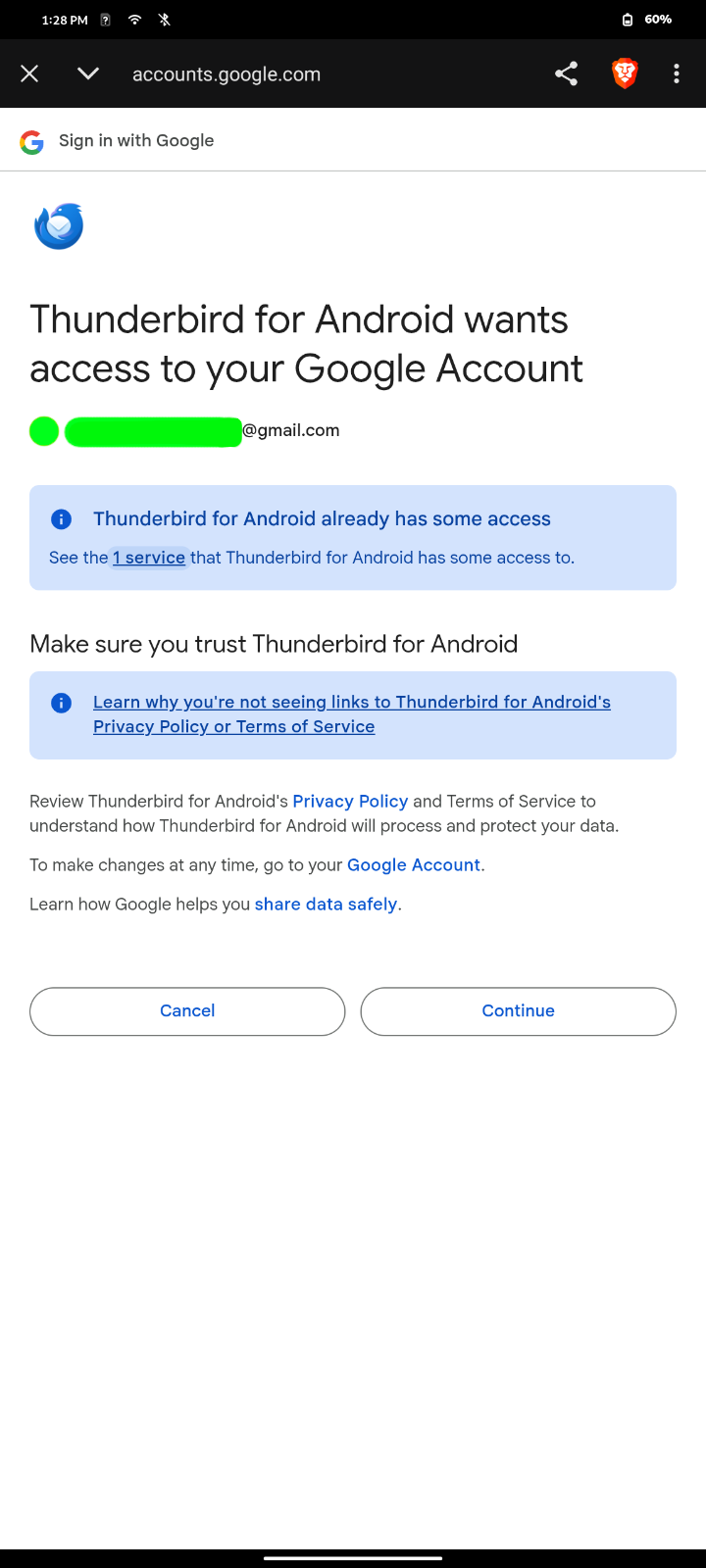
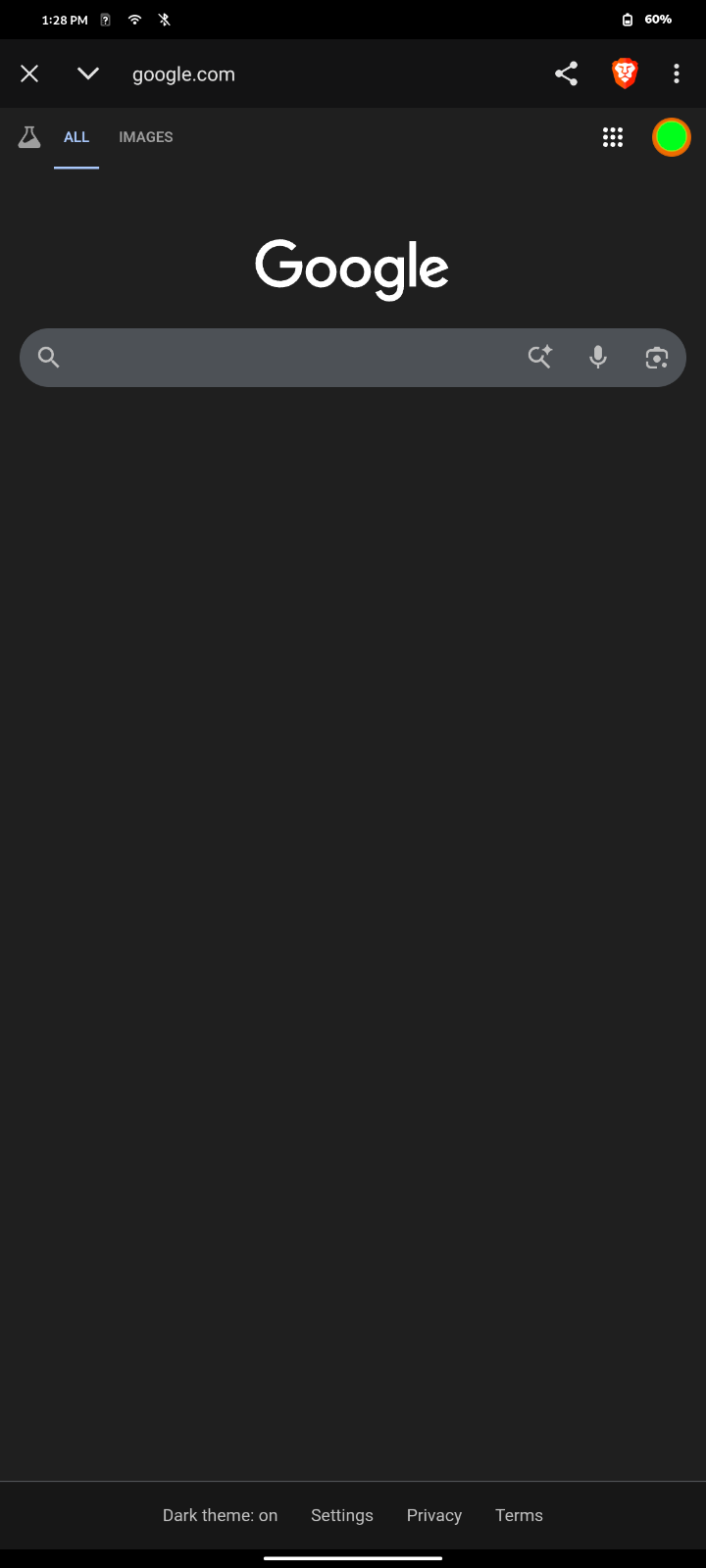
すべての返信 (4)

It looks like you're using brave browser.
There's a bug report I've found for another app stating that 'Brave Shield' is blocking oAuth flow for their app. See this github report. https://github.com/appwrite/appwrite/issues/9292
Possibly your experiencing the same issue with TBA. Can you try temporarily disabling 'Brave Shield' if applicable. I'm not familiar with Brave browsers features.
You could also try setting a different default browser and see if the issue continues.
@Platform34, thank you for the quick response! I tried what you said, it did not help. I also tried setting Firefox and Chromium as default browsers, but that also did not help. For what it's worth, the photos that you see with the Brave icon are within the TBA app-window. Is it possible that TBA jumped over to borrow a browser just to do the OAuth check? And if so, it picked Brave for the task every time (even when the other browsers were made to be default).
The app normally displays pages using webview. Do you have the 'Android system webview' app installed and up to date?
It's also possible that Brave is set as the default handler for web links. You could try clearing Brave as the default link handlers (if set) and see if that helps. Opening links will then display a popup asking which browser to use or set as default.
- Goto android settings > apps > Brave
- Tap open by default
- Clear default
The location of the setting may be slightly different depending on Android version and phone manufacturer.
@Platform34, I tried what you said but that didn't help either. Thanks though! Is it possible just to write into the TBA code an auto-redirect after successful login?