


Firefox built-in VPN is not working

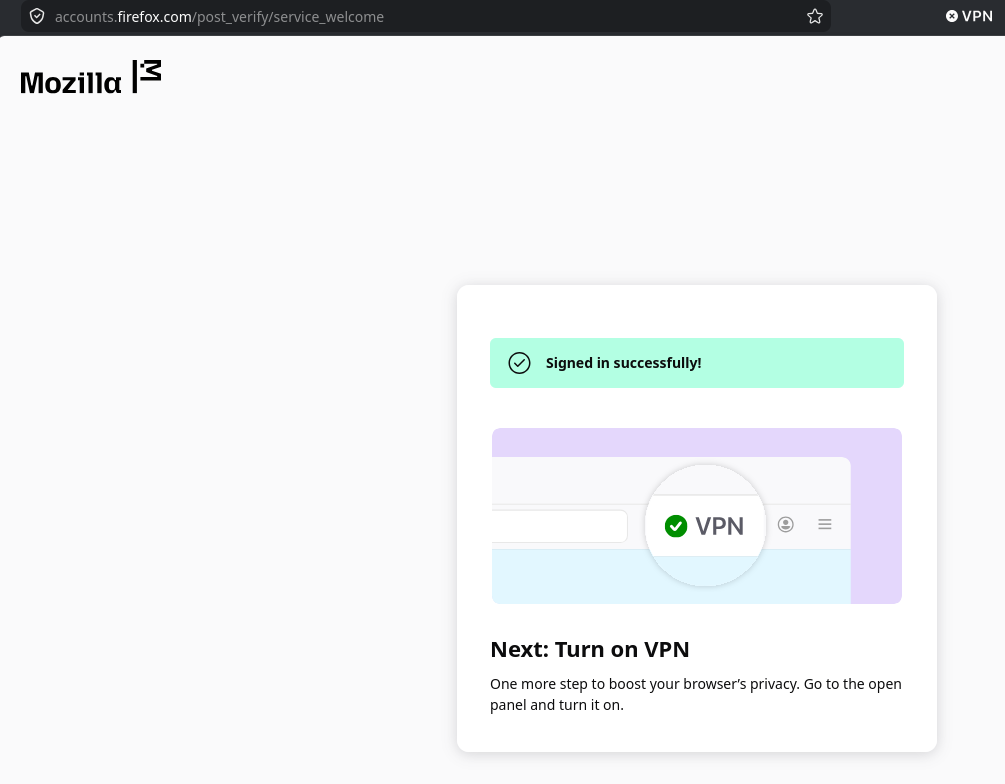
When I enable the firefox built-in vpn I have an error: "The proxy server is not found
Firefox cannot connect to the server at accounts.firefox.com What can you do?
Try to connect to another device. Check your modem or router. Log out and reconnect to Wi-Fi."
Thanks.
When I enable the firefox built-in vpn I have an error:
"The proxy server is not found
Firefox cannot connect to the server at accounts.firefox.com
What can you do?
Try to connect to another device. Check your modem or router. Log out and reconnect to Wi-Fi."
Thanks.

すべての返信 (5)
Hi there, Can you tell me if you're still experiencing this error after restarting the browser?
There's now a bug for it: https://bugzilla.mozilla.org/show_bug.cgi?id=2037364 if you want to track any updates.
Basically enabling "Auto-detect proxy settings for this network" in Proxy Settings should be able to pick up the right configuration.
Thanks for the investigation!