


Thunderbird downloads only a few of 1900 messages

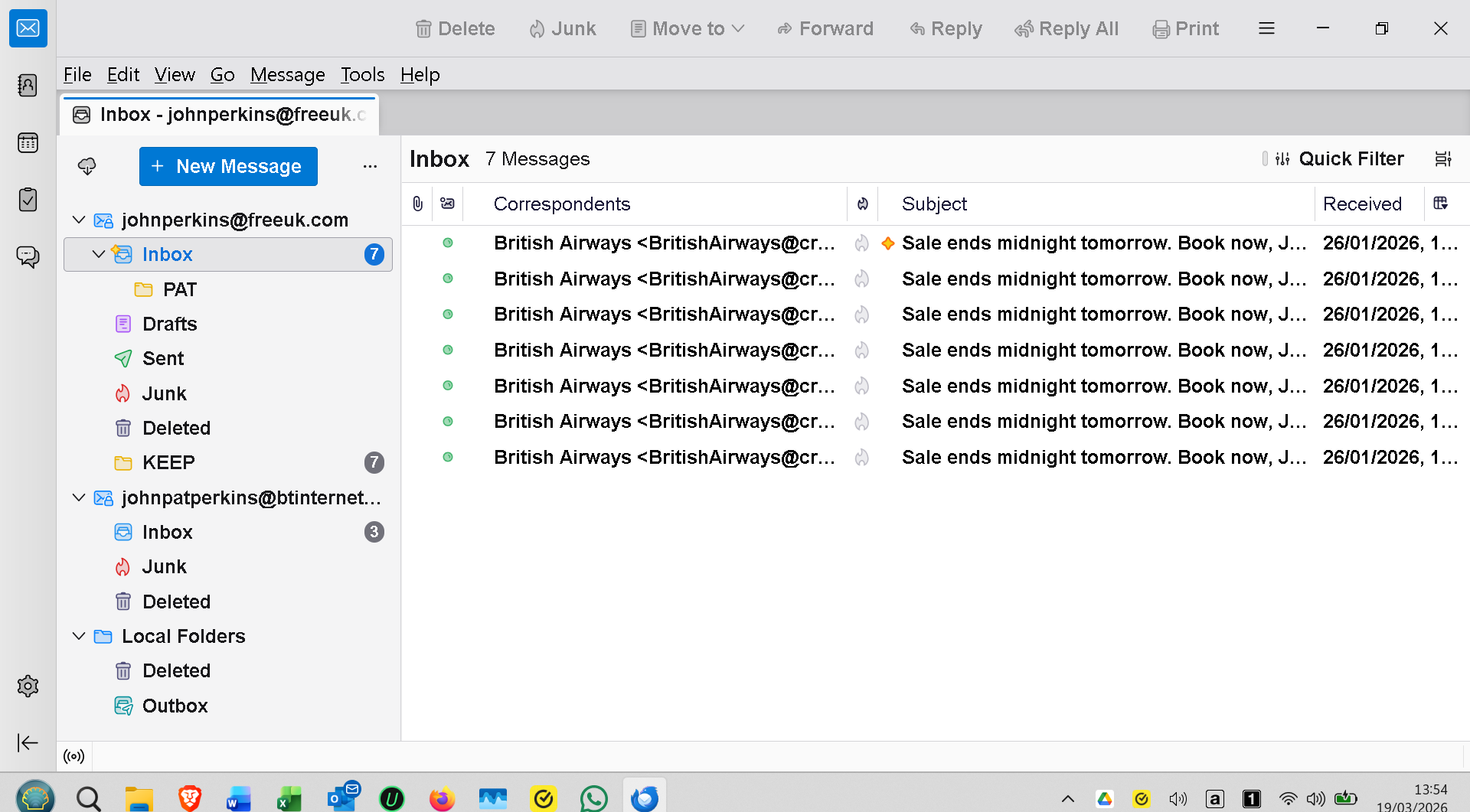
Although 1900 or more messages are reported, Thunderbird only downloads a few - 18 once, 10 and now only 2 - before stopping. After deleting all messages, stopping and restarting Thunderbird, it then downloads the same few - or less - again, no new ones, and the are very old ones. Screenshot shows current situation - several identical messages only. Version 140.8.1 esr on Windows 11 - both up to date. I don't know what esr means !
すべての返信 (6)
John said
Although 1900 or more messages are reported
....reported where? In the webmail page of your email address provider? Is this an IMAP or a POP account? It it's POP, log in to your webmail freeuk.com account and delete this repeatedly downloaded British Airways message dated from 26/01/2026
Thanks for your reply Mapenzi, but unfortunately that didn't work. It is a POP account as IMAP is not possible with freeuk which I have had for over 25 years. I went to webmail and deleted everything from 26/01 and all prior dates, as well as loads of spam. There are still 1334 messages there but Thunderbird now says there are no messages ! I don't understand why there's so many because I thought I had set them to delete when I deleted them from Outlook (classic) which is my main desktop client. I am going to recheck all my settings and maybe uninstall/reinstall the account in Thunderbird. I might even uninstall Thunderbird itself and then install the standard version. I didn't even know I had the ESR version and don't understand the advantage of it.
In Thunderbird (TB) go to Help > Troubleshooting Information > Profile Folder > Open Folder...then close TB. In the profile folder open the Mail folder and look for a folder named "pop.freeuk.com" (or similar), open it and delete the popstate.dat file. This file contains info about which messages have already been downloaded in TB. Now restart TB which should re-download all messages still on the server.
John said
I don't understand why there's so many because I thought I had set them to delete when I deleted them from Outlook (classic) which is my main desktop client.
Did you set up the same email address in Outlook as POP account too? Handling the same email address in different mail clients and/or on different PCs can become tricky if you don't use the IMAP protocol on all supports. Maybe your freeuk.com provider didn't propose IMAP in the last century but in the meantime we are in 2026...
John said
I didn't even know I had the ESR version and don't understand the advantage of it.
ESR (extended support release) versions get major updates once a year only ESR releases are maintained for more than a year, with point releases that coincide with regular Thunderbird releases. These point releases contain security upgrades and stability fixes. https://support.mozilla.org/en-US/kb/thunderbird-esr
Hi Mapenzi, I followed your instructions but it didn't work. I encountered a problem at "Close TB" which closed the profile folder too. I tried from the TB X button and also from Task Mgr - both with that same result.. Anyway, I soldiered on a deleted the popstate.dat file but still to no avail.
As I said freeuk only supports a POP account and after 25 years I can't bear the thought of changing my address so as long as Outlook desktop continues to work I shall carry on. I am almost 82 years old so I hope it will see me out ! I will never, ever use gmail or any other webmail account if I can help it. I prefer a desktop client but I know not many will support POP nowadays.
For donkey's years I have had Outlook as my default and TB as a rarely opened backup on two Windows laptops, one UK and one abroad, with no major problems whatsoever.
I think my only way forward now is either to delete and then re-add the freeuk account in TB or maybe uninstall TB itself and start all over again.
John said
I think my only way forward now is either to delete and then re-add the freeuk account in TB or maybe uninstall TB itself and start all over again.
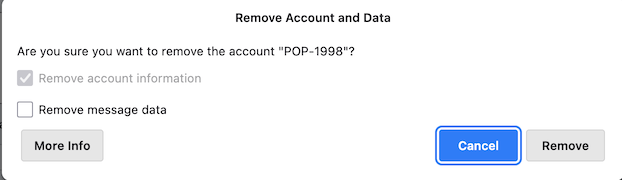
Re-installing the Thunderbird application won't solve your problem. On the other hand you may try to remove this account and recreate it, but don't remove message data! BTW I'm older than you, maybe a young helper here has new ideas...?
Well, I was lazy and waited for no good reason but then ........ Lo and Behold, TB updated when I opened it and then proceded to work perfectly. I had done nothing. I will never, ever understand technology !!!