


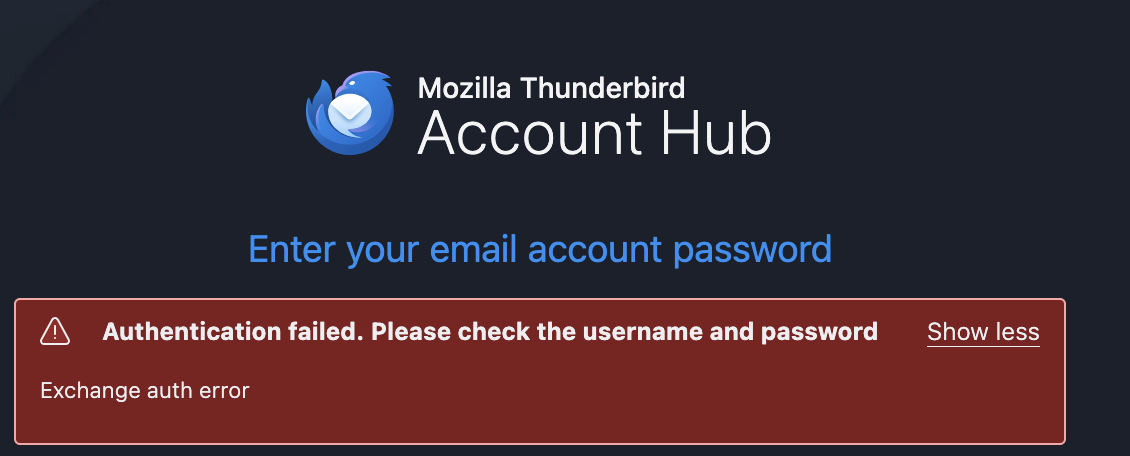
Trouble adding an account to Thunderbird using account hub - "exchange auth error"

I am having a issue entering a new email into thunderbird see screen shot for help please.
Thank you
この投稿は Wayne Mery により に変更されました
選ばれた解決策
its all good thank you
この回答をすべて読む 👍 0すべての返信 (10)

Try creating the account this way:
- go to TB menu > Settings > General > Account hub > uncheck 'Create accounts in the new Account Hub'
- go to TB menu > New Account > Email
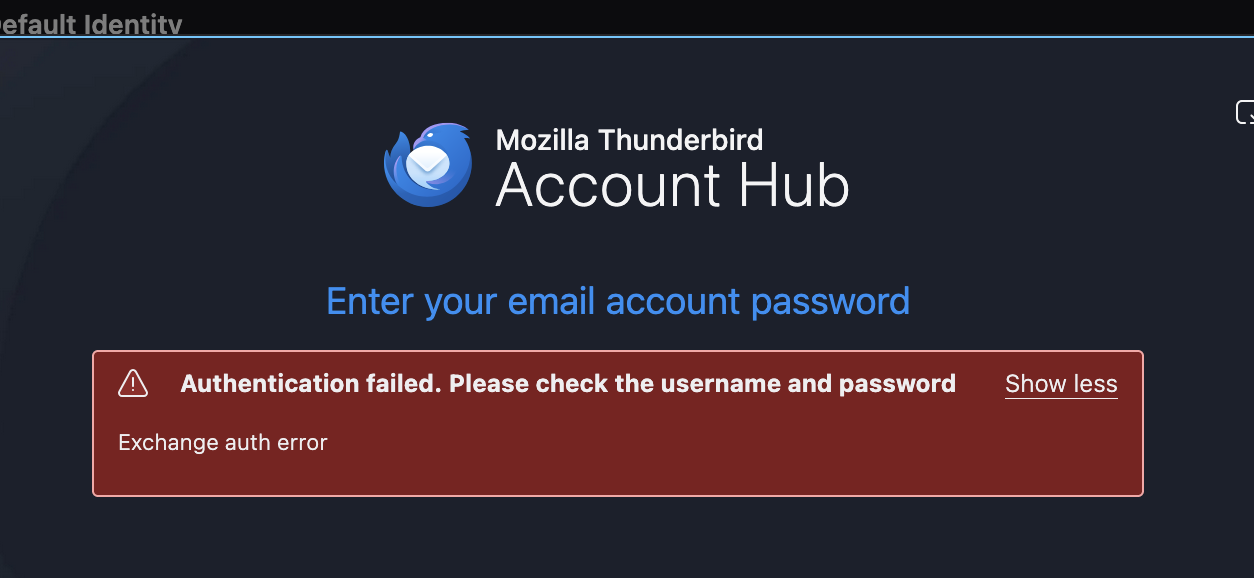
Like you said for some reason it did not uncheck that box. That was all Your way ry creating the account this way:
- go to TB menu > Settings > General > Account hub > uncheck 'Create accounts in the new Account Hub'
- go to TB menu > New Account > Email
Thank you

Hi, I have the same problem, but disabling Account Hub doesn't change the result. The Account Hub box is unchecked, but when I try > New Account > Email, I still get the "Authentication failed" error.
I have tried this with my outlook, and gmail accounts. I have tried restarting the computer, and various other fixes online.
gcoote67 said
Hi, I have the same problem, but disabling Account Hub doesn't change the result. The Account Hub box is unchecked, but when I try > New Account > Email, I still get the "Authentication failed" error. I have tried this with my outlook, and gmail accounts. I have tried restarting the computer, and various other fixes online.
That option doesn't work any more; the Hub is now the default for new accounts. Piggybacking isn't polite netiquette, not to mention the fact that very few will see it here. Please post a new issue of your own at https://support.mozilla.org/en-US/questions/new/firefox/form.
If you exactly like the first reply it will work and had to restart my Imac as well.Hope this helps maybe thunderrbird (firefox) will fix this issue in next update.