I changed my Thunderbird password last Friday and have not been able to see those emails on my S23. WHY?
I called Samsung, Tmobile, Geek Squad and Costco where I purchased my S23. I cannot receive emails had been ever since I had a cell phone and nearly 3 years ago when I purchased my S23. I cannot log into Microsoft because my account is block. I want to keep my current email address with Ionos.com. Please help me. Jay
すべての返信 (4)

You advise you changed your Thunderbird password, does that mean you logged into your webmail at Ionos.com's and changed your password. If something different, please explain the steps you took.
Do you already have Thunderbird for Android installed on your S23 and the Ionos account added?
After a password change, you need to apply the new password in Thunderbird on your S23.
In the app, navigate to ...
- Settings > account > fetching mail > incoming server
- Settings > account > sending mail > outgoing server
Enter your new password on the incoming and outgoing server page, clicking next through the additional pages.
A week ago this come this Friday I thought to change my Thunderbird 140.6.Oesr 64 bit after what I heard on news about Apple cells being hacked so I changed my Thunderbird password. I down loaded new version of Thunderbird for my S23 and when I clicked bird icon on my cell like I had before I deleted version I had new version I downloaded gave me some options of transferring files from version on my laptop Window 10. And one was align the QR. For some reason I learn using a light bulb does not work with speed or whatever with my S23. I learned there are some options to slow down or speed up my cell phone but that did not work. I was going to use same password for my S23 as on my laptop. Another confusing thing was what codes do I use for incoming and outgoing? Another problem was using my micros password. I was blocked because of using wrong codes. I have used laptops and cell phones for many years. After sending this email to you I am going to try again to reset my micros password. I have a Thunderbird icon on my cell phone but no password yet. This would be a lot easier if I could talk to someone about this. I went to local Best Buy, Tmobile, called Ionos and Samsung and not much help.
Hi J
You need to enter your Ionos email account password in the incoming and outgoing password field.
I'm not familiar with Thunderbird desktop on the PC. I believe it has a built in password manager for storing all your email account passwords, with access protected by a single master password. This master password is possibly what you changed.
You should be able to login to the password manager and find the entry for your Ionis account. Show and note down the Ionos account password and enter it in the mobile app.
Scanning the QR code would normally fill this information in for you, however it sounds like it's not working for you.
You can find some guidance around the QR code process linked below. https://support.mozilla.org/en-US/kb/thunderbird-android-import
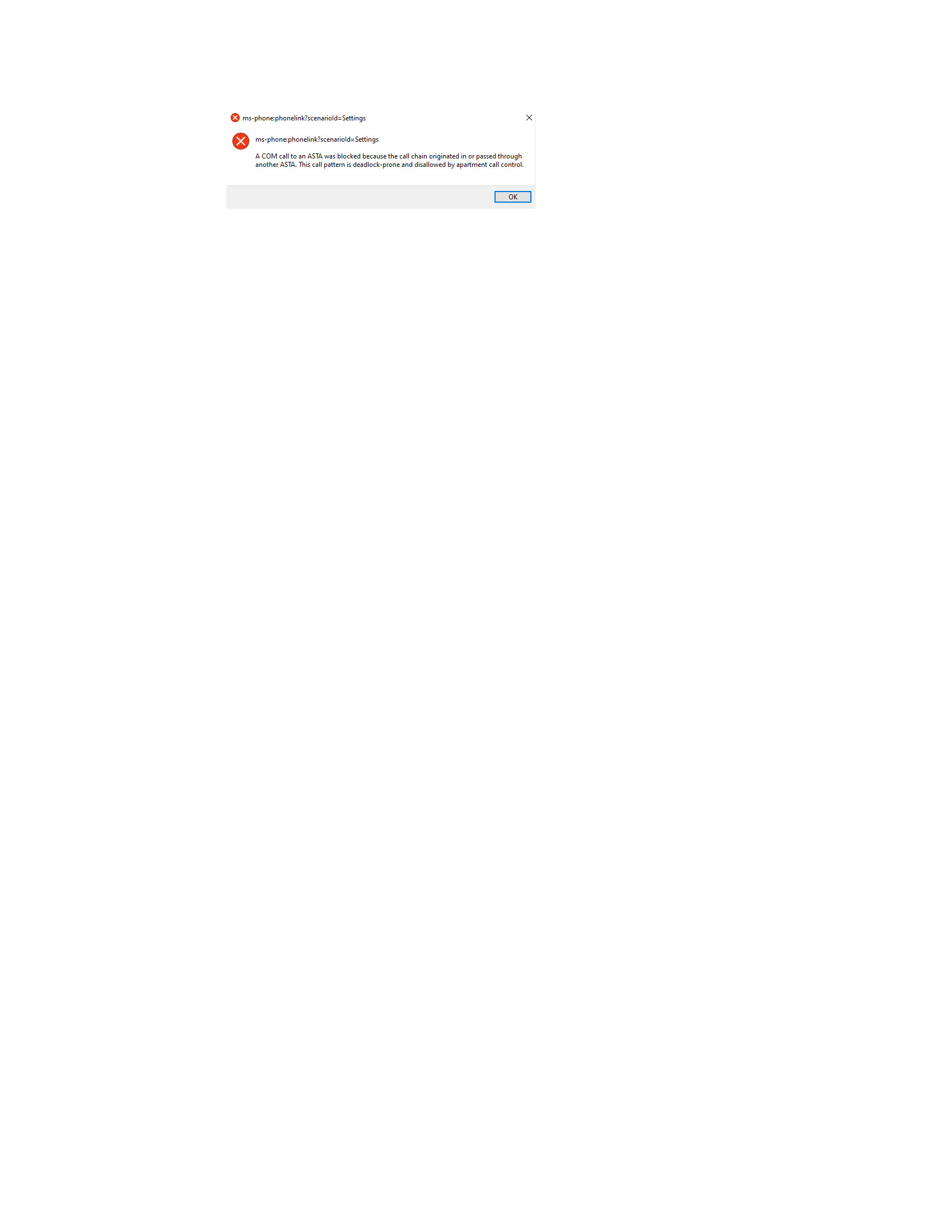
I went into my Windows Settings account clicked on Link to Mobile Devices and it starts to download but it has been 15 minutes. Is there something I need to set on my S23 to let it know to download? See image below. What does it trying to tell me? Thanks