


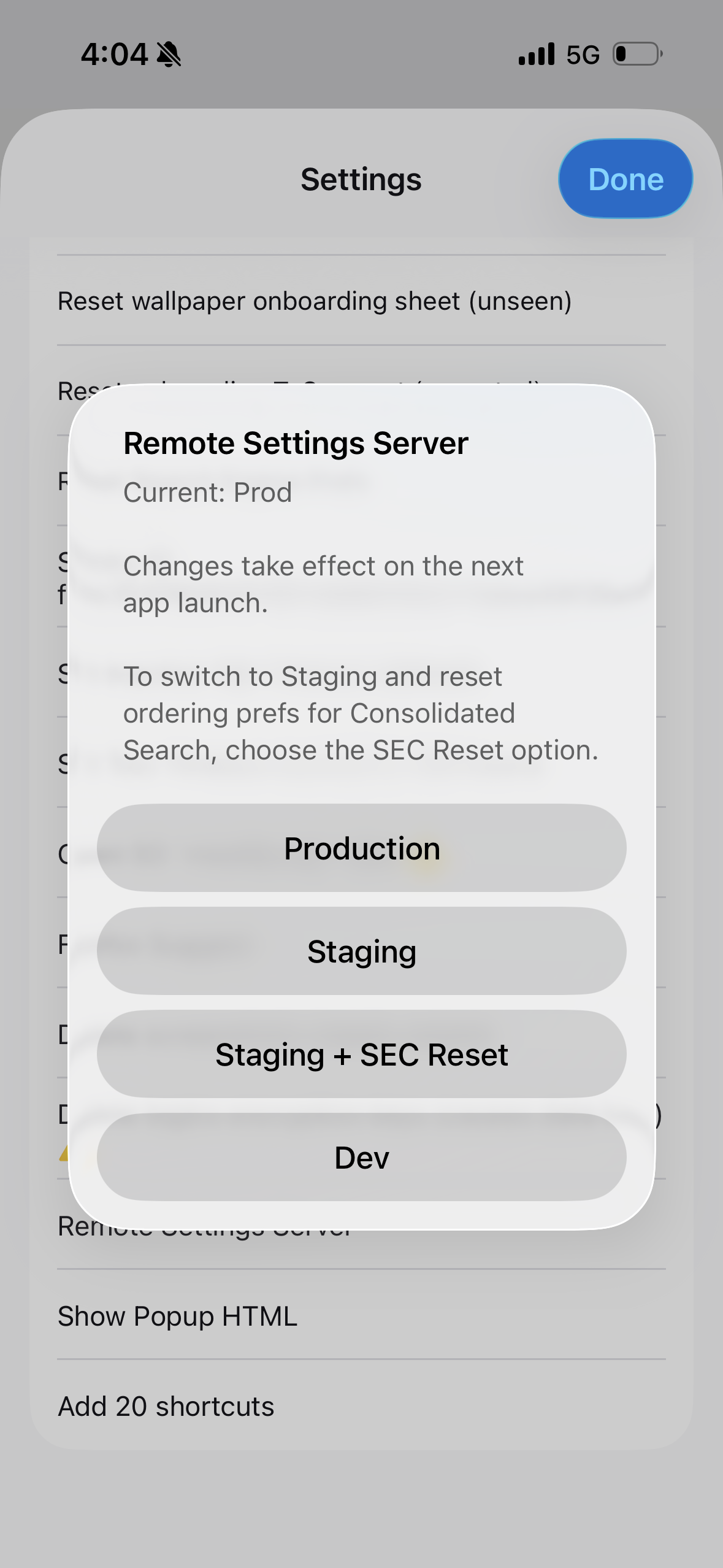
What is this? Remote server set to production??
I know nothing about the dev options for Internet settings and minor turned on and it says the remote server is set to production. No flipping idea what this is. Can somebody please help me?
すべての返信 (2)

It appears that you tapped on the Firefox version five times and got access to the "secret settings"
You shouldn't need to mess with any of it.
It's not immediately obvious how to actually dismiss that screen without changes, but the easiest is to select again the one currently used — so here tapping on the "Production" button will close this dialog without any impact.
(Prod or "Production" means basically "for general public". These various other options are for developers, or support trying to help people diagnose a problem; they do not contain the right data for normal consumer use, so you should not be switching this to any other option, as is with a lot of the other "hidden settings", unless you've been instructed to during investigation of a bug or a crash.)