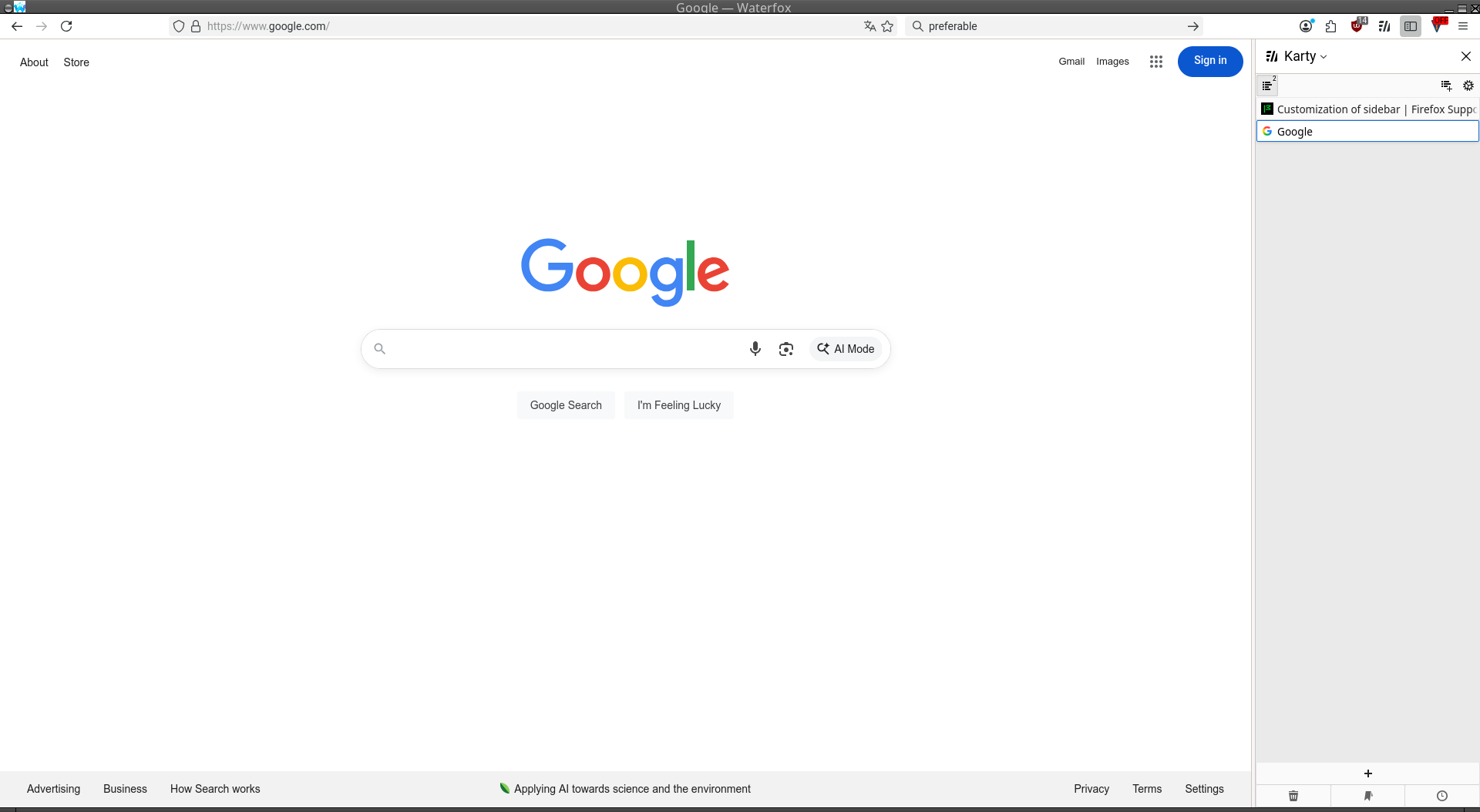
Customization of sidebar

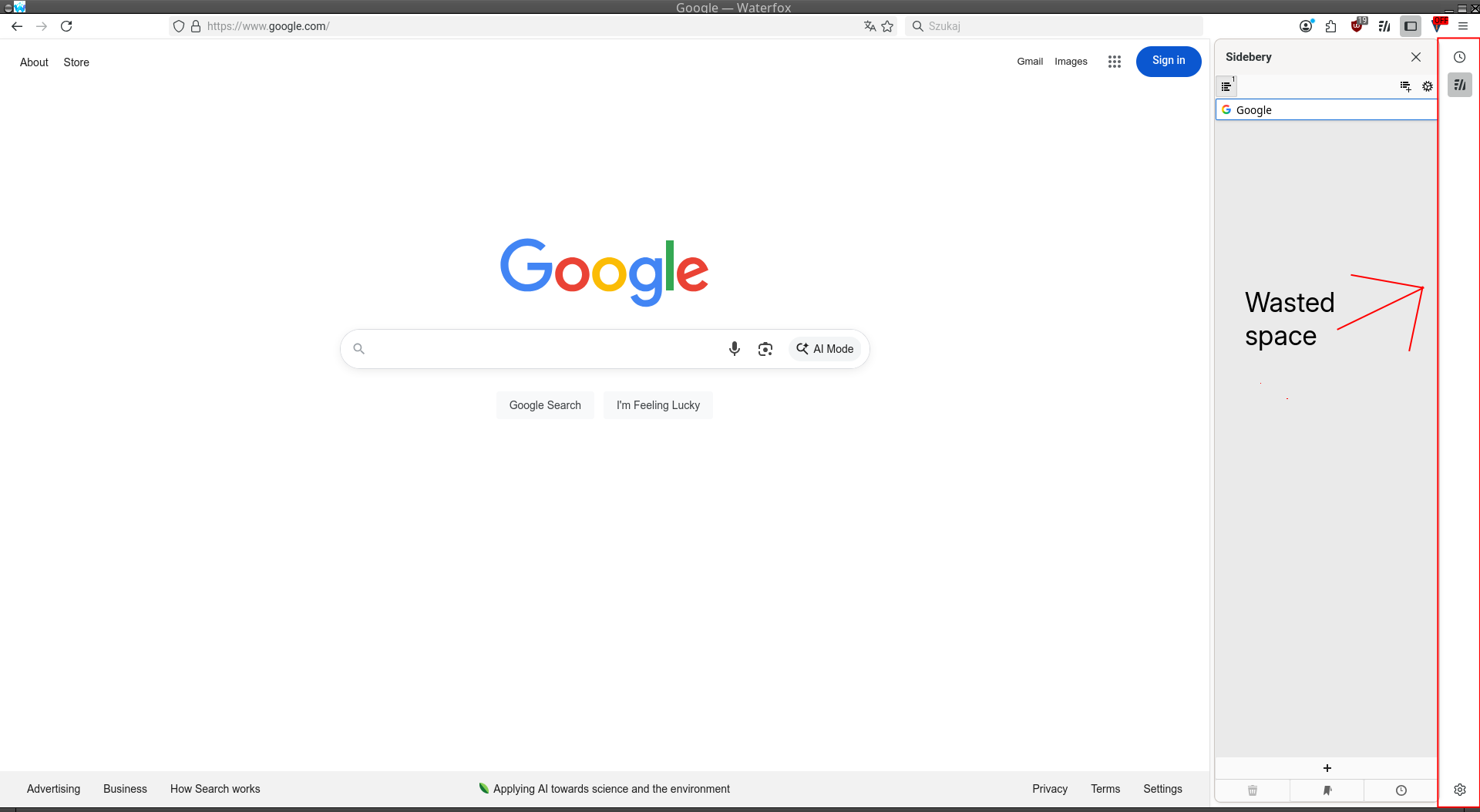
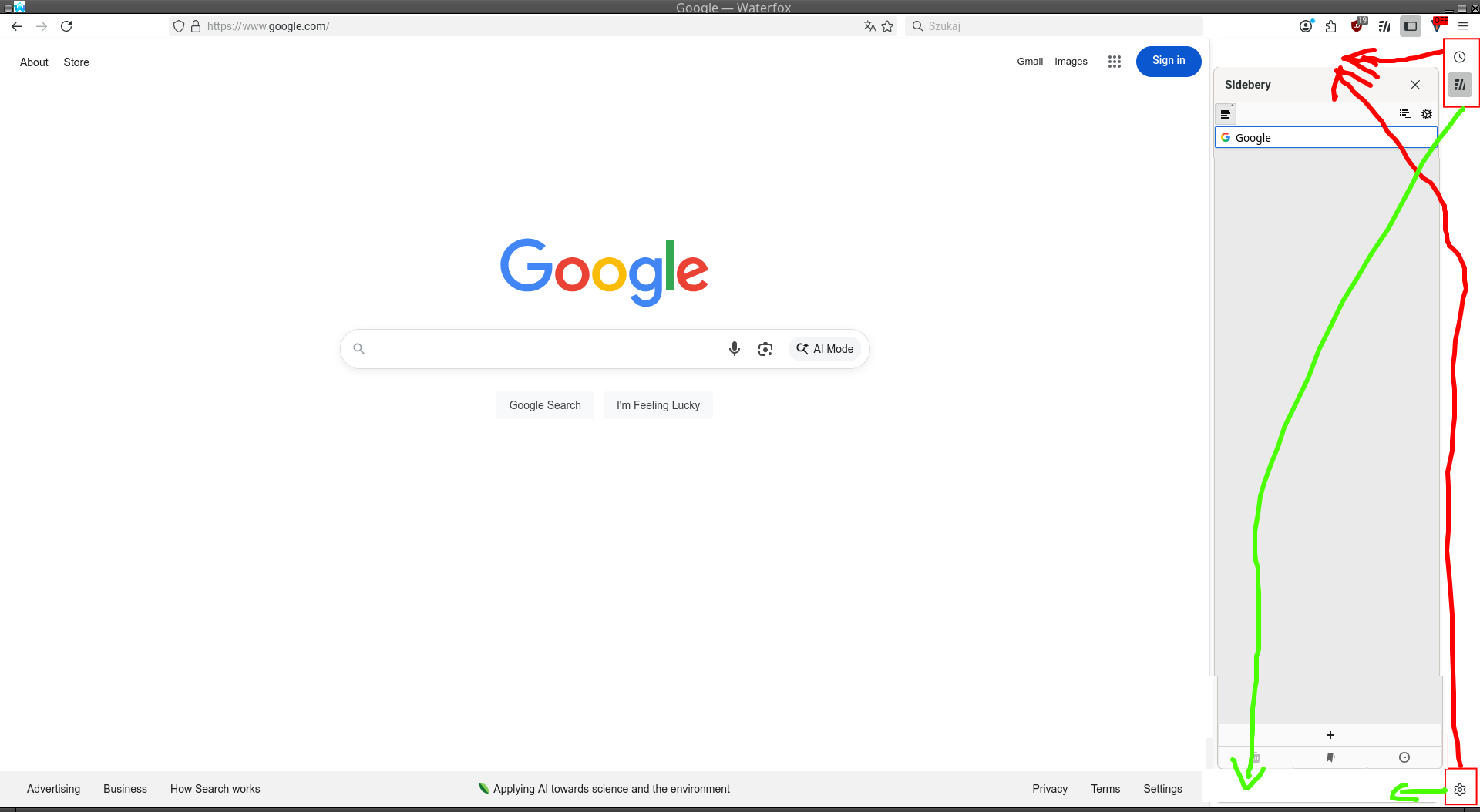
Hi, is there a way to customize sidebar to move the controls to the top or bottom of the sidebar? With sidebar open there is a lot of wasted space with just 3 icons - settings, history and sideberry buttons. Not really an optimal situation.
Attached screenshot and another picture explaining where I would like to move the buttons. Either top or bottom of the sidebar is preferable than taking the side.
この投稿は kay により に変更されました
選ばれた解決策
Paul said
Hi kay That empty space you have labelled in your screenshots (thank you) is the tab bar when vertical tabs are being used. The space will fill with tabs that you have opened.
I was under impression that I had to have sidebar enabled to work with sideberry. Thanks to your comment I was able to find a toggle and turned it off. That solved my issue
この回答をすべて読む 👍 1すべての返信 (2)
Hi kay
That empty space you have labelled in your screenshots (thank you) is the tab bar when vertical tabs are being used. The space will fill with tabs that you have opened.
選ばれた解決策
Paul said
Hi kay That empty space you have labelled in your screenshots (thank you) is the tab bar when vertical tabs are being used. The space will fill with tabs that you have opened.
I was under impression that I had to have sidebar enabled to work with sideberry. Thanks to your comment I was able to find a toggle and turned it off. That solved my issue