


Hub Email setup (accounthub)

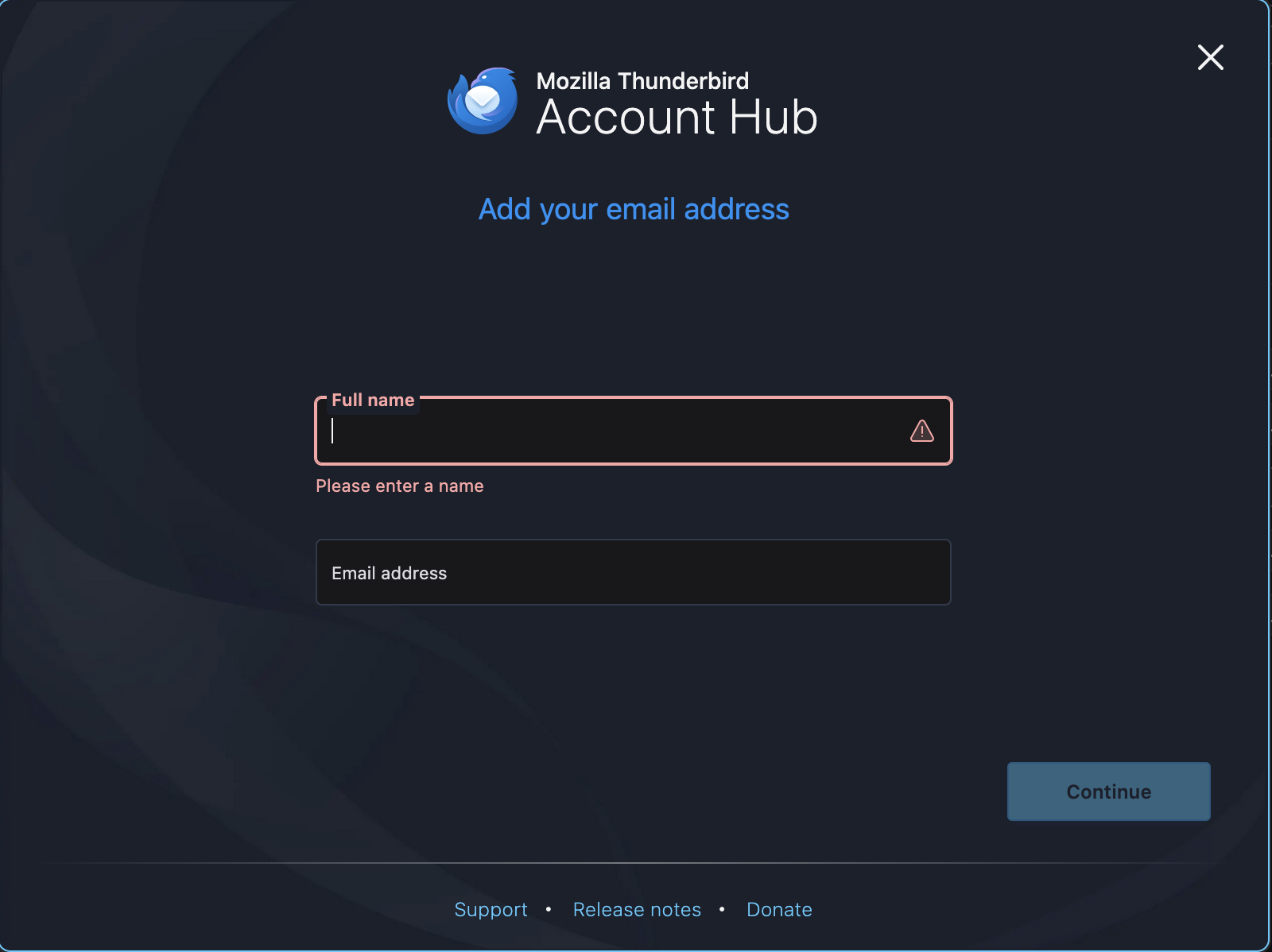
When I first installed Thunderbird and added an email account it asked for the email address, take and password. Upon setting up additional accounts it only asks for name and email address, not the password. There is no option to enter email details manually. The only manual option available is to configure an email config after it has been added. The adding of email addresses should be presented the same way as the very first initial email setup upon install. This isn't happening. I've used three separate terminal to do this on Mac and Win platform: Same issue.
この投稿は Wayne Mery により に変更されました
すべての返信 (4)
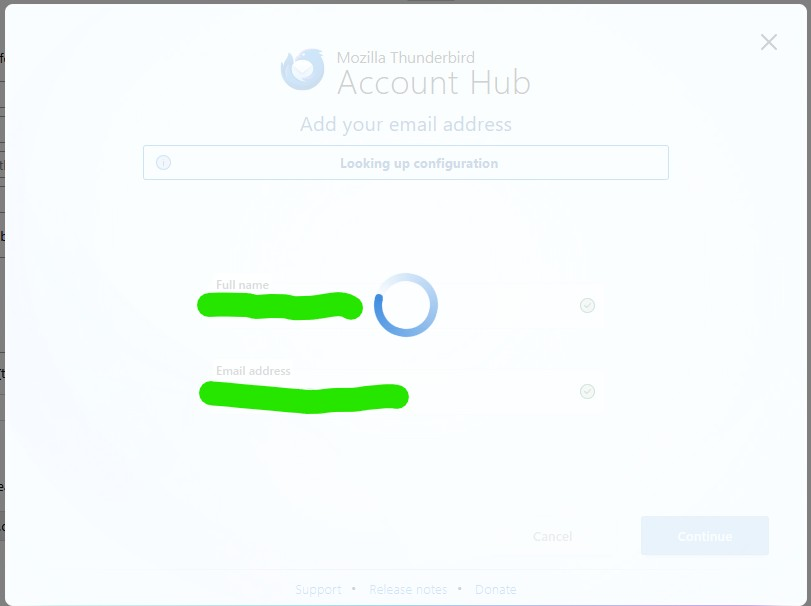
I am uploading a screenshot of what I get when trying to add additional emails. The wheel spins endlessly and I have to quit the application. All the documentation shows a place to enter password but as you can see that option is not made available to me. Is anyone else having the same issue?
Who is your mail provider, and what is the domain part of your email address?

I have this same experience. Running 140.2.0esr (64-bit) on a Win11 PC. TB works fine, but this is the first time I've used the Account Hub. I know I have set up a new mail account at my ISP - I can see it there and check the settings.
the TB Account Hub only asks for the "Full Name" (which should be arbitrary) and the e-mail address. Then the wheel spins endlessly. I have not told TB anything else about the new account - no password, no IMAP/POP settings, SSL, etc.
So what is TB's Account Hub stuck on. Is it trying to ping my ISP to check on the validity of the e-mail address I gave it? I don't expect that my ISP would give TB that info without me logging in (which we know TB hasn't done). Is it hoping that my ISP will provide all the needed port and server settings?
Is there a way to just tell TB I'll do that all manually? [Answering my own question thanks to another poster: In the Settings | General (not the Account Settings), look at the "Account hub" subsection and uncheck "create accounts in the new account hub". It does say "experimental" so no hard feelings.]
この投稿は firefoxP1 により に変更されました
Konrad did you solve your problem? If so, how?