ipad won’t sync despite repeated logins

i have repeatedly completed the sync process, signing in, authenticating, after each one, the place where my synced firefox account would show up in my settings reverts back to an un-logged-in sign in button. i unsynced my browser because i have been unable to send tabs to this device, but now i am unable to sync anything. i have already deleted the app and restarted my device several times, as well as removing the device from the list of devices from a synced desktop browser.
i have repeatedly completed the sync process, signing in, authenticating, after each one, the place where my synced firefox account would show up in my settings reverts back to an un-logged-in sign in button. i unsynced my browser because i have been unable to send tabs to this device, but now i am unable to sync anything. i have already deleted the app and restarted my device several times, as well as removing the device from the list of devices from a synced desktop browser.
すべての返信 (1)
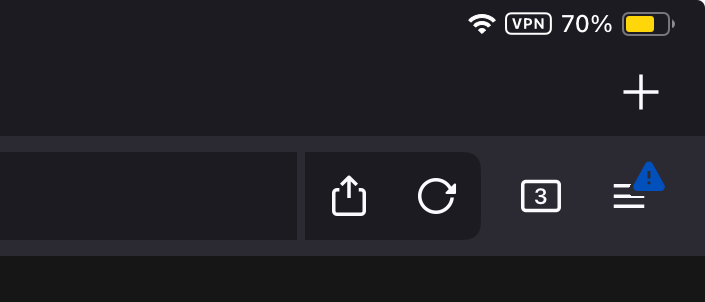
also seeing a blue error symbol on the hamburger menu icon, can’t find a thing about that anywhere… :/