

Windows 10 reached EOS (end of support) on October 14, 2025. If you are on Windows 10, see this article.

Mozilla サポートの検索

サポート詐欺に注意してください。 私たちはあなたに通話やショートメッセージの送信、個人情報の共有を求めることはありません。疑わしい行為を見つけたら「迷惑行為を報告」からご報告ください。

詳しく学ぶ
このスレッドはアーカイブに保管されました。 必要であれば新たに質問してください。
アーカイブに保管済み

Thunderbird is horribly slow

hijohnperez

At some point after one of the recent major updates, Thunderbird has become horribly slow. In particular, filters and searches. After typing the first character, the program becomes unresponsive for 6-10 seconds, and this continues this behavior after typing each character. At the same time, the screen will compress to the left, and then go back to normal size. The application becomes unresponsive, but there is no category in the performance monitor that is at 100% (CPU, RAM, SSD, Network, GPU). Thunderbird doesn't use more than about 20% of CPU capacity, and I have 24GB of RAM free, but still becomes unresponsive.

Do you have any suggestions?

My computer has NVME SSDs and 32GB of ram, so I don't think it should be a performance issue. I am running Windows 10 Pro.

Thanks
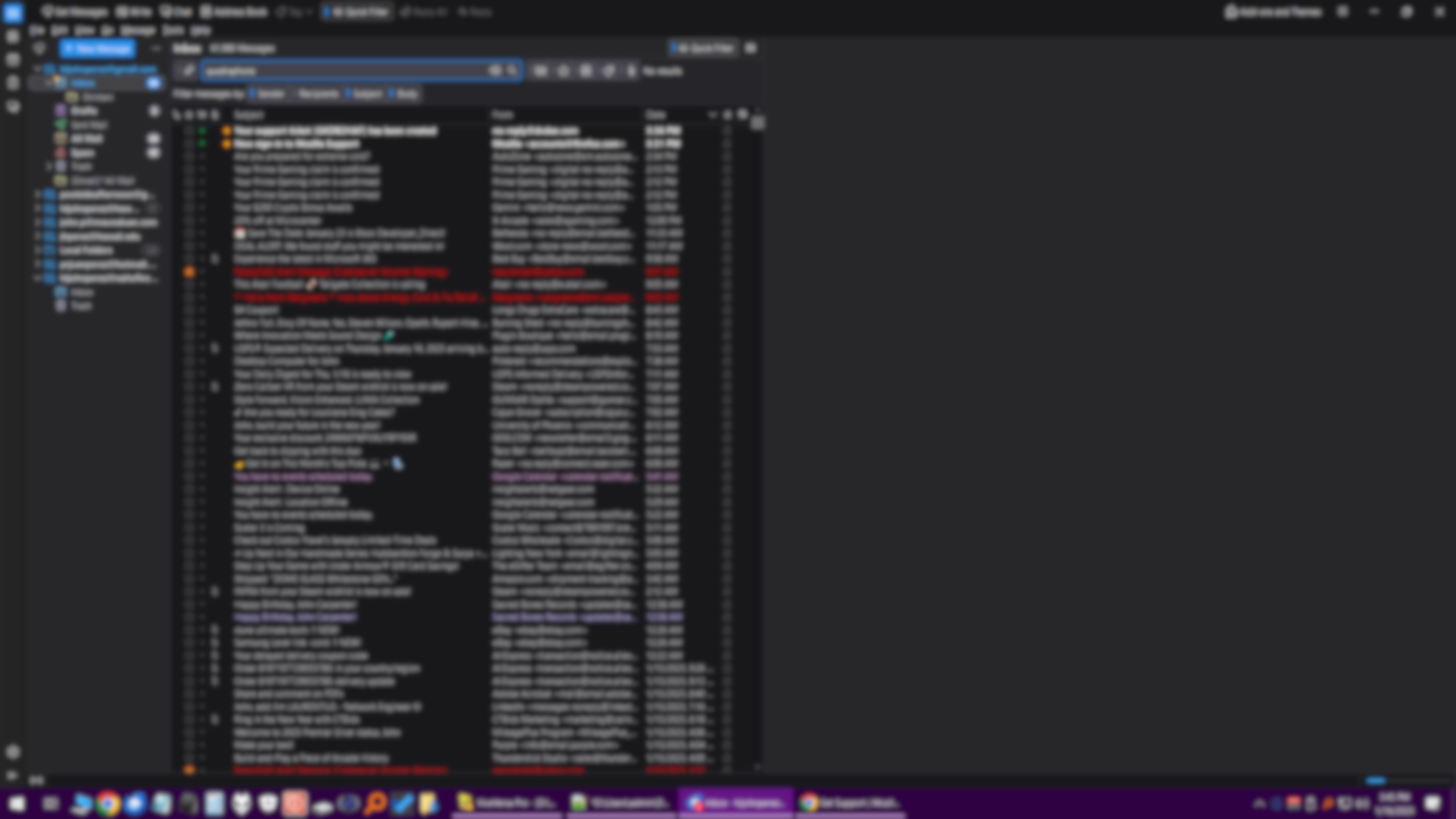
At some point after one of the recent major updates, Thunderbird has become horribly slow. In particular, filters and searches. After typing the first character, the program becomes unresponsive for 6-10 seconds, and this continues this behavior after typing each character. At the same time, the screen will compress to the left, and then go back to normal size. The application becomes unresponsive, but there is no category in the performance monitor that is at 100% (CPU, RAM, SSD, Network, GPU). Thunderbird doesn't use more than about 20% of CPU capacity, and I have 24GB of RAM free, but still becomes unresponsive. Do you have any suggestions? My computer has NVME SSDs and 32GB of ram, so I don't think it should be a performance issue. I am running Windows 10 Pro. Thanks
添付されたスクリーンショット

すべての返信 (2)

Check tools > activity manager to see what is running

If you are still having problems when using a newer version, please post a new question and we'll take a new look at it.