


Installing Thunderbird on 2nd computer
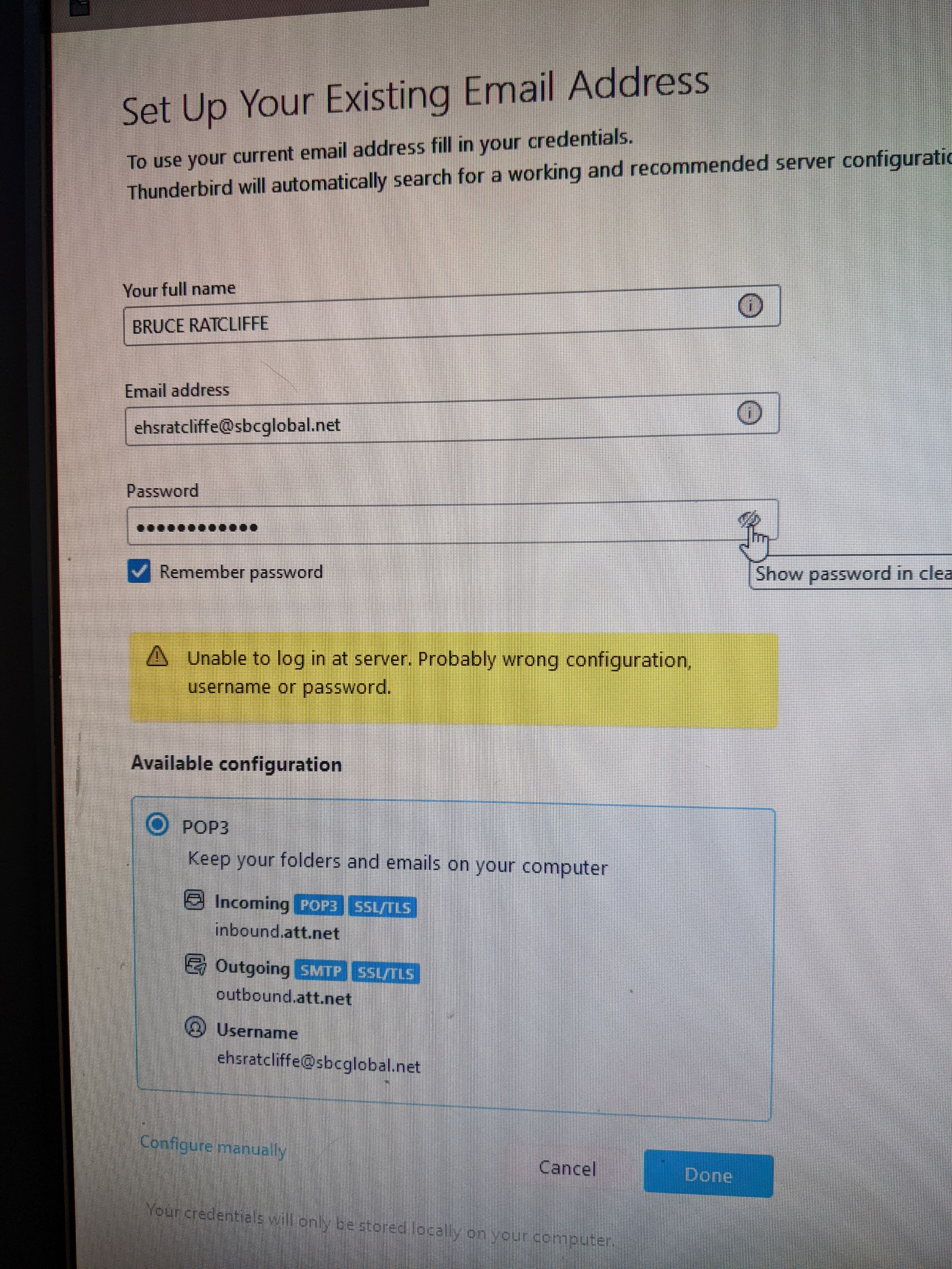
I have Thunderbird on Computer A. Sitting right next to it on my desk, is Computer B, with a new harddrive running Windows 10. I've tried setting up TB on Computer B at the 'Set Up Your Existing Email Address screen , putting in the exact same settings I have for Computer A. See attached image. If you can direct me to the TB file that teaches how to install TB on Computer B, I'd be very happy! Bruce
I have Thunderbird on Computer A. Sitting right next to it on my desk, is Computer B, with a new harddrive running Windows 10. I've tried setting up TB on Computer B at the 'Set Up Your Existing Email Address screen , putting in the exact same settings I have for Computer A. See attached image.
If you can direct me to the TB file that teaches how to install TB on Computer B, I'd be very happy!
Bruce
すべての返信 (1)
Here is the link for moving a profile in Windows when installed in default location:
https://support.mozilla.org/en-US/kb/moving-thunderbird-data-to-a-new-computer
here is the info in brief steps:
- ensure thunderbird is not running on old machine
- enter %appdata% in search window on task bar and press Enter key
- this should open windows file explorer in Appdata\roaming folder
- highlight the Thunderbird folder and copy to external media
- ensure thunderbird is installed on second computer and NOT running
- enter %appdata% in search window on task bar and press Enter key
- you should be in Appdata\roaming folder , copy&paste the exported Thunderbird folder there. This may prompt to overwrite an existing folder of same name. allow it
- start thunderbird and all should be there