


Changing the user agent on Firefox for android
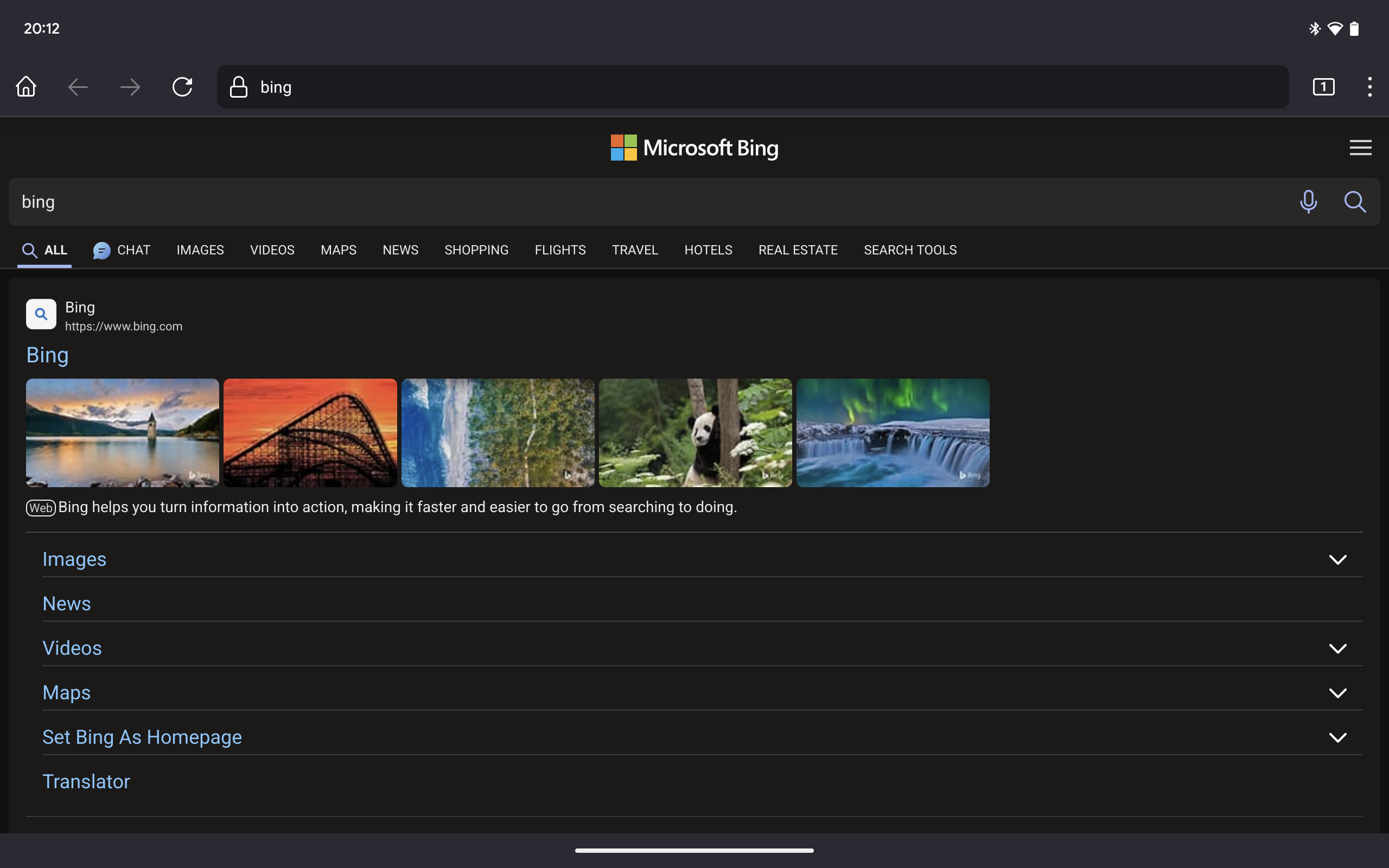
I'm having trouble with Bing not using the layout I want it to on my tablet. On edge, another chromium browsers, Bing will render with a nice tablet layout. But on Firefox for android on my Pixel Tablet, Bing renders a stretched out version of the smartphone page. Is there anyway that I can change the user agent so that I can make it load differently?
すべての返信 (6)
You can use an addon, for instance this one: https://addons.mozilla.org/firefox/addon/user-agent-string-switcher/
You can also select a Desktop site in menu.
この投稿は TyDraniu により に変更されました
That is an add on for Firefox on desktop. And addons for android outside of the small selection aren't out yet. This extension is not available on android.
I was pretty sure that you could install it since version 120 using that link.
Oh. I'm using the stable version of Firefox (and would prefer not to use the beta/nightly releases) which is only 119.0.1
Can you wait two days? Today's the release of 120.
ok then