


Firefox Sync is completely missing from Android

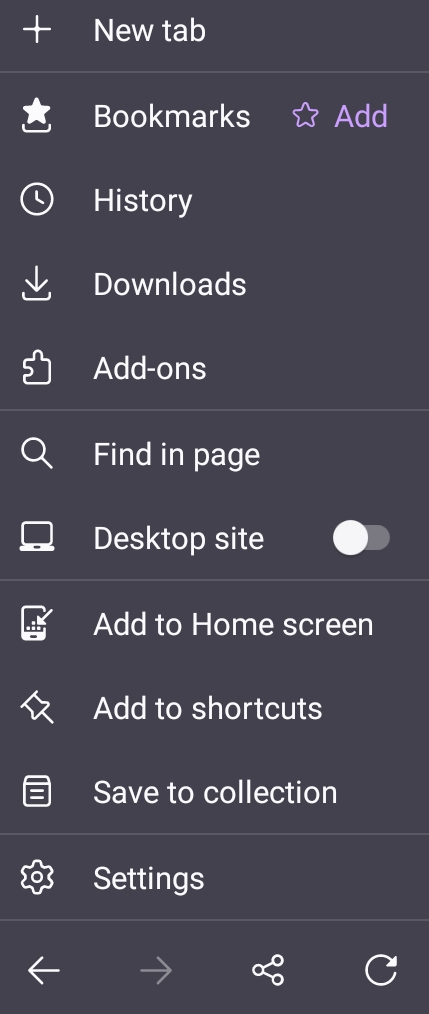
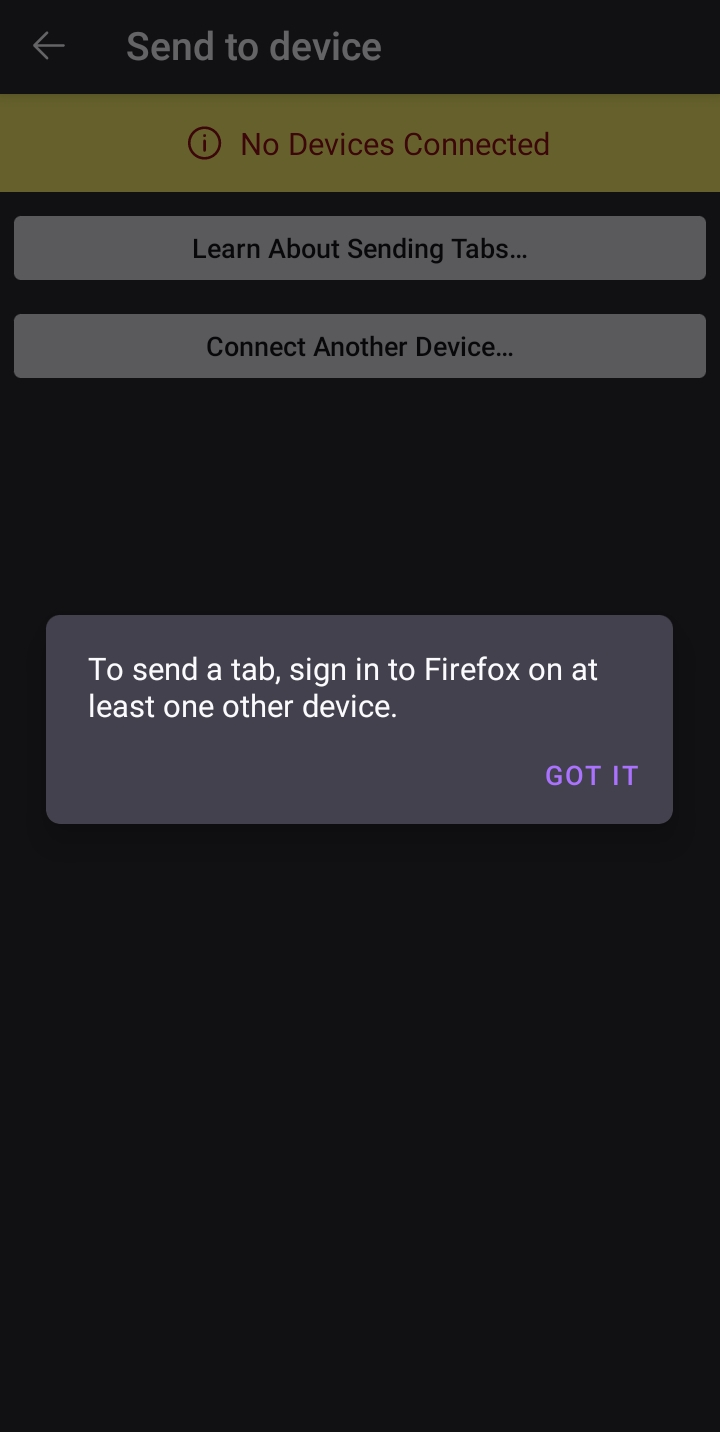
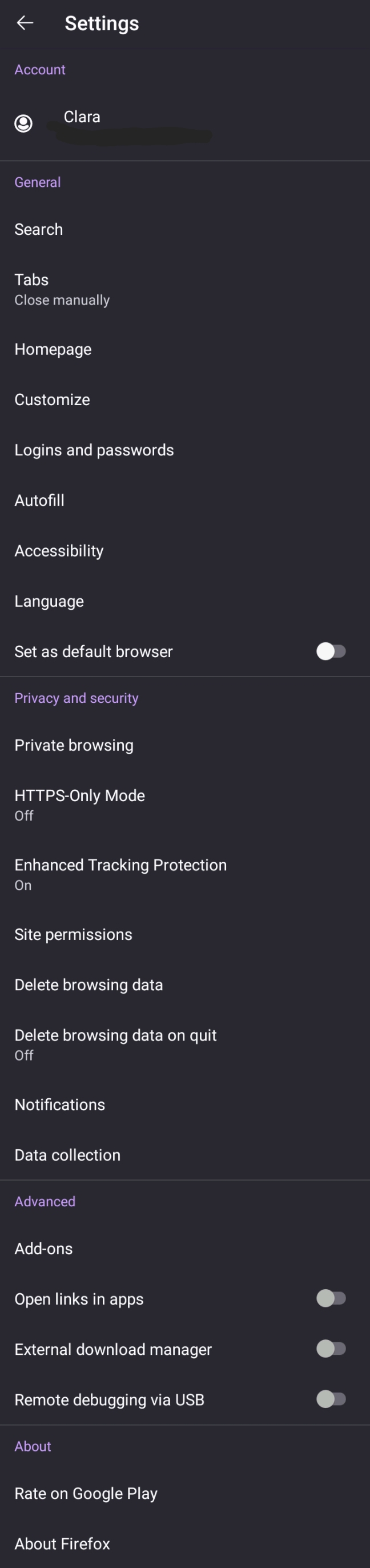
The option to "sync and save your data" no longer appears in the main menu, nor under settings. Oddly, I can still send tabs from my laptop to my phone, just not the other way around. The option to "connect another device" in the share menu uselessly tells me "to send a tab, sign in to Firefox on at least one other device," when I've already done so.
In short, this doesn't appear to work anymore: [to set up Firefox Sync in Firefox for Android]
すべての返信 (5)
This doesn't work: How to set up Firefox Sync in Firefox for Android
Hi
It looks like you are connected - at the top of the Settings menu is your name. Tap that and you will see your Firefox Sync settings for Firefox for Android.
I did that and tapped "sync now" before, but didn't see my other device under "SEND TO DEVICE" in the share menu until today. Weird. The second screenshot I shared is what appeared earlier in place of a device in the share menu, under "connect another device." Where is the option to connect another device by scanning a QR code?
Hi
The QR code will be provided on the other device that you wish to sign in on, such as a laptop or desktop computer.

For what it is worth... If you are anything like me, you have multiple tabs open, and the three dots you're supposed to be looking for for the menu in Firefox Android is at THE BOTTOM of the screen, next to the square with number of open tabs (not at the top where one would expect them) .
I kept looking at the top for the sync options, under the hamburger menu, or under my name. All the while, if I had looked at the bottom of the screen, where the three dots are actually located on my version, it would have taken about 90 seconds. I rack this up to being 66...or just distracted by having to set up a replacement phone and all the joys that brings along with it...