


Mp4 video not showing up on downloads and not even the file is opening

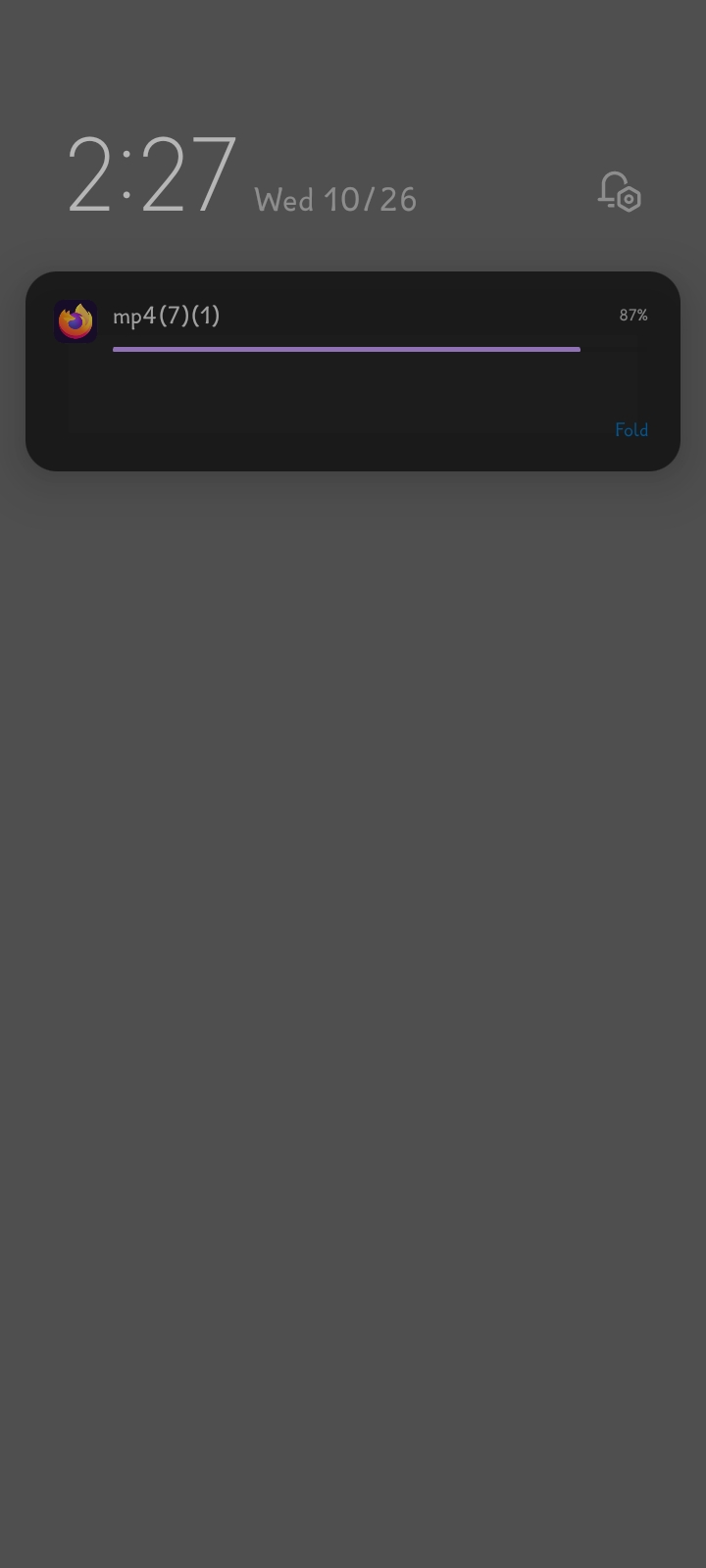
So I was downloading a video from a website and when I download it it says "Mp4 (1)/(2)/(3)..."in the notification but when the download finishes I can't find the file in the "downloads"section and when I find the file in the file manager it shows the file but when I click to open it it plays for a second or two then closes automatically
It's not the website's or the files fault since I can download the same file on chrome
Since the new Chrome changes I have tried to switch from Chrome to Firefox but this download problem is the only thing that's bugging me and keeping me from using Firefox as my default browser
Please if anyone has a solution to my problem, it is greatly appreciated
選ばれた解決策
That suggests that there is a problem with the video file.
すべての返信 (3)
Hi
You will need to use a dedicated video player app (like VLC) to be able to play this file.
I used VLC to play the video and even then it just plays a few seconds then cuts off the video
選ばれた解決策
That suggests that there is a problem with the video file.