Marked Junk Mail Still Appears in Inbox

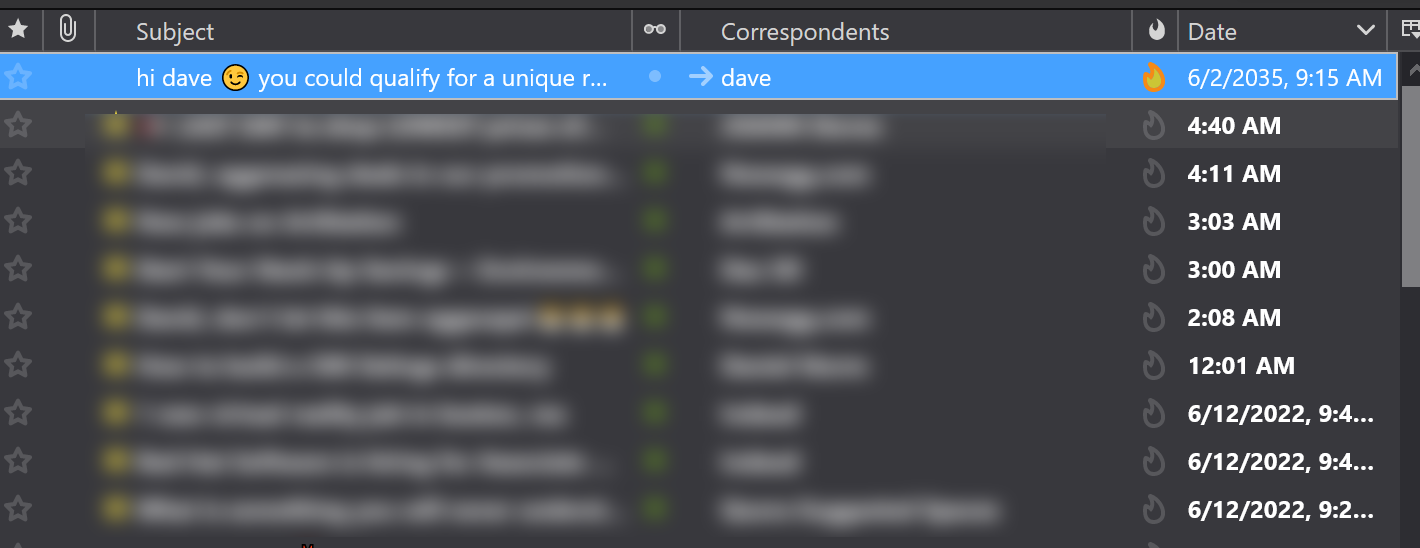
Mail appears at the top of my inbox with junk mail indicator colored and most of it has older dates, some by a month or two. I've set junk mail to automatically go to my junk mail folder. I end up selecting the mail and "move to junk mail again". How can I get the junk mail to not appear in my inbox on Windows 10 Thunderbird?
すべての返信 (2)
do you have an anti virus product? Have you created an exception in your anti virus to prevent it scanning Thunderbird profile while the product is running?
Most issues with mail not moving are because the folder is not available for editing. Antivirus scanning is a primary cause of this. As is overly frequent mail checking. around each 10 to 15 minutes is the default for a reason.
I don't have anti virus, just Windows default. I've attached an image. Note: first email marked as junk and its from 6/2 and its 6/13. This is the first view of the list I get in the morning.